
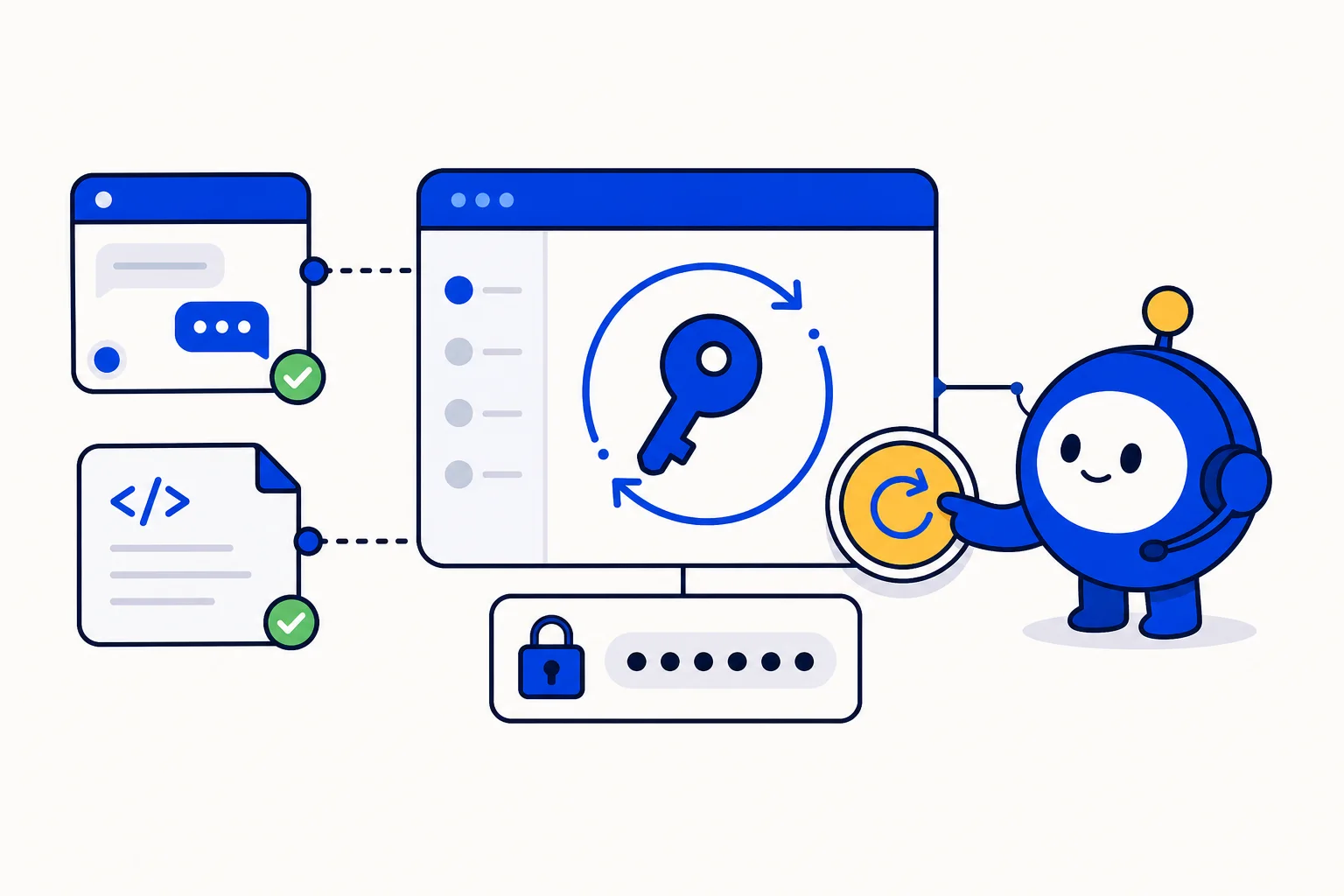
Every integration you build on HellouOne rests on two secrets: the access token that authenticates calls to the API, and the HMAC key that proves a visitor in your website chat is who your site says they are. Secrets leak. They end up in a shared document, in a developer's laptop that was sold, in a screenshot, in the config of an agency you stopped working with. The only sane response is to replace them, and until now that meant asking us. From today, both can be rotated from the dashboard, by the people who own them, whenever they decide to.
What shipped
Two rotation controls, in the places where the secrets already live:
Personal API access token: Settings, Profile, Access Token, Rotate. Each admin and agent has their own token, so each person rotates their own. The old token stops working the moment the new one is issued.
Inbox HMAC signing key: Inbox settings, Configuration, Rotate. Administrators only. The key is per inbox, so rotating the key of your website widget does not touch any other channel.
Both actions are recorded, both show the new value once so you can copy it, and neither needs a support request. They ship as part of the security hardening work we completed this week, which also tightened how secrets are stored and displayed across the product.
When to rotate
Security teams call this hygiene for a reason: it is routine, not an emergency measure. Rotate a personal token when someone leaves the company, when an agency or freelancer finishes a project, when a token was pasted into a chat or a ticket, when a laptop goes missing, and on a calendar schedule even if nothing happened. Many teams pick every ninety days.
Rotate the inbox HMAC key under the same conditions, plus one more: when the code that computes the identifier hash changes hands. The HMAC key lives on your web server, inside the backend that signs each logged-in visitor's identifier before the chat widget loads. If that backend was ever deployed by someone who should no longer have access, the key should change.
What to update afterwards
A rotation is only finished when everything that used the old secret is using the new one. For the API token, that means every script, automation, CRM sync or no-code tool that calls the HellouOne API as you. Update the token in each of them before you rotate if you can, or right after if you cannot; calls with the old token fail with a 401 until you do. Platform integrations that use their own credentials are unaffected.
For the HMAC key, update the secret in your website backend, redeploy, and test with a logged-in user. Identity validation with HMAC is mandatory on inboxes that have it enabled, so a visitor signed with the old key is rejected rather than quietly trusted. That is the behaviour you want from a security feature, but it does mean the backend change and the rotation should happen together. The signing procedure is documented at Identity validation.
How this works with HellouOne
The two secrets protect two different parts of the product. The personal access token is what the public REST API accepts in the api_access_token header, so it carries your role: an administrator's token can do what an administrator can, an agent's token what an agent can. Rotating it changes the credential, not the permissions. The inbox HMAC key protects the live chat widget: when your site signs a visitor's identifier with it, HellouOne knows the chat belongs to that logged-in customer, shows their history to your agents and to the AI agent, and refuses an impostor who claims to be them.
Both rotations fit the way accounts are already run. Agencies and developers who operate HellouOne for clients can rotate a client's inbox key when a project ends and let the client's own administrator rotate theirs. AI clients connected through the new MCP server have their own tokens and their own revoke button, so rotating your API token does not disconnect them. And every rotation is written to the account's audit trail, so an administrator can always see who changed what, and when.
If you have never rotated either secret, this is a good week to do it once, note what you had to update, and put the next one on the calendar.























