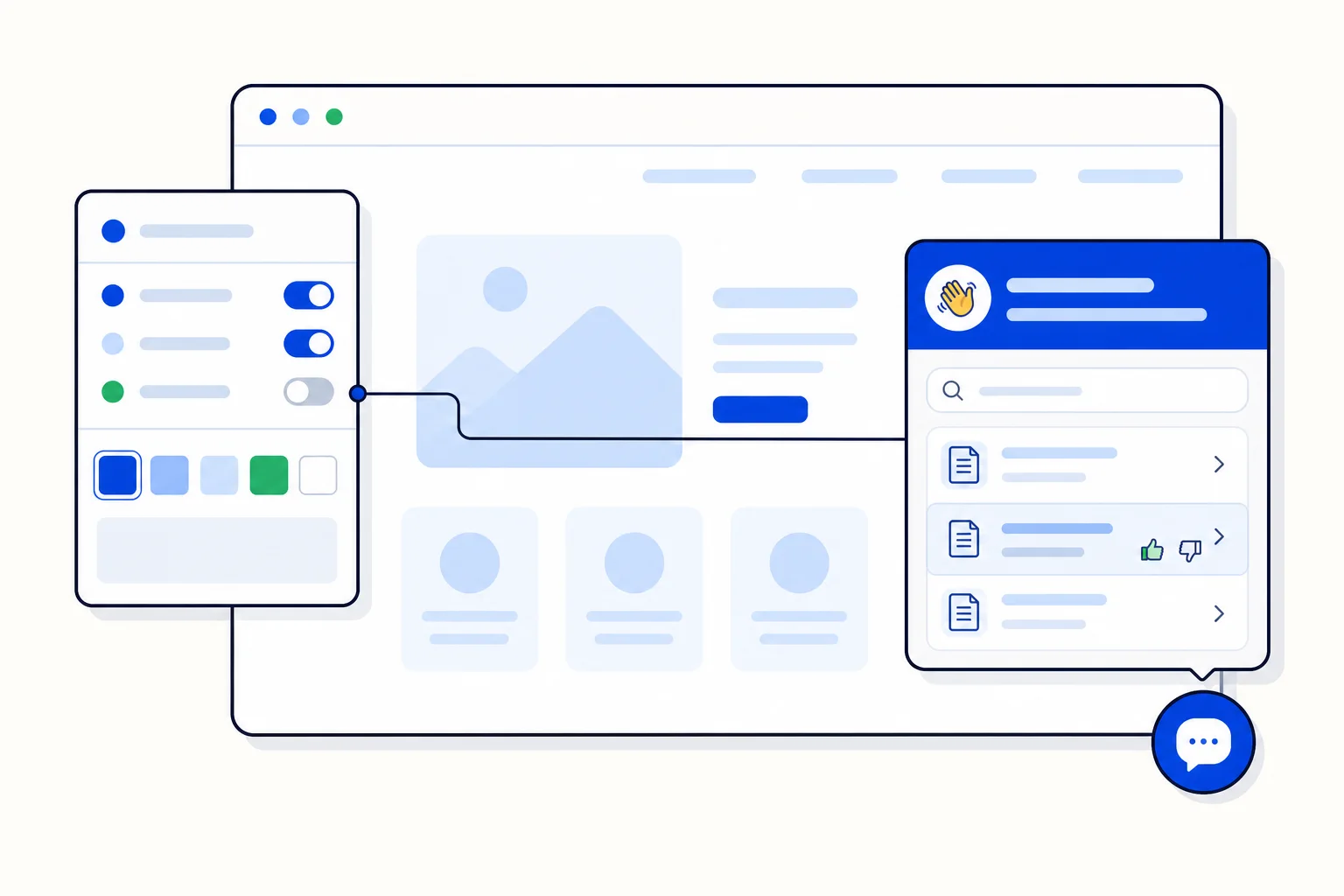
On October 5, HellouOne shipped a redesign of the website widget, the chat window your visitors see on your site. The old widget did one thing: open a conversation. The new one does that and also greets the visitor, lets them search your help content, shows articles without leaving the page, and asks whether the article helped. On the admin side, a new Widget Builder lets you shape the widget per inbox and see every change as you make it.
What visitors see
A launcher with the Hellou logo. The button in the corner of the page is cleaner and recognisable, and opens into the new home screen rather than straight into an empty chat.
A home screen with a greeting and help search. The visitor is welcomed in your words and can type what they are looking for before starting a conversation.
Help articles inside the widget. Search results open as articles in the widget itself, so a visitor can read the answer and get back to the page without a new tab.
A Was this helpful? prompt. Each article ends with a simple yes or no, so you learn which articles resolve questions and which send people to the chat.
The effect is that the widget becomes a front door rather than a doorbell. Visitors with a simple question often find the answer in an article and never need a human or an AI agent. Visitors who do start a conversation arrive with context: the AI agent knows what they searched for and what they read.
What admins get: the Widget Builder
The Widget Builder lives per inbox, which matters if you run more than one website or more than one brand from the same HellouOne account. Each inbox's widget has its own greeting, its own look and its own help content, and the builder shows a live preview as you edit, so there is no save, reload, check loop. Change the greeting and the preview updates. Switch a section on or off and it appears or disappears. When it looks right, you publish it to the site.
Because the help articles come from your own content, the builder is also where the home screen's search becomes useful. The more of your common questions you cover in articles, the more the widget resolves on its own, and the Was this helpful responses tell you which articles need rewriting.
Why this matters for web chat
Web chat is often the first contact a new customer has with a business, and it is where expectations are set. A widget that opens into a warm greeting and a search box feels like a help desk; one that opens into a blank input feels like a form. The redesign also respects the visitor's time. Reading a two-paragraph article is faster than a back-and-forth, and the thumbs-down on an article is a clear signal that a conversation is needed, which the widget then makes easy to start.
For bilingual businesses the home screen is also where language is settled early. A greeting in both Spanish and English, and help articles in each, let a visitor pick the language they are comfortable in before the conversation starts, and the AI agent continues in that language. That removes one of the small frictions that makes visitors close a chat window before they have asked anything.
How to use it in HellouOne
Open the inbox that owns your website channel and go to the Widget Builder. Write the greeting the way you would greet someone walking into your shop, in Spanish, English or both, and add your most-asked questions as help articles. Use the live preview to check the launcher and home screen on both desktop and mobile widths, then publish. After a week, read the helpful and not helpful counts and fix the articles that fall short. The AI agent behind the chat keeps answering as before; the widget simply gets more visitors to the right answer sooner, and hands the rest to the agent with what they already looked at.