
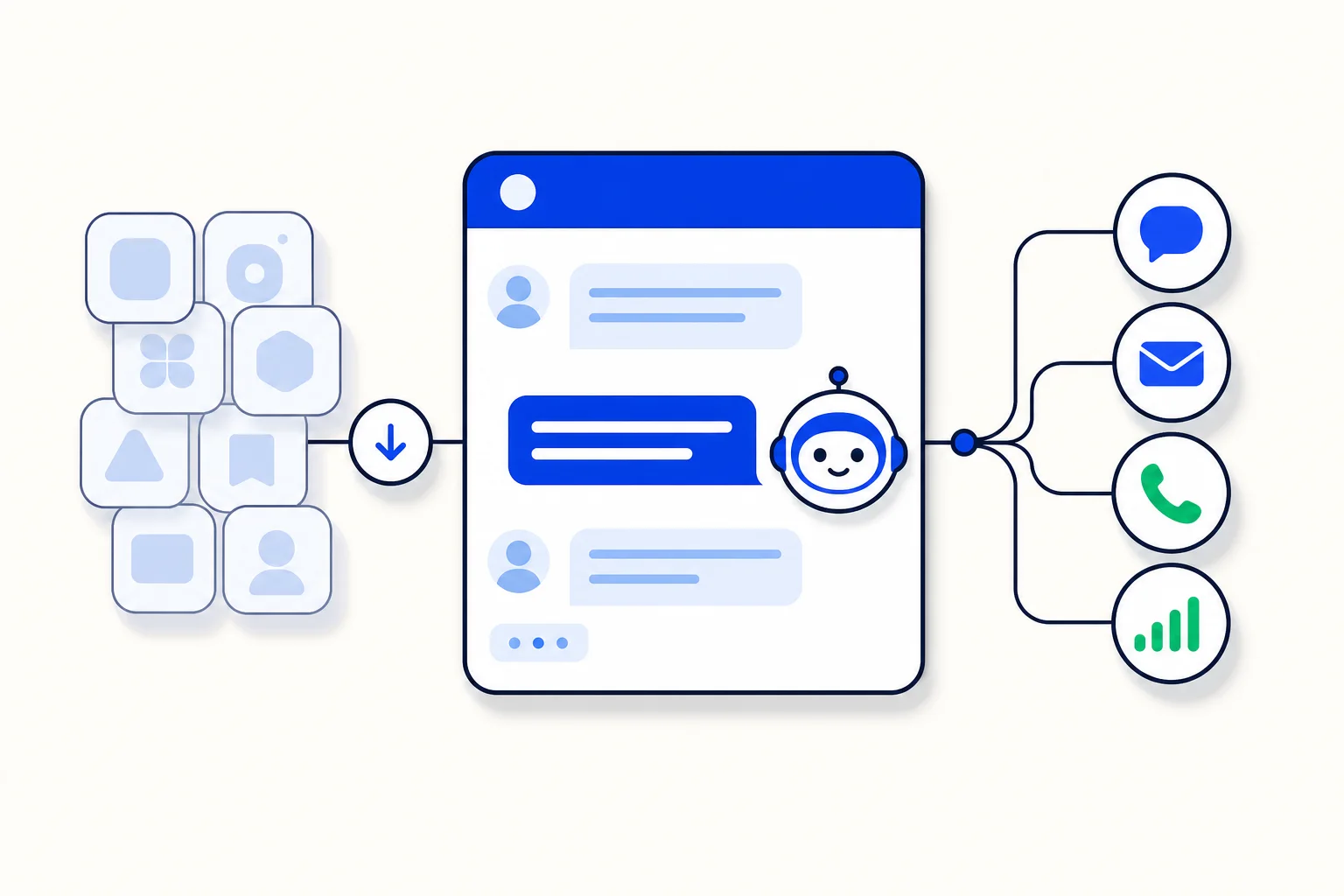
Admin work in a busy customer platform is a long list of small tasks. Count the open conversations, create a label, adjust the tone of an AI agent, check how a report looks today. Each task is quick on its own, but together they eat the hours an admin should spend on decisions. LIA is HellouOne admin assistant, built for exactly that list. You speak to it in natural language about your account, it reads what it needs, and it proposes changes for your approval. This post explains how LIA works, what it can do, and the limits it respects. It is based on our help guide: LIA, your admin assistant (https://help.hellou.ai/hc/hellou/articles/1791216504-lia-tu-asistente-de-administracion).
How you reach LIA, and who can use it
You open LIA from the wand icon in the left bar or from the avatar menu. It is for administrators only, and your plan must include it. That restriction is deliberate. LIA can read across your account, inboxes, agents, teams, labels, automations, reports and AI agents, and it can propose changes to them. That kind of reach belongs in admin hands, with the same care you would give any other account wide tool.
Once it is open, you work in a chat. Your conversations stay in the history on the left, and New conversation starts a clean one when you want a fresh context for a different task. Under each reply there are thumbs you can use to rate it, and that feedback helps improve LIA over time.
Reads happen right away, changes wait for you
The core rule of LIA is simple, and the guide states it plainly: nothing is applied without your approval. When you ask a question that only needs reading, such as how many conversations are open, LIA reads and answers right away. When your request would change something, such as creating a label or changing an AI agent tone or its offers, the change appears as a Proposed change card. You read it, and you Apply it or reject it. While a proposal is pending, the chat waits.
That pattern solves the real fear people have about AI admin tools. Speed is welcome for answers, but changes to a live customer operation need a human checkpoint. With LIA, the checkpoint is built into the flow, not added as a warning label. You can ask LIA to draft ten changes in a morning and apply only the eight you agree with, and the other two never touch your account.
Examples from the guide show the range. LIA can tell you counts of open conversations, create a label, change how an AI agent sounds, and explain how to configure something such as the website widget. The last kind matters too. A good admin assistant answers how questions inside the product, in context, instead of sending you to search a help center in another tab.
The Marketplace: people, tools, agents and connectors
LIA also has a Marketplace. There you find ready to install people, tools, AI agents and forms, plus connectors to your own services, such as a CRM, a store, a calendar or payments. Installing from the Marketplace follows the same safety rule as chat changes. The install goes through a proposed change that you approve, so adding a new capability to your account is never a silent one click accident.
For a growing business, this is where setup stops being a project. Instead of building every agent and every connection from a blank page, you start from something ready, review what it will do, approve it, and adjust it to your operation. The approval step keeps the convenience without giving up control.
Change history: every proposal, with its status
Trust needs a record. LIA keeps a Change history with every proposed change, its status (applied, rejected or pending), its detail, and a link back to the conversation where it came from. If a teammate asks why a label exists or when an AI agent changed, the answer is in that list, not in someone memory of a chat.
There is one more detail admins will appreciate. Changes that LIA applies to an AI agent also become versions in that agent editor that you can revert. So even an approved change is not a one way door. You can try a new tone, watch how it performs, and go back to the earlier version if the results say so.
Usage, and what LIA does not do
Your plan includes a number of LIA messages per day or per period. The Usage view shows how many you have used and when the counter resets, so heavy admin days hold no surprises.
The guide is equally clear about the limits. LIA does not send messages to customers or launch campaigns on its own. It can propose pausing a campaign, but never sending one. It does not change anything without approval. And it treats what it reads from your account as data, not as instructions, so a customer cannot give LIA orders through a conversation. That last line is a security boundary, not a footnote.
Put together, LIA is an assistant with a clear job description: read fast, propose clearly, wait for approval, and log everything. For an admin, that means the small tasks stop piling up, and the control stays exactly where it should be, with the person responsible for the account.
Source: Hellou help center, LIA, your admin assistant: https://help.hellou.ai/hc/hellou/articles/1791216504-lia-tu-asistente-de-administracion























