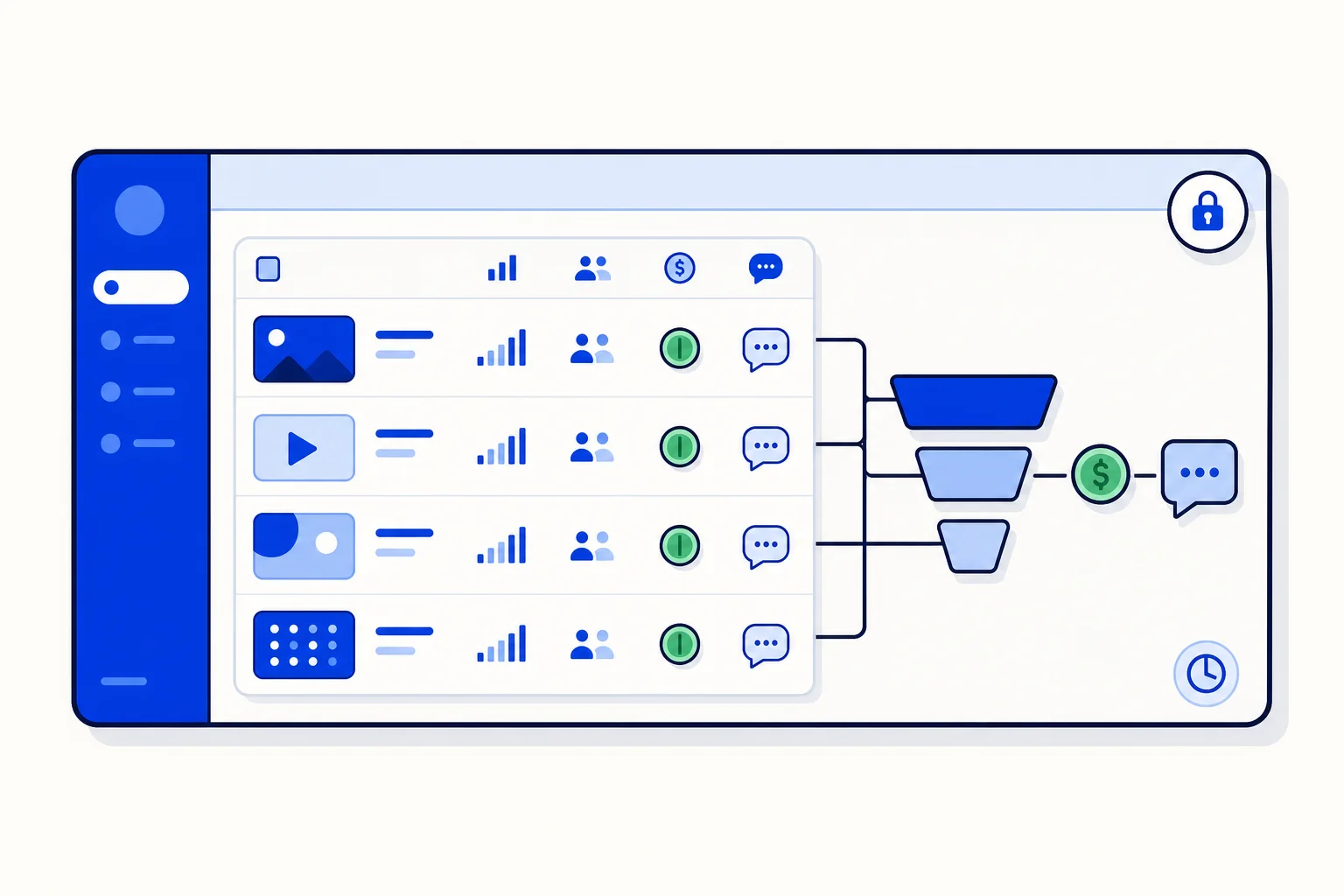
Meta's Ads Manager is good at telling you what an ad cost and how many people clicked or submitted a form. It is not good at telling you what happened next. Did those leads reply when you reached out? Did they turn into conversations, or did they go quiet? Marketing admins and agencies usually answer that with a spreadsheet, a pivot table and a lot of trust. The ad insights in HellouOne's new Facebook Marketing module answer it directly: campaign and ad-set rows from Meta, joined with HellouOne's own funnel.
What the insights show
For each campaign and each ad set connected to HellouOne, the insights view lines up Meta's numbers with what happened inside HellouOne:
Spend and the usual delivery metrics from Meta for the campaign or ad set.
Leads received: how many Facebook leads from that campaign or ad set landed as contacts in HellouOne.
Follow-ups sent: how many of those leads got the automatic WhatsApp first touch.
Replied: how many of those leads answered, which is the number that actually predicts revenue.
Reading across a row gives you the metric that Ads Manager cannot: cost per real conversation. Two ad sets with the same cost per lead can have very different reply rates, and the one with cheaper leads is often the one with the worse audience. With spend, leads and replies on one line, that difference is visible in seconds.
Built for admins and agencies
The insights are admin-only. They are served by an admin-only API inside HellouOne, so sales reps and inbox agents do not see ad spend, and the people who manage the budget do. For agencies running campaigns for several clients, that is the separation you want: the client's team works the leads, the agency reads the numbers.
The data is cached for 15 minutes. Meta's reporting API is rate limited, and refreshing on every page view would exhaust it quickly for accounts with many campaigns. A 15-minute cache keeps the page fast and the connection healthy, and it is more than fresh enough for a view that is about trends over days, not seconds.
LIA, the AI assistant in the HellouOne admin, can read the ad insights as well as the overview, leads and ad accounts. You can ask LIA which campaign had the best reply rate last week and get the answer in the chat, without opening the module. LIA reads the numbers; it does not change your campaigns.
How to use it in a weekly review
Sort by replied, not by leads. The ad sets that generate conversations are the ones worth more budget.
Compare follow-ups sent with leads received. A large gap usually means a form without consent capture, or leads arriving outside the 24-hour window for the automatic message. Both are fixable in the lead-form editor.
Compare replied with follow-ups sent. A low ratio points at the template message itself; try a shorter one that names the offer and asks a single question.
Share the row, not the whole report. For a client, the campaign row with spend, leads and replies is the one line that explains what their money did.
Where this fits in the module
The insights sit alongside the rest of the Facebook Marketing module: automatic import of Facebook Lead Ads submissions as labelled, deduplicated contacts, the lead-form editor with field mapping and labels, and the optional consent-gated WhatsApp first touch. Together they cover the whole path from an ad impression to a reply on WhatsApp, inside one tool.
Availability
The Facebook Marketing module, including the ad insights, is rolling out gradually behind a feature flag, so it may take a few days to appear in your dashboard. It is included from the Growth tier upward, including the No-AI and No-Voice variants of Growth. It is not available during the free trial. A guided tour and a help-center article cover the setup, from connecting the ad account to reading the first insights row.