The call that never made it into the CRM
Every sales leader has lived this. A rep has a great call with a prospect, hangs up, promises to log it, and then the next call comes in. By the end of the day, the CRM has no record of the conversation. The follow-up happens three days late, or never. Multiply that by a whole team and you get a pipeline that lies: reports say nothing happened, when in reality a lot happened and none of it was written down.
The problem is not laziness. Manual call logging is the worst kind of busywork: it takes time, it interrupts the flow of selling, and it produces inconsistent data because every rep writes notes differently. Teams that run a phone system alongside a CRM end up with two versions of reality, the call records in the telephony platform and the activities in the CRM, and nobody has the time to reconcile them.
What changed in HellouOne
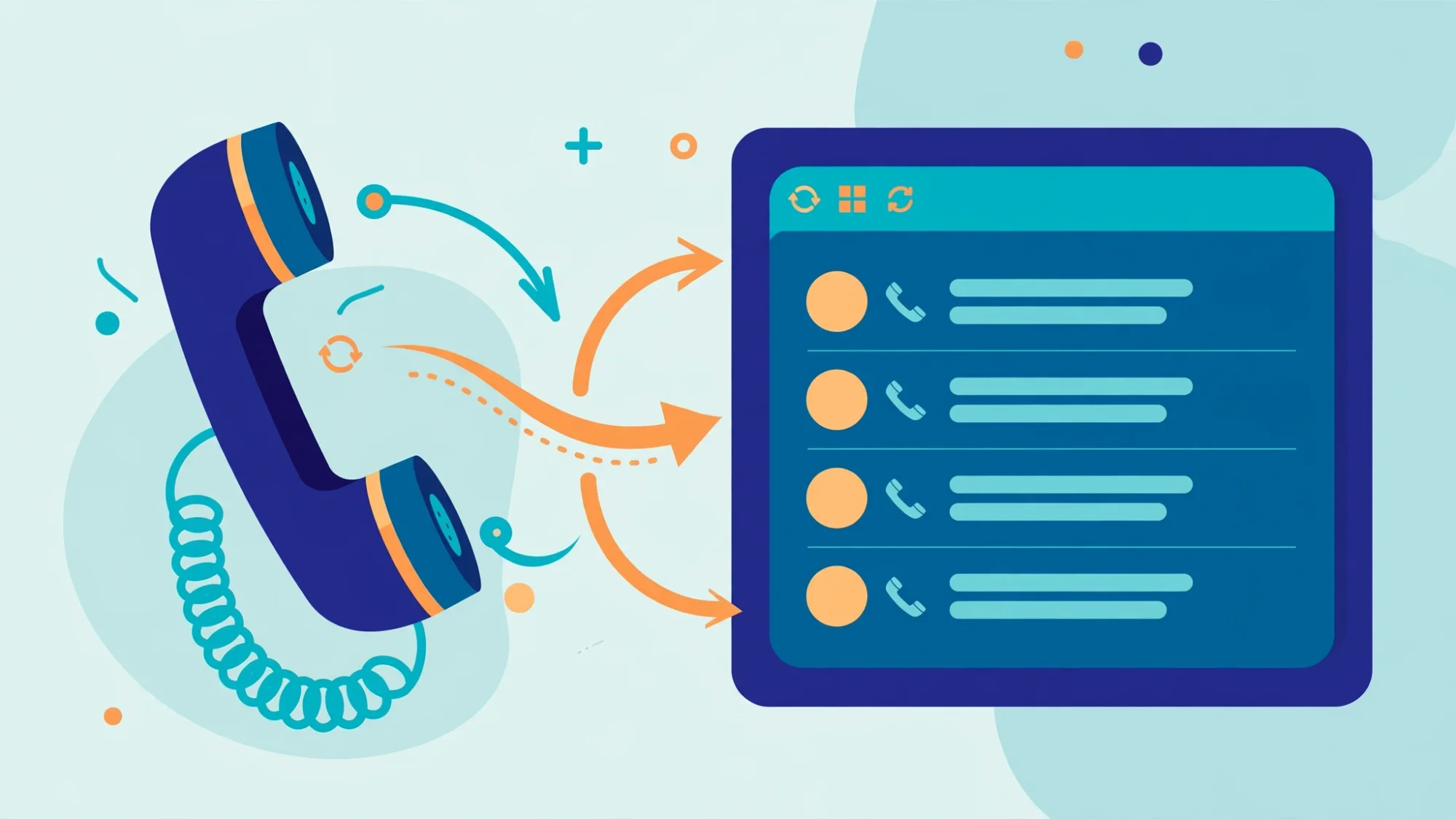
HellouOne now closes that gap. Call records from the phone system are pushed automatically into the connected CRM as call activities. When a call ends, the platform creates the activity, attaches it to the right contact, and fills in the basics: direction, duration, timestamp, and which agent handled it. Reps no longer have to remember to log calls, because the calls log themselves.
There is a second, quieter improvement that matters at scale. When a call comes in from a number the CRM has never seen, the integration has to look that number up to find the right contact. The integration keeps those lookups to a minimum and reuses what it already knows about a caller, so a busy phone team does not turn into a flood of CRM requests. For a team handling hundreds of calls a day, that is the difference between an integration that keeps up and one that slows everything down.
Why automatic logging changes behavior
The value of automatic call logging is not the log itself. It is what the log makes possible.
First, follow-ups become automatic in practice, not just in theory. When every call lands in the CRM as a structured activity, workflows can trigger off real events: a missed call creates a task, a completed demo creates a follow-up reminder, a no-answer creates a second attempt. Managers stop asking "did you call them back" because the system already knows.
Second, reports become trustworthy. Conversion rates by rep, talk time by campaign, response time to new leads: all of these metrics are only as good as the data underneath them. When calls are logged by the system instead of by memory, the numbers reflect reality, and coaching conversations can be about performance instead of data entry.
Third, handoffs get cleaner. When a prospect moves from one rep to another, or from sales to onboarding, the full call history travels with the contact. Nobody has to ask "did anyone talk to them yet," because the answer is in the activity timeline.
AI phone calls: one activity per customer call
Calls handled by an AI voice agent are logged too, and a customer call that passes through more than one leg still counts as one call. When the AI agent answers and then transfers the caller to a person, every leg of that chain is tied back to the first one. HellouOne writes a single call activity for the whole call. When a later leg changes the details, it rewrites that same activity instead of adding a second row.
The note on that activity shows how long the AI agent spent on the call and how long your human agent did. Anyone opening the contact in the CRM can see who handled what, without adding up duplicate entries.
HubSpot and GoHighLevel: the activity is updated as the call moves from the AI agent to a person. GoHighLevel stores calls as notes, so look for it there as a note.
Pipedrive: its call-log API does not allow updates, so the activity keeps what was written first. It is still one row per customer call, but it does not pick up the later legs.
For sales and support managers this keeps CRM timelines readable. One customer call is one entry, a workflow that triggers on a new call activity runs once per call, and call counts in CRM reports match the calls customers actually made. To put an AI agent on a phone number, see AI lines in HellouOne. To review what it said on each call, see AI calls in HellouOne.
Who benefits
This is built for accounts that run the HellouOne phone system with a connected CRM: HubSpot, GoHighLevel or Pipedrive. If your team already works its phones through the platform, the feature does its work in the background: connect the CRM once from the Integrations card, and call activities start appearing. There is nothing for agents to learn and nothing for them to remember. The best automation is the kind nobody notices, and this is a good example of it.
If you have been paying for a CRM and a phone system that barely talk to each other, that gap is now closed. Every call, in the CRM, automatically. That is how it should have worked all along.
Call logging works with the cloud phone system from hellou Connect and the CRM connectors listed on the integrations page.