
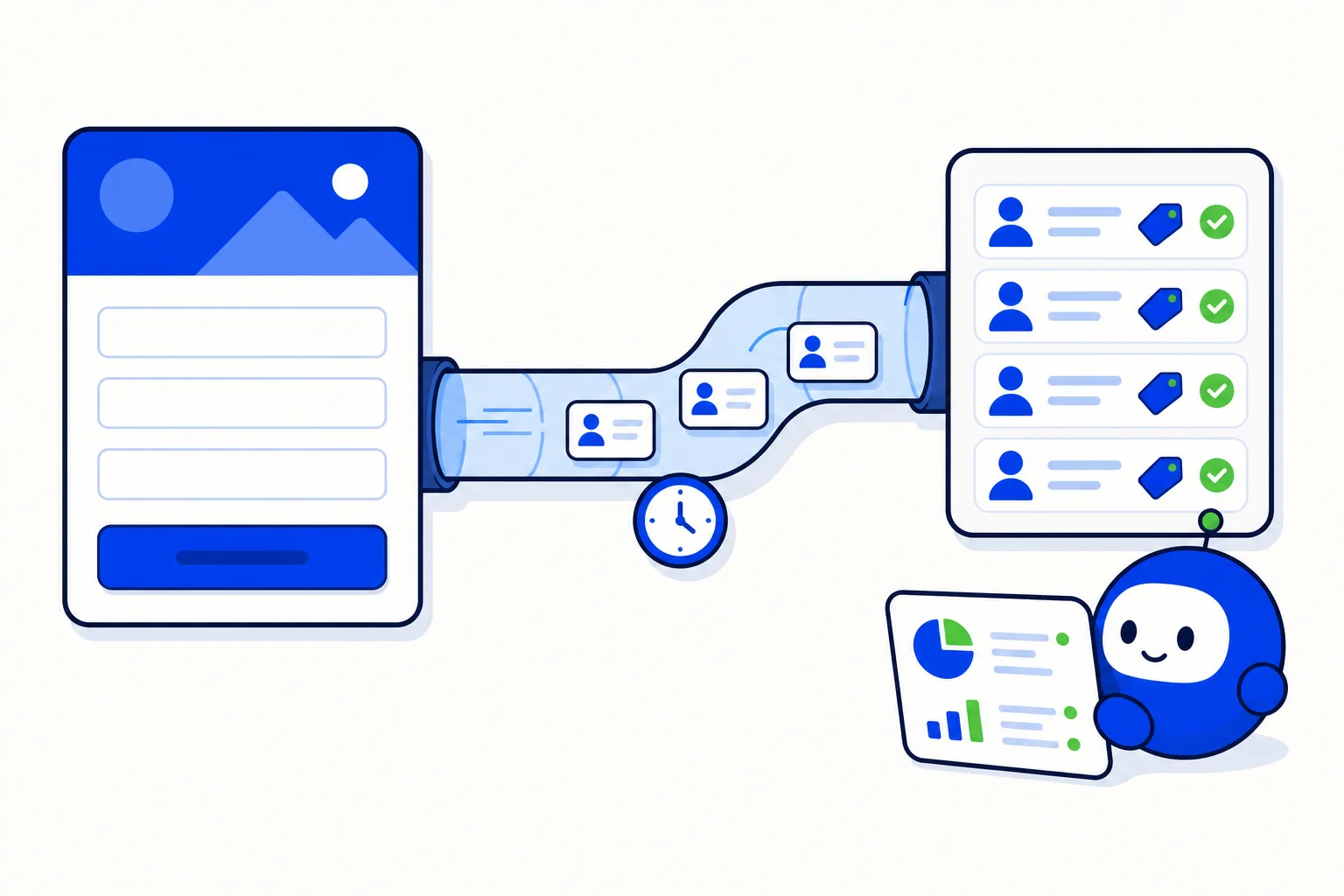
A lead from a Facebook or Instagram ad is worth the most in the first minutes after the form is sent. With Facebook Marketing in HellouOne, Lead Ads leads arrive on their own: each one becomes a contact with its form answers and, if you want, receives a WhatsApp template within minutes from the inbox you choose. Next to that you see what each campaign cost and what your team did with its leads.
This guide covers setup, form configuration, lead qualification and the campaign view. It follows the help center article Marketing de Facebook: leads y campañas. We introduced parts of this earlier in an automatic WhatsApp first touch for every Facebook lead and ad insights that tie Meta ad spend to real conversations; here is the full picture.
Who can use it and what you need
Facebook Marketing is available from the Growth plan, and only administrators see the module. Before you start:
The Facebook Page that runs your ads must be connected as a Messenger inbox. See connect Facebook Messenger and Instagram to HellouOne.
To send WhatsApp, you need a WhatsApp Cloud inbox with an approved template that has no media header and no variables in buttons.
If your Page uses Meta's Leads Access Manager, assign HellouOne as a CRM. Otherwise Meta does not tell us about the leads.
Turn on lead delivery
Open Facebook Marketing, Connection, and turn on Receive leads for the Page. If it says permissions are missing, click Grant permissions and accept in the Facebook window with an account that manages the Page and its ads, then turn the switch on again. If instead you see that Lead Ads permissions are waiting for Meta's approval, they cannot be granted yet; the Grant permissions button will appear once they are enabled.
Configure each form
Open Forms, and click Sync forms if yours are not listed yet. Click Configure on a form, turn on Send a WhatsApp to new leads, choose the inbox and the template, and fill each variable with a form field, for example {{1}} with full_name. Optionally choose the question that records WhatsApp consent, where a yes is saved as consent, and the labels for new leads. Then save.
A lead receives the template only if it arrives less than 24 hours old, has a phone number that can be read and has not opted out of WhatsApp. If your account requires explicit consent, the lead must also have answered yes to the consent question or already have consent on record. Every lead that does not get a message says why, in Leads and in the Summary.
If the lead already has an unresolved conversation in that inbox, the message goes there; otherwise a new conversation opens in the chosen inbox and is assigned like any other. The lead's reply arrives in that same conversation. A lead marked Failed or Contact only can be processed again, for example after you configure its form.
Lead qualification by form answers
If your plan includes it and it is active on your account, each new lead is qualified from its form answers before the WhatsApp message goes out:
Hot: wants to buy or book now, with urgency or talking about money.
Warm: interested, or asks clearly about what the ad offered.
Cold: not ready, or asks for something the ad did not offer.
Review: ambiguous answers that a person should look at.
Spam: not a genuine enquiry.
Unqualified: qualification is off, the lead was older than 72 hours, or it could not be qualified.
Qualification only sorts and displays. It never changes the message the lead receives or who it is assigned to. Only the form answers and the names of the form, campaign, ad set and ad are used; the lead's name, email and phone are never sent for qualification. In Leads, filter by level to call the hot ones first, and open a lead to see why it got its level.
See what each campaign really delivers
In Connection, click Find ad accounts and untick the ones you do not want to see. Then open Campaigns, choose the account and the period. You get Meta's spend, impressions, clicks, CTR, leads and cost per lead, and next to them how many leads HellouOne received, how many were sent a WhatsApp and how many replied. The Qualified and Cost per qualified lead columns show which campaign brings the leads worth having, not just the cheapest. Click a campaign to see its ad sets, and use the Ads tab to go one level deeper.
If a campaign shows Requires reconnection, Meta asked to reconnect that ad account's Facebook Page. Use Grant permissions in Connection, or turn Receive leads off and on again to make it appear, then click Find ad accounts so the notice goes away.
How this works with HellouOne
Every lead becomes a contact, and every WhatsApp follow-up becomes a conversation in the HellouOne shared inbox, where your team or your AI agent picks it up with the form answers in view. Ad spend, leads, replies and qualified leads sit side by side, so the question "which campaign should get more budget?" has an answer based on conversations, not just clicks.
LIA can tell you how many leads arrived, why some did not get a WhatsApp, how many came out hot and how each campaign is doing. Try asking: "How many Facebook leads came in this week and how many replied?" or "Which campaign has the lowest cost per qualified lead?" Learn more in the help center: Marketing de Facebook: leads y campañas.























