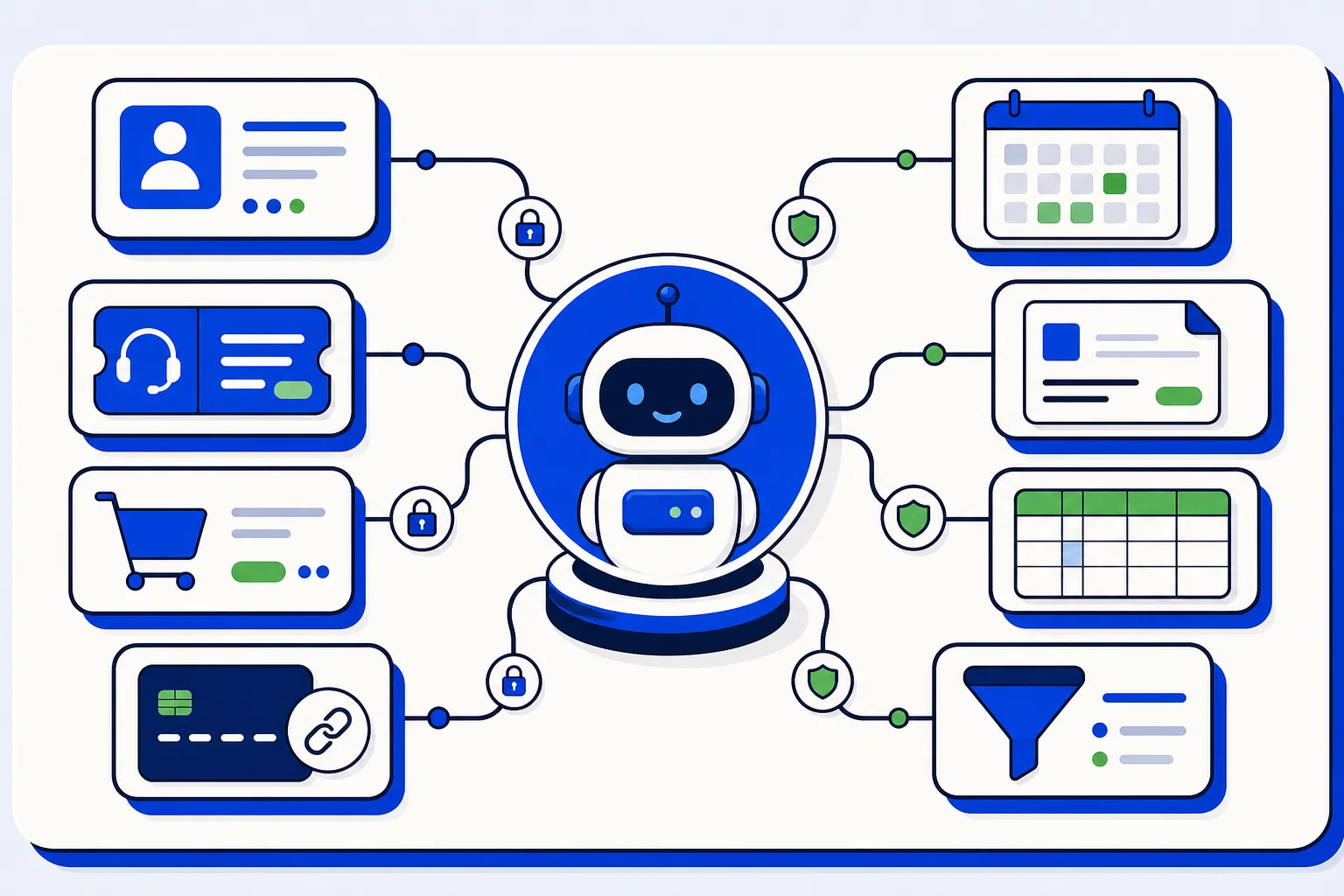
An AI bot is only as useful as what it can see and do. A bot that answers general questions is fine, but the questions customers actually ask are specific: where is my order, did my payment go through, can I book Thursday at ten, what is the status of my ticket. Answering those means reaching into the systems your business already runs on. With the latest release of the HellouOne bot connector gallery, that is exactly what your bots can do, across 11 new services.
What just shipped
They join the four connectors already in the gallery, HubSpot, Calendly, Shopify and PortaBilling, bringing it to 15 services in total. The new ones cover the tools that small and mid-sized businesses rely on every day:
CRMs: Clientify and Pipedrive. The bot can find or upsert a contact, add notes, and create deals, so a WhatsApp conversation shows up in your pipeline without anyone retyping it.
Help desks: Zendesk and Freshdesk. Look up a ticket, check its status, or open a new one right from the chat.
Commerce and payments: WooCommerce, Mercado Pago and Stripe. Look up orders and payments, share payment links capped by a maximum the admin sets, and check subscriptions and open invoices.
Scheduling: Cal.com. The bot can read event types, find free slots, and make bookings.
Invoicing: Alegra, with invoice lookup by tax ID, built with Latin American businesses in mind.
Data: Airtable. The admin names one table and the bot searches it through formulas.
All-in-one: GoHighLevel, covering contacts, notes, opportunities, and bookings.
Built so bots stay in their lane
Giving a bot access to customer data raises an obvious question: how do you keep it from exposing one customer's information to another? Every connector in the gallery answers this the same way. Actions are bound to the conversation's own contact. When the bot looks up an order or a ticket, it does so for the person it is talking to, and it refuses cross-customer lookups. A customer cannot ask the bot about someone else's invoice, and neither can a curious stranger.
Writes are also off by default. Out of the box, a connector can read. If you want the bot to create a deal, open a ticket, or make a booking, an admin turns that on deliberately. That lets you start with low-risk, high-value use cases like order status and appointment availability, and expand to write actions once you have seen the bot in action and trust how it behaves.
For payment links there is one more guardrail. An admin sets a maximum amount, and the bot cannot generate a link above it. The bot can help a customer pay for a standard order, but it cannot be talked into creating an unusual charge.
What this looks like in a conversation
Picture an online store running on WooCommerce with payments through Mercado Pago. A customer writes on WhatsApp asking about their order. The bot identifies the contact, looks up their recent orders, and replies with the status. If the customer wants to reorder, the bot can share a payment link within the limit the admin defined. No agent involved, no copy and paste between tabs.
Or a services company using Pipedrive and Cal.com. A new lead asks about availability. The bot checks free slots, books the appointment, and creates the contact and deal in Pipedrive with a note summarizing the conversation. The sales team opens their CRM the next morning and the lead is already there, with context.
A support team on Zendesk gets the same benefit. When a customer asks whether their issue has been resolved, the bot checks the ticket and answers. If there is no ticket yet, it can open one with the details from the chat, once writes are enabled.
Ready for Spanish-speaking teams
The whole connector gallery, including every description and setup text, is available in Spanish. Admins in Latin America and Spain can browse, configure and enable connectors in their own language, and the Alegra integration, with invoice lookup by tax ID, was built with the region's invoicing needs in mind.
How to get started
Open the bot connector gallery in HellouOne, pick the service you use, and connect it. Start with read actions, test with a real conversation, and enable writes when you are ready. If you use several of these tools together, connect them one at a time and give the bot a clear job for each.