
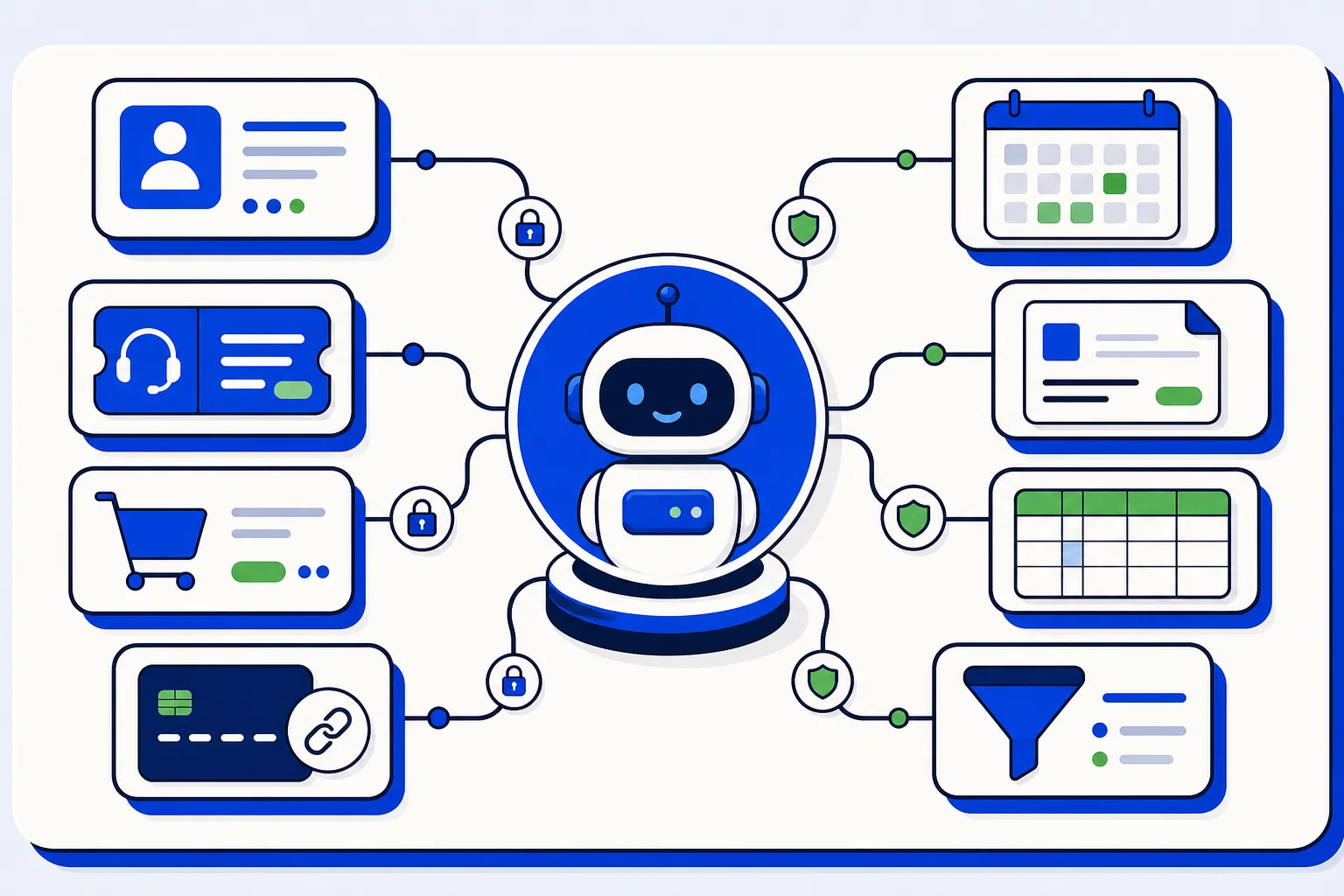
An AI agent that can only chat is useful. An AI agent that can actually check things is much more useful. In HellouOne, your AI agent can use external services while it talks with a customer: it can look the customer up in your CRM, review their orders or support tickets, offer them available appointment times, send them a payment link, or consult a table of your own data, such as a price list, inventory, or your locations.
There is an important safety rule built into how this works. The AI agent only sees the customer it is talking to. It searches using the email or phone number that the conversation already has, never using data that someone types into the chat. That design keeps one customer from getting another customer's information simply by asking clever questions.
Which services can you connect
The help guide lists the services by type:
CRM: HubSpot, Clientify, Pipedrive, and GoHighLevel.
Bookings: Calendly and Cal.com. GoHighLevel also covers bookings.
Store: Shopify and WooCommerce.
Help desk: Zendesk and Freshdesk.
Payments: Stripe and Mercado Pago.
Billing: Alegra.
Data: Airtable, using one table, for example a price list, inventory, or locations.
Each type covers a familiar moment in a customer conversation. A CRM lookup answers "what do we know about this customer". A store connection answers "where is my order". A booking connection answers "when can I come in". A payment connection turns "how do I pay" into a link the customer can use right away.
How to connect a service, step by step
Open LIA, then Marketplace, then Connectors.
Click the card for the service you want.
Mark what the AI agent is allowed to do. Actions that write into the service, such as creating contacts, booking appointments, or creating payment links, come switched off. Turn them on only if you want the agent to do them on its own.
Choose which AI agents use the service. If you only have one agent, there is nothing to choose.
Paste the service token. The help text on each card tells you where to get the token and which permissions to give it. Some services ask for one extra detail, such as your Zendesk subdomain, your WooCommerce store address, or your GoHighLevel Location ID.
Click Connect. The card shows Connected when every AI agent has the service.
The token is stored encrypted and is never shown again. To change it, open the card and replace it. To remove access, use Disconnect.
Good practices from the help guide
Connecting a service gives your agent real power, so the guide recommends a few habits:
Create the token with the minimum permissions. A restricted Stripe key is the example the guide gives.
For Mercado Pago, set a maximum amount for payment links. The AI agent cannot exceed it.
For Airtable, remember that the agent can read the whole table you choose, so use a table your customers could see.
Alegra searches by ID document, and the agent only answers when the email or phone on that record matches the conversation. That match is what protects the customer's billing data.
These details matter because they let you start small. You can connect a service in read mode first, watch how the agent uses it, and only enable writing actions when you are comfortable.
Not sure where to start
Ask LIA. The guide suggests questions such as "what can my AI agent do with Shopify" or "show me how to connect a service". LIA can explain what each connection allows before you commit to it.
Done well, connected services turn your AI agent from a polite receptionist into a colleague who can check the CRM, confirm an order, offer a time, and send a payment link, all inside the same conversation, and only ever for the customer it is talking to.
Source: this post is based on the Hellou help guide "Connect services to your AI agent": https://help.hellou.ai/hc/hellou/articles/1791216504-conectar-servicios-a-tu-agente-de-ia























