Most support questions need one more screen. Where is my order, did my payment go through, which plan am I on. The answer lives in your store, your billing tool or your own back office, and the agent answering the chat has to switch tabs, search for the customer and come back. Multiply that by every conversation in a day and it adds up.
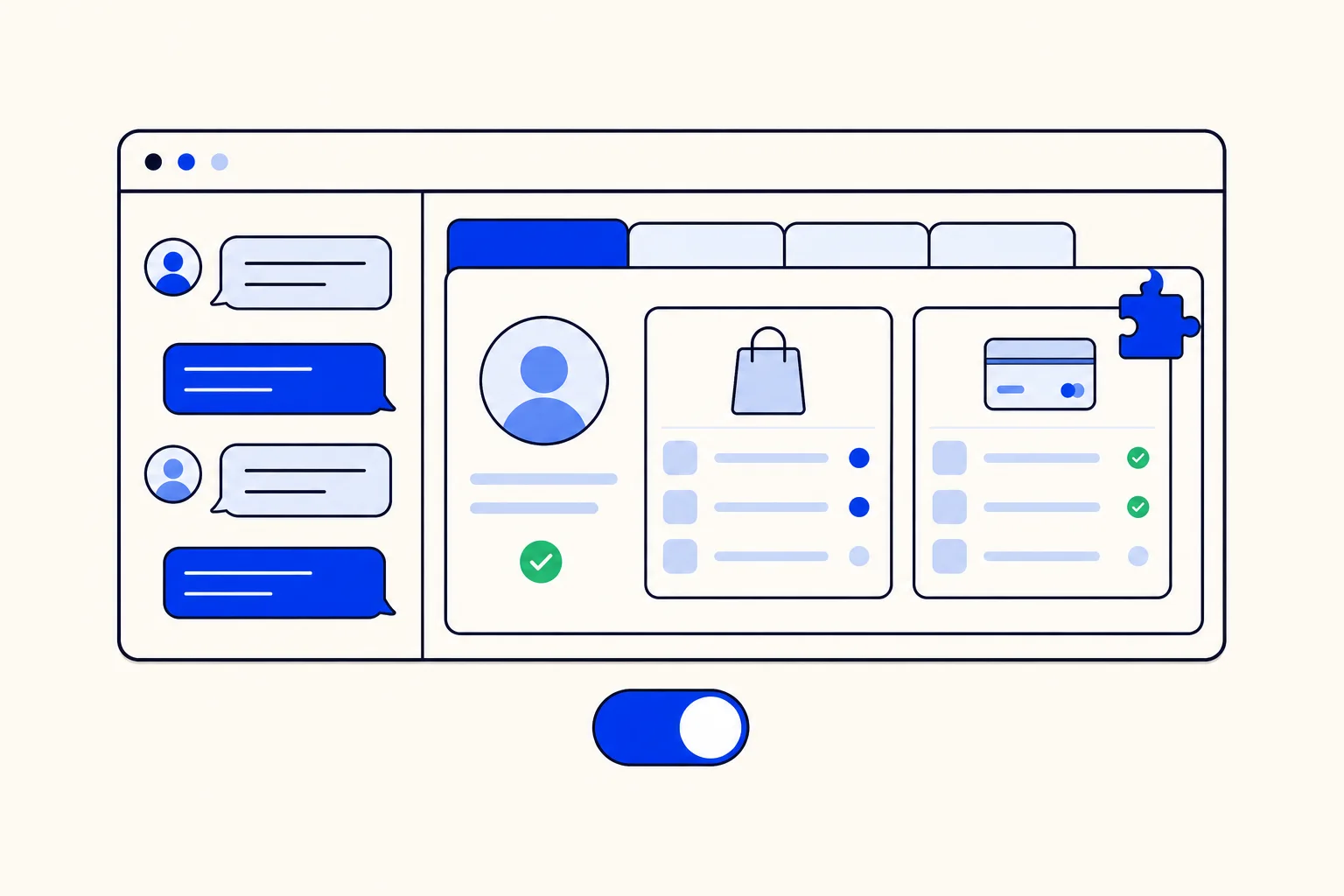
Dashboard Apps fix that by bringing your screen into HellouOne. You point HellouOne at a web page you control, and that page opens as a tab inside the conversation view, already knowing which conversation, which contact and which agent it is serving. Starting this week the Dashboard Apps card is on by default for every plan with a conversation screen, so most accounts can add one today without asking anyone to switch it on.
What a dashboard app is
In Settings, Integrations, the card is called Dashboard Apps and describes itself like this: "Dashboard Apps allow you to create and embed applications that display user information, orders, or payment history, providing more context to your customer support agents."
In practice a dashboard app is a name plus a page URL. HellouOne loads that page in a frame, as its own tab in the conversation view. Your agents click the tab and see your page without leaving the conversation. The page can be anything you can build on the web: a small internal tool, a view from your back office, or a page your developer writes for this purpose.
What it is good for
The best dashboard apps answer the questions your agents look up most often. Some ideas:
Order history: the customer's last orders, their status and the tracking link, so the agent can answer where is my order in one look.
Payment history: recent charges, failed payments and refunds, for billing questions.
Account details: plan, renewal date, open balance or loyalty points.
Internal records: open tickets, service visits, warranty status or the equipment the customer has.
Quick actions on your side, such as a button that resends an invoice, if your page offers it.
Because the page lives next to the conversation, the agent replies with real data instead of a promise to check and come back.
How the page knows who the customer is
When the tab opens, HellouOne sends the page a browser message with the event name appContext. It carries the context of the screen: the conversation, the contact and the agent who is signed in. Your page reads it and looks up the right customer in your system, for example by the contact's email or phone number. If the page needs the context again later, it can ask HellouOne for it and receive the same information.
That is all the integration there is. No plugin to install inside HellouOne and no data copied into your account: your page keeps reading from your own systems, and HellouOne only tells it who is on screen.
How to add a dashboard app
Build or choose the page you want to show and publish it at an address your agents can reach.
As an administrator, open Settings, Integrations and find the Dashboard Apps card.
Click Add a new dashboard app, give it a name your agents will recognize, such as Orders, and paste the page URL.
Save, open any conversation and find your app as a new tab in the conversation view.
Tips before you build one
Use an https page you control. The page receives conversation and contact data, so point the card only at pages you trust.
Allow the page to be shown inside a frame. Many sites block framing by default, and a blocked page shows as an empty tab.
Do not treat the context as a login. Protect your page with your own sign-in or a server check, so the data stays visible only to your team.
Show only what agents need for the conversation. A short, fast page beats a full back office squeezed into a tab.
What changed this week
Until now, which integration cards you saw depended on your plan, and Dashboard Apps was not on every plan. Now the card is on by default on every plan except the report-only plans. Those plans have no conversation screen, which is where apps appear, so the card would have nothing to show. Chat and voice accounts can add custom apps next to their conversations with less setup.
How this works in HellouOne
Dashboard Apps are one of several ways HellouOne connects to the rest of your stack, and each has its own job:
Dashboard apps show your data to the people answering, inside the conversation.
Webhooks send events from HellouOne to your systems as they happen. See integrations and webhooks in HellouOne.
Connectors let the AI agent look up and act in services like your CRM or store while it talks to customers. See connect services to your AI agent.
The HellouOne API lets your own systems read and change conversations, contacts and settings.
They work well together. Your AI agent can answer the easy order questions with a connector on its own, and when it hands the conversation to a person, that person opens the Orders tab and sees the same customer's history without searching. Browse everything HellouOne connects to on our integrations page, or see how the WhatsApp AI agent and your team share one inbox.