The chat widget on your website is often a visitor's first contact with your business, so small details in how it looks and behaves add up. As of November 4, 2026, the HellouOne website chat widget has a refresh: a new soft brutal look, new themes for the launcher and the chat panel, and several fixes to how the chat works on the page.
It matters to every business that embeds the widget on its site and to the visitors who use it. If an AI agent answers your chats, those visitors now get a widget that is easier to see, easier to follow with the keyboard and easier to read as the conversation grows.
What is new
A new soft brutal look for the widget.
New themes for the launcher and the chat panel.
The launcher stays closed while a preview card is showing.
Focus outlines are easier to see, an accessibility improvement.
An image an AI agent sends in website chat now shows as one message.
The chat stays scrolled to the bottom.
The soft brutal look and the new themes
The refresh brings a soft brutal look to the widget: bold dark outlines, a solid offset shadow and rounded corners. It comes with new themes for the launcher, the button or card that opens the chat, and for the chat panel itself, so the widget can sit comfortably on the kind of site it lives on.
The look of the widget is an inbox setting in HellouOne, not custom code. The Widget Builder already lets you set the brand colour, the header style, the screen the widget opens on and the launcher's side, icon and text, as described in the help center article on customizing your website widget.
See it live on hellou.ai
hellou.ai now runs this widget on every page, with the soft brutal theme. The launcher is a card that reads "Questions about HellouOne? Our AI agent answers in seconds." with a Start chat button. Open any page on hellou.ai and you are looking at the result, and you can start a conversation with our AI agent to try it.
Details that make the chat easier to use
Preview card. A preview card is a short message shown next to the launcher. While a preview card is showing, the launcher now stays closed. It is a small change that keeps the launcher predictable for visitors.
Focus outlines. People who move through a page with the Tab key need to see where they are. Focus outlines in the widget are now easier to see, a small accessibility fix that helps every visitor who navigates with a keyboard.
Images from your AI agent. When an AI agent sends an image in website chat, it now shows as one message. The visitor sees the image as a single piece of the conversation, as they would expect.
Scrolled to the bottom. The chat stays scrolled to the bottom, so the newest message stays in view as the conversation grows.
How this works with HellouOne
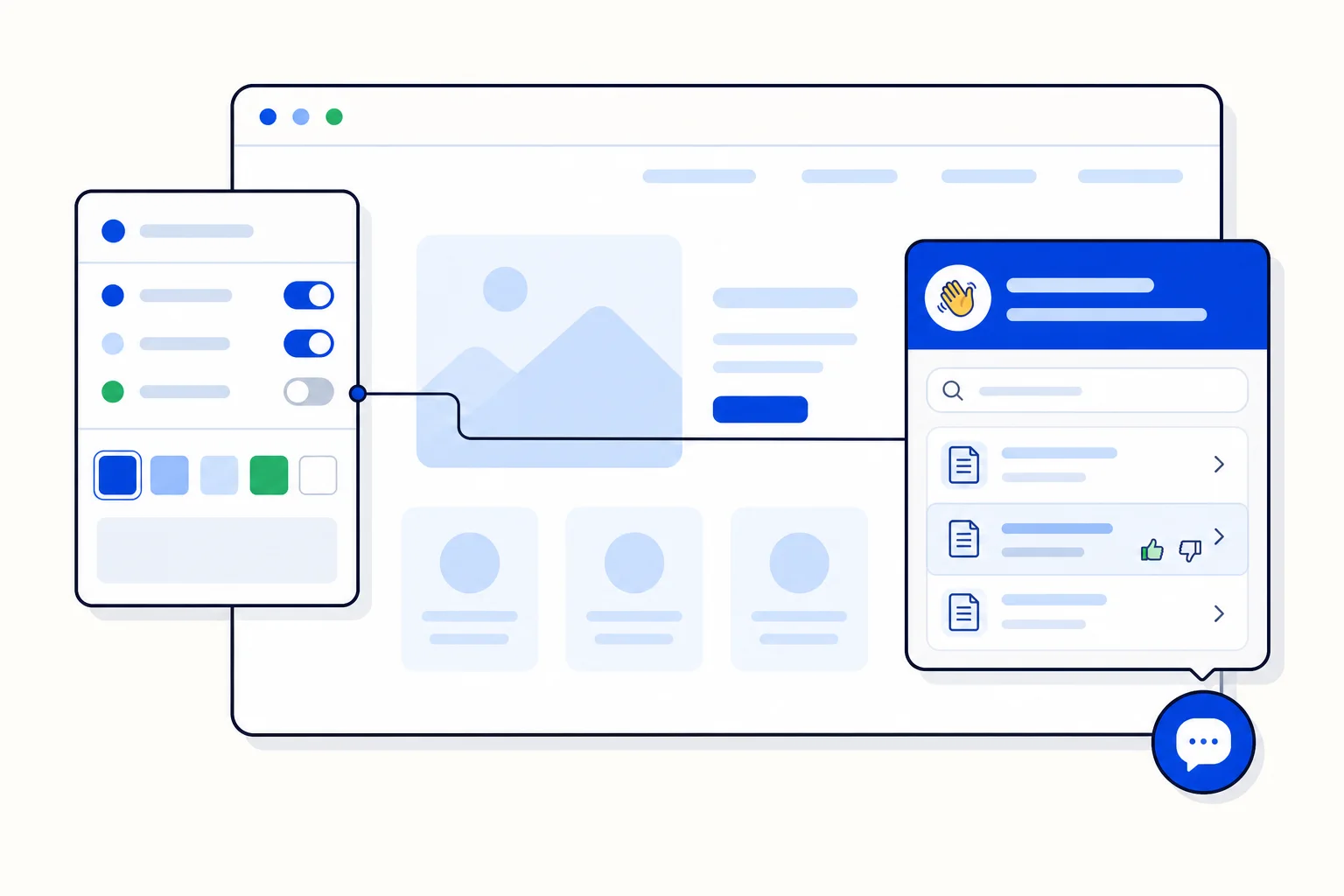
Each website inbox in HellouOne has its own widget. Admins go to Settings → Inboxes, click the settings icon on the website inbox and open the Widget Builder tab, with the options on the left and a live preview on the right that can be viewed as desktop or phone. After you press Update Widget Settings, the help center explains that widgets already on your site pick up the change on their next page load, with no new code to paste.
The widget can also carry your help center: when a help center is connected to the inbox and shown in the widget, visitors get a Help tab where they search, browse topics and read published articles without leaving the page. With the option to mark replies written by an AI agent turned on, those messages show an AI agent tag. To see how the widget grew, read about the new website widget with a home screen, help articles and a builder and how to personalize your widget without new code.