
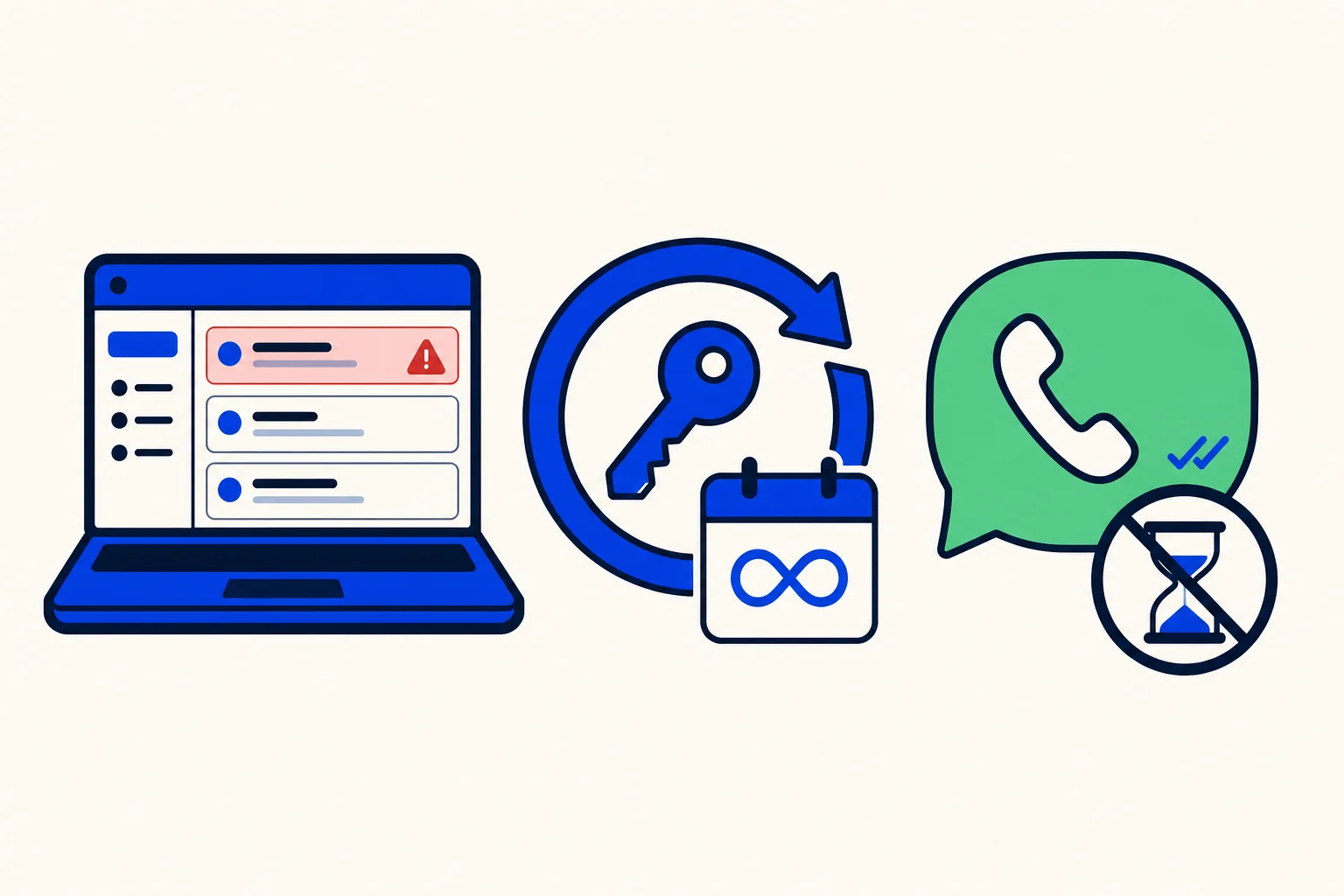
Your WhatsApp inbox talks to Meta with an access token. Inboxes connected to HellouOne before late August 2026 have a token that expires after 60 days. When it expires, you keep receiving messages, but you cannot send: not your agents, not your AI agent and not your campaigns. Customers write, and nobody can answer them.
The fix is to reconnect the inbox once. It takes about two minutes, it does not change your number and it does not delete anything. Inboxes reconnected today get a token that does not expire, so you will not have to repeat it. This guide follows the help center article Reconectar tu bandeja de WhatsApp cuando el token caduca.
Check whether it affects you
Go to Settings, Inboxes and open your WhatsApp inbox. At the top you will see one of these notices:
The WhatsApp access token of this inbox expires on a date: reconnect it before that date.
Your inbox is disconnected, with the link Click here to reconnect: you can reconnect it now with the steps below.
The WhatsApp access token of this inbox does not expire: there is nothing to do.
If you see the expiry notice but the Click here to reconnect link has not appeared yet, write to us in the support chat. We enable reconnection for your inbox within minutes.
Before you start
You need to be an administrator of your HellouOne account.
Log in to Facebook with an account that manages the Meta business portfolio your WhatsApp Business belongs to. That is the person who connected the inbox the first time, or someone with full control of the portfolio.
Allow pop-up windows for one.hellou.ai in your browser. The Meta login opens in a separate window.
Use a computer. On a phone, the Meta window is often blocked.
Reconnect in seven steps
1. Go to Settings, Inboxes and open your WhatsApp inbox.
2. Click Click here to reconnect, in the red notice at the top.
3. The Meta window opens. Continue with your Facebook account.
4. Choose the same business portfolio and the same WhatsApp Business account you use today.
5. Choose the same phone number the inbox already has. Do not create or add a new number.
6. Accept the permissions Meta asks for and click Finish.
7. Back in HellouOne you will see WhatsApp inbox reconnected. The red notice disappears and the inbox shows that its token does not expire.
Then test it: reply to a conversation from HellouOne and confirm the message reaches the customer.
What does not change
Your number, conversations, contacts, templates, AI agent, campaigns and agent assignment all stay the same. Only the token is replaced. Nobody needs to set anything up again afterwards.
If something fails
WhatsApp registration was cancelled: the Meta window was closed before finishing. Click the link again.
No window opens: the browser blocked the pop-up. Allow it for one.hellou.ai and try again.
Number mismatch error: you chose another number or another WhatsApp Business account. Repeat the steps with the number the inbox already has. HellouOne does not change an inbox's number when reconnecting.
You do not see your portfolio or number in the Meta window: the Facebook account you logged in with has no access. Ask a portfolio administrator to do it, or to give you full control in Meta's Business Manager.
If the token already expired, the messages your customers sent in the meantime are in HellouOne. The messages your team tried to send did not arrive, so resend them after reconnecting.
How this works with HellouOne
One WhatsApp inbox powers a lot in HellouOne: the shared inbox where your team answers, the AI agent that replies around the clock, and the campaigns that reach your customers. That is why an expired token matters: it silently stops all three from sending. Reconnecting once with a non-expiring token removes that risk for good.
If you are connecting a number for the first time, the process is described in connect WhatsApp Cloud to HellouOne. A good habit after reconnecting: open Settings, Inboxes once more and confirm the notice says the token does not expire. Still stuck? Write to us in the support chat and we will review it with you. Learn more in the help center: Reconectar tu bandeja de WhatsApp cuando el token caduca.























