
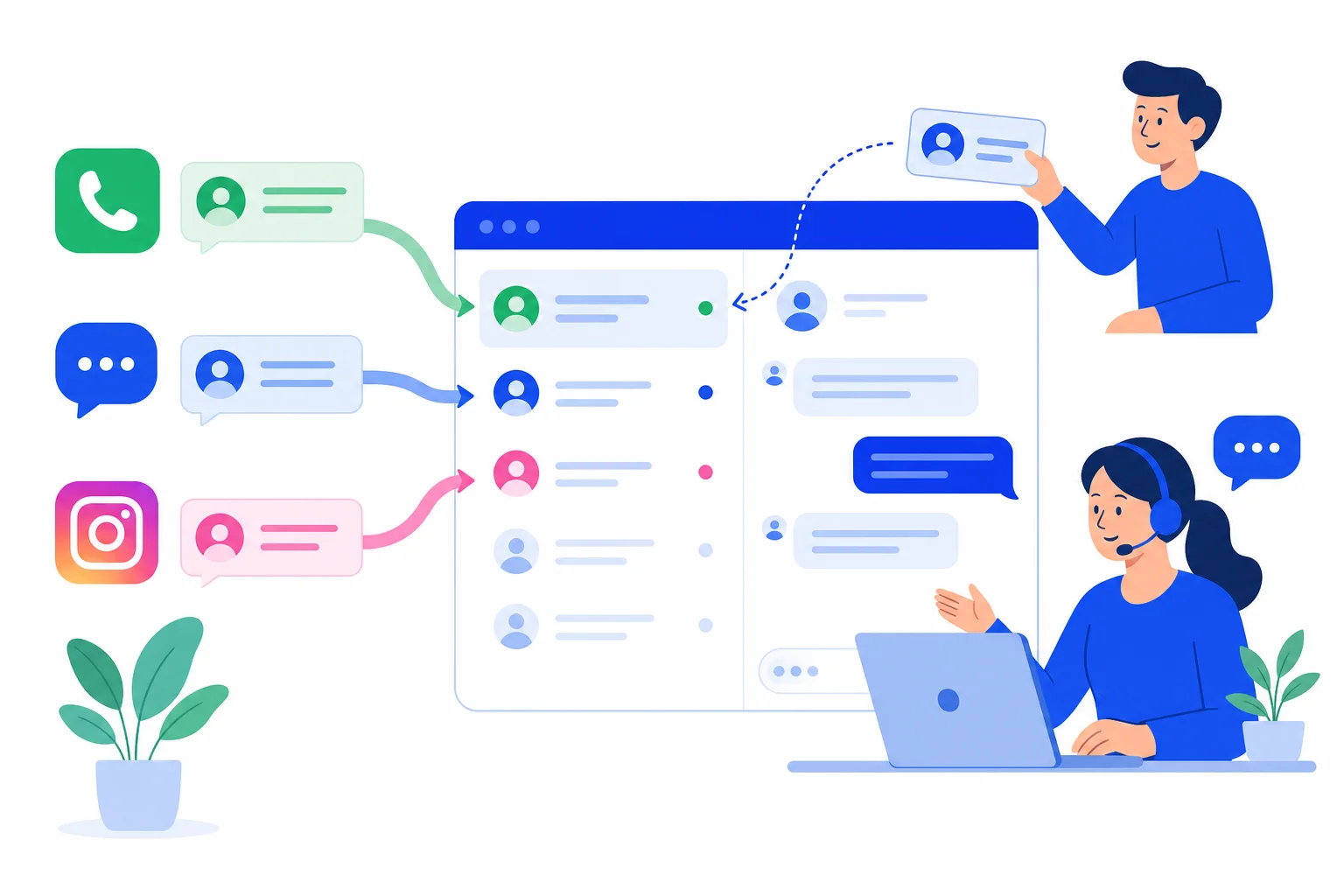
Customers do not pick the channel you prefer. One person finds you through an Instagram post and sends a direct message, another writes from your Facebook Page, and a third opens WhatsApp because that is where they already are. If each channel lives in its own app, your team ends up switching tabs, answering late and losing track of who said what.
HellouOne lets one account receive Messenger and Instagram messages next to WhatsApp, all in the same shared inbox. This guide walks through connecting both, what Instagram needs before it will appear, and what changes for your team once the messages arrive. It follows the help center article Conectar Facebook e Instagram.
Before you start
Both connections go through Facebook login, so have these ready:
For Messenger: the Facebook account that manages your business Page.
For Instagram: a professional Instagram account (Business or Creator) that is linked to a Facebook Page, and the Facebook account connected to that profile.
Admin access in HellouOne, since adding an inbox happens in Settings.
A short list of the agents who will answer each channel, because you add them during setup.
Connect Facebook Messenger
Go to Settings, Inboxes, Add Inbox and choose Messenger.
Click the Facebook button and sign in with the account that manages your Page.
Select the Page and accept the permissions.
Add the agents who will answer and click Finish.
From then on, messages sent to your Page on Messenger arrive as conversations in HellouOne.
Connect Instagram
Go to Settings, Inboxes, Add Inbox and choose Instagram.
Sign in with the Facebook account linked to your professional Instagram profile.
Select the profile, add agents and click Finish.
Once connected, Instagram direct messages reach the same inbox list as every other channel, and the agents you added can reply without opening the Instagram app.
If your Instagram profile does not appear
Instagram only shows up during setup when the profile is a professional account (Business or Creator) linked to a Facebook Page. A personal profile, or a professional profile that is not linked to any Page, will not be listed. If you do not see your profile, check that link first, in the Instagram app's account settings, and then run the setup again signed in with the Facebook account that manages the linked Page.
It also helps to make sure you are signing in with the right Facebook account. Many businesses have one person who created the Page and another who runs Instagram day to day; the account you use in HellouOne needs to be the one connected to both.
What changes once both channels are connected
The difference is that the team stops thinking in channels. A Messenger chat, an Instagram message and a WhatsApp conversation sit in the same list, and the team works them the same way: assign the conversation to a person, add labels so it can be found later, and answer from one place. A manager can see the whole queue without asking anyone to check another app.
Adding the right agents to each inbox matters here. If your social media team should own Instagram while support owns WhatsApp, give each inbox its own collaborators, and use teams in HellouOne to group people by responsibility.
How this works with HellouOne
Messenger and Instagram become two more inboxes inside the HellouOne shared inbox, with the same assignment rules, labels and conversation history as WhatsApp. When a customer who wrote on Instagram later writes on WhatsApp, the team keeps working in a single tool instead of three, and every reply is visible to the rest of the team. Connecting both takes a few minutes per channel, and you can add them one at a time.
A simple order for a new account: connect WhatsApp first, then Messenger for your main Page, then Instagram once you have confirmed the profile is professional and linked. Learn more in the help center: Conectar Facebook e Instagram.























