
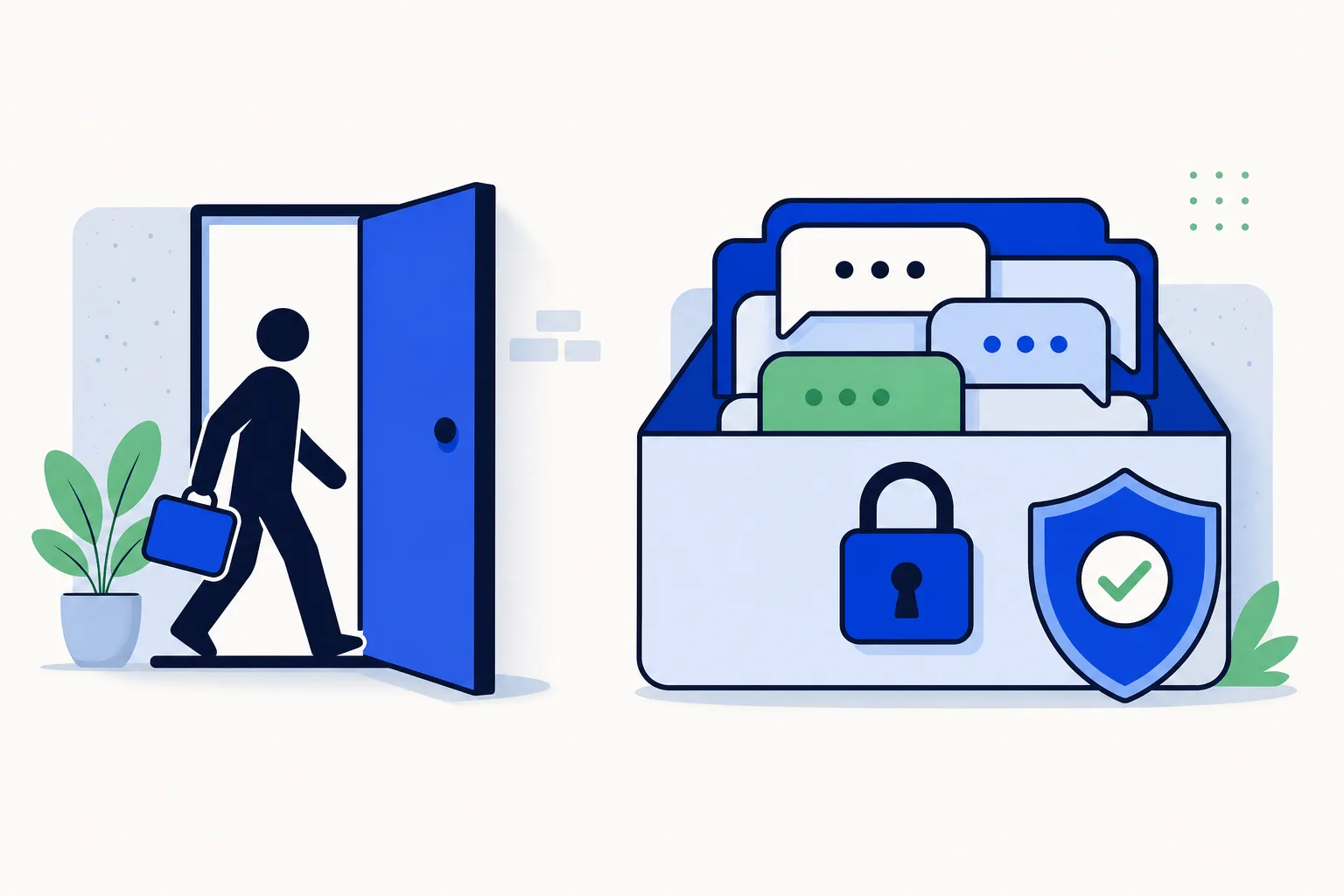
A salesperson hands in their notice on Friday. By Monday, three things are true: customers are still writing to the number they have always used, that number is in the ex-employee's pocket, and nobody at the company can open the conversations that closed last quarter's deals. If the chats lived on a personal WhatsApp account, there is no "export" to run and no password to reset. The relationship walked out the door.
The problem is not disloyalty. It is where the account lives.
Why do the conversations leave with the person?
A WhatsApp account belongs to a phone number, and the messages live on the device that number is registered on. That is how the product is designed, and it is the same whether the person uses the regular WhatsApp app or the free WhatsApp Business app. Meta's own documentation on business phone numbers is explicit that a number must be owned by the party registering it and that a number already in use with WhatsApp cannot be registered elsewhere until it is removed first. One number, one account, one primary device.
In practice that means:
If the rep used a personal number, the account is theirs. The contact list, the chat history and the number itself are not company property in any practical sense. Customers saved "Ana, Sales" and will keep writing to Ana.
If the rep used a company phone with the Business app, you keep the SIM, but the history is only as safe as the device and its backup. If the phone is wiped, lost, or the backup was set up with the employee's personal Google or Apple account, the chats are gone. WhatsApp's help center describes backups as something tied to the account holder's own cloud storage, not to a company.
If several people shared one phone through linked devices, nobody can tell which conversation was whose, so even the chats you keep are hard to hand over.
In all three cases the company depends on a device it does not control or a person who no longer works there.
What does it actually cost?
Owners tend to notice the problem only when a departure happens, but the cost accumulates before that:
Lost pipeline. Open quotes, promised follow-ups and "call me next month" conversations vanish or go with the rep to a competitor.
Confused customers. They write to the old number, get silence or a "I no longer work there", and have to be re-introduced to someone new. Some do not bother.
No audit trail. If a customer disputes what was promised, there is no conversation to check.
Compliance exposure. Customer conversations held on a personal device are hard to govern. Rules vary by country, so check your local data-protection requirements, but the general principle is the same everywhere: the business should be able to show where its customer data is and who can access it.
Repeated setup. Every new hire starts from zero: no history, no context, no idea who was quoted what.
What does the fix look like in principle?
Two changes, and they go together:
The company owns the number. Customer chat happens on a business number registered to the company, not to an individual. The contact customers save is the business, and it does not change when staff do.
The conversations live in a system the company controls. Instead of sitting on one handset, every message is stored in a team inbox that runs on the WhatsApp Business API. People log in with their own user accounts, answer from the shared number, and the record stays in the inbox when they leave.
This is exactly what a WhatsApp team inbox is for. The API side is what lets a number be used by several people at once and lets the business decide who sees what. If you are still on the free Business app, the number itself does not change: it moves from the app to the API and customers keep writing to the same contact. The step-by-step is in our guide to moving a WhatsApp Business number to the API.
What does a team inbox give you when someone leaves?
Once conversations live in the inbox rather than on a phone, an employee leaving becomes an administrative task instead of a loss. Concretely:
Every conversation is stored centrally. Messages, media, notes and labels are in the account, searchable by contact, no matter who answered them.
Each conversation has an assigned owner. Assignment rules give every new chat a person (round-robin or by priority), so "whose was this?" has an answer.
Reassignment takes one click. Open conversations of the person leaving can be moved to a colleague, individually or in bulk. The customer sees nothing change: same number, same thread, a new name.
Visibility levels keep reps in their lane. HellouOne has five levels, set per person. At the narrowest, a rep sees only their own conversations. Managers see everything in their inboxes or in the whole account. A rep cannot export the rest of the book of business because they never had access to it. The full breakdown is in who sees what, and who gets the next conversation.
Deactivating a user loses nothing. Removing the person's login closes their access immediately. Their conversations, notes and history stay exactly where they were.
CRM sync keeps a second copy. With two-way sync, contacts and resolved conversations also land in HubSpot, Pipedrive, GoHighLevel or DataCRM, so the sales history exists in the system your team already reports from. See native CRM integrations in HellouOne.
What should you do the day someone leaves?
Here is a practical offboarding checklist for WhatsApp conversations. It assumes the chats are already in a team inbox; if they are not, step one is getting them there before the next departure.
Reassign open conversations. Filter by the departing user, pick the new owner (or let the assignment rule distribute them), and move them. Do this before removing access so nothing is left unowned.
Check unanswered and pending chats first. Anything waiting on a reply gets a human reply the same day.
Remove the user's access. Deactivate the login in the inbox. If the person also had the company phone, factory-reset it and re-register it to the company only if you still use the app side (more on coexistence below).
Update the owner in the CRM. Change the contact owner on their deals and contacts so pipeline reports and follow-up tasks move to the right person.
Tell customers who their new contact is, from the same number. A short message from the business number ("Hi Carlos, from now on Laura will be looking after your account. Same number, same team.") keeps the relationship on your side of the line. For a long list, a template campaign does this in one go.
Keep the history. Do not delete the person's conversations. They are the record of what was promised and the context the next rep needs.
How do you prevent it from happening again?
The checklist handles the exit. Policy is what keeps the next one from being a problem:
No personal numbers for customer chat. Write it into the onboarding doc. Reps answer from the business number, through the inbox, from day one. Their personal phone can have the inbox app on it, but the account is the company's.
The number is registered to the business. The SIM, the Meta Business Manager account and the WhatsApp Business Account are all in the company's name, with at least two admins so no single person is a point of failure.
Everyone has their own login. No shared passwords for the inbox. Individual logins are what make assignment, visibility and the audit trail work.
Set visibility to the lowest level that lets people work. Reps on "only their own", team leads on "everything in their inboxes", owners on everything.
Use coexistence as the transition path. WhatsApp coexistence lets the Business app and the team inbox run on the same number, so the company can bring the number under its control first and move conversations into the inbox gradually.
Sync the CRM from the start. The second copy is only useful if it has been accumulating all along.
How this works in HellouOne
HellouOne is a team inbox on the WhatsApp Business API, built so that the number and the conversations belong to the business, not to whoever holds the phone.
Company-owned number, individual logins. The WhatsApp number is connected to the account once; every rep gets their own user. LIA, the setup assistant, walks you through connecting the number, and coexistence is supported, so the Business app can keep working on the same number while the team moves over.
Assignment rules and five visibility levels. Round-robin or priority assignment gives every conversation an owner. Visibility is set per person, from "only their own" to "everything in the account"; administrators always see everything. Advanced routing and tiered visibility are included from the Growth plan.
One-click reassignment and clean deactivation. Move a departing rep's open conversations to a colleague, then deactivate their user. History, private notes and labels stay in the account.
Two-way CRM sync. Contacts, resolved conversations and calls flow into HubSpot, Pipedrive, GoHighLevel or DataCRM, and contact edits come back. The full list of connectors is on the integrations page.
AI agents cover the gap. While a replacement is being hired, the AI agent keeps answering first questions, qualifying leads and booking appointments on the same number, and hands over to the team when a person is needed.
Everything above is on the features page, and you can try it on the 7-day free trial, no card required, with 2 users and 2 inboxes. Connect the number, invite the team, and the next departure is a checklist instead of a crisis.























