
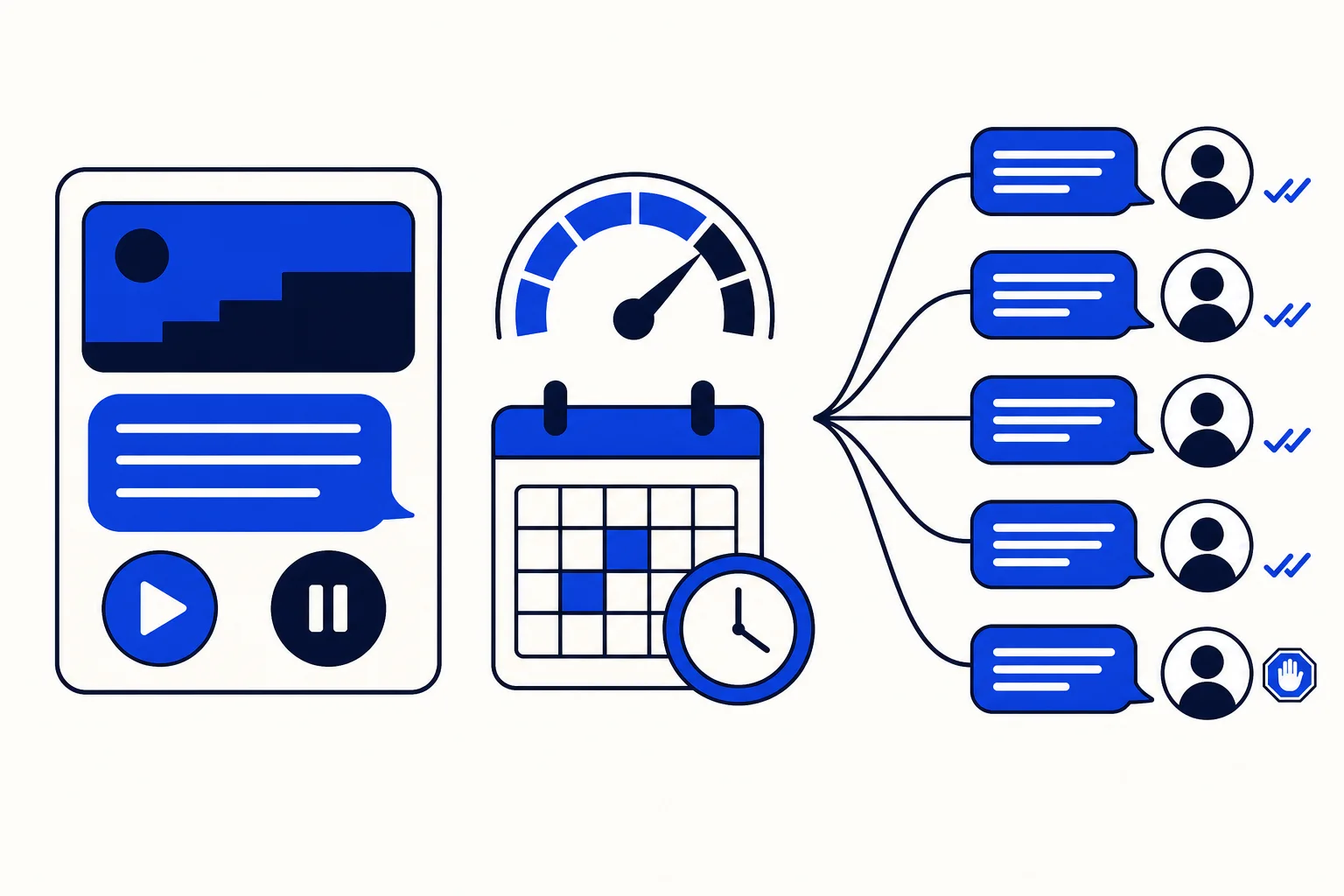
A WhatsApp template is a message approved by Meta that you can send to a customer even when more than 24 hours have passed since their last message. It is also the only type of message a WhatsApp campaign can send. That makes templates a small piece of setup with an outsized effect on your operation. Without an approved template, your team can reply inside an open conversation window, but it cannot restart a conversation that went quiet, and it cannot run a campaign at all.
HellouOne does not create templates. Instead, it reads them from your WhatsApp Cloud inboxes and shows them ready to use. This guide explains where templates are created, how they arrive in HellouOne, and the three places your team will actually use them.
Where templates are created
Templates are created in Meta's WhatsApp Manager. From HellouOne you follow the Manage in Meta option, and there you define the text, the variables, the buttons and the language. Meta then approves or rejects the template. Every template belongs to one of three categories: marketing, utility and authentication. The category is not a label for your folders. It decides the cost of the message and, in campaigns, the consent rules that apply. A promotional message belongs in marketing. A delivery update or a payment reminder belongs in utility. A one time code belongs in authentication. Choosing the right category from the start saves rejections, surprises in cost, and campaigns that cannot send to the contacts you expected. Write the template the way you would want to receive it. Keep the first line clear about why you are writing, fill variables with real examples when Meta asks for them, and make buttons do what they say. Approval is faster when the message reads like a service message a customer asked for, not like a broadcast they never expected.
Bringing templates into HellouOne
Once Meta has your templates, press Sync templates in HellouOne. HellouOne asks Meta for each of your WhatsApp Cloud inboxes and shows every template with its status, approved, pending or rejected, along with its language and category. The date of the last sync attempt appears under the title, so you can tell at a glance whether the list you are looking at is fresh. Sync also runs on its own from time to time, so new approvals tend to appear without anyone remembering to fetch them. If a template you can see in Meta does not appear in HellouOne, sync again and check that the inbox for that number is connected in HellouOne. In practice, a missing template is almost always a disconnected inbox or a sync that happened before Meta finished approving it. That status visibility matters for operations. A pending template is not a sending problem your agents can fix from a conversation, and a rejected template will not become usable by trying again. Seeing the state, language and category in one list lets a supervisor fix the real issue in Meta before a campaign date arrives, instead of discovering it on launch morning.
Where your team uses templates
The first place is inside a conversation. When the 24 hour window has closed, the reply box offers the option to choose an approved template and fill in its variables. That is how an agent reopens a thread with a customer who stopped replying yesterday, with a message Meta has already approved for exactly that purpose. The second place is WhatsApp campaigns. A campaign sends one template to an audience, and only approved templates can be chosen. If the template is in the marketing category, the campaign requires the contact's consent. Build your audience and your consent records with that rule in mind, and campaigns stop being a last minute scramble. The third place is Facebook marketing. When a new lead arrives from Lead Ads, the first contact with that lead is made with a template. That first message matters, because the lead asked about an ad, not about your company in general. A template that names the offer they saw and offers a clear next step turns a form fill into a conversation your team can work in HellouOne.
A practical routine for your team
Keep a short, deliberate template library. Cover the moments that repeat: reopening a quiet conversation, confirming an order, reminding about a payment, booking or confirming an appointment, and following up a lead. Give each template one job, in each language your customers use. Review the list after every sync, retire what nobody sends, and check statuses before you plan a campaign date around a template that is still pending. Done this way, templates stop being a Meta formality and become the reliable way your business restarts conversations, runs campaigns, and answers leads, all from the same inbox your team already works in.
Source: Hellou help center, WhatsApp templates: https://help.hellou.ai/hc/hellou/articles/1791216503-plantillas-de-whatsapp























