
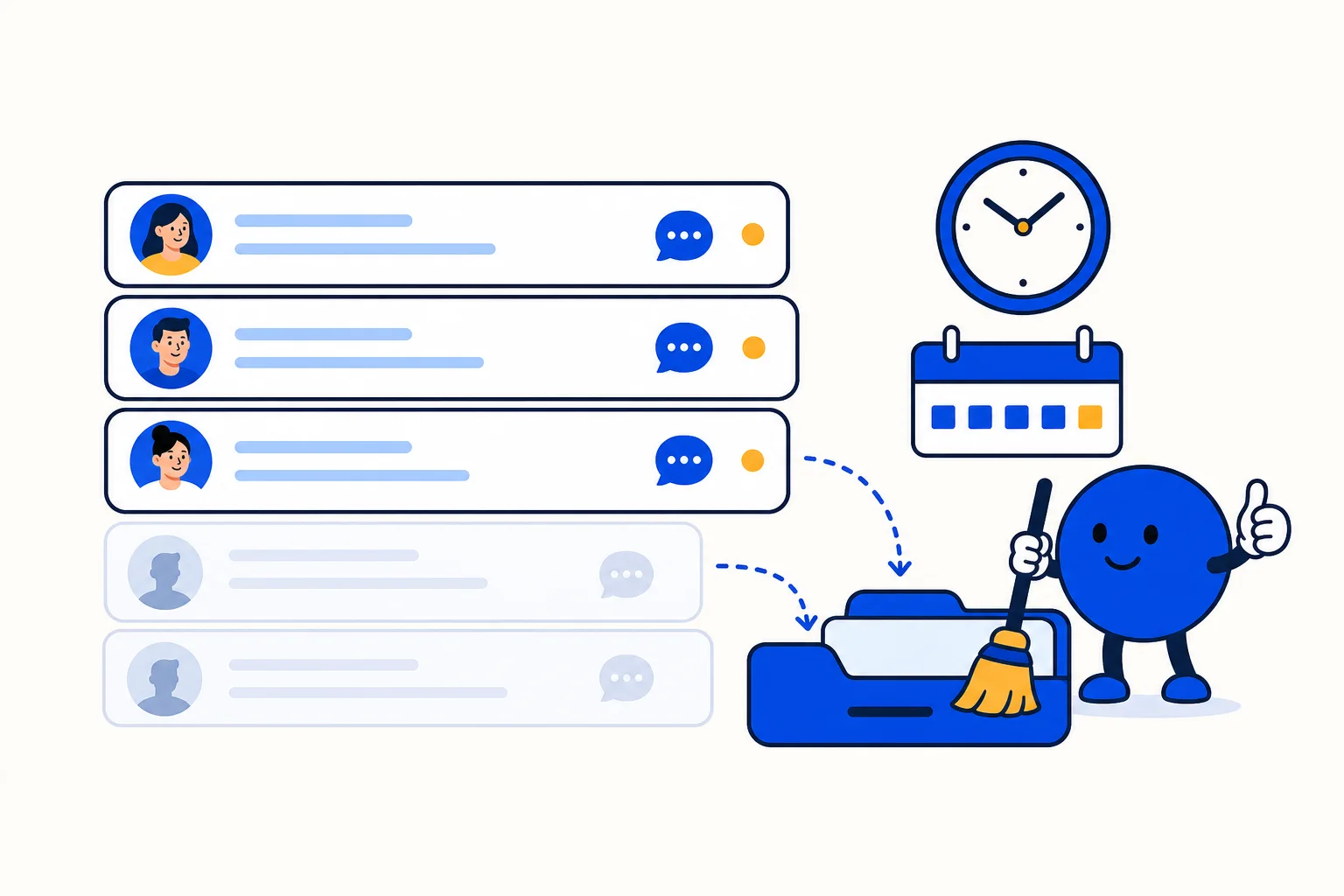
Not every conversation ends with a goodbye. A customer asks about a price, gets the answer, and simply goes back to their day. A lead says they will confirm tomorrow and does not. On WhatsApp this is normal, and it leaves a trail of open threads that nobody is really working on. HellouOne's AI agents have always been able to close a conversation after a period of silence; the limit was 24 hours. From today, that window can be anything up to 7 days, set per agent.
What shipped
Each AI agent has an inactivity setting: how long to wait after the last message in a conversation it is handling before closing it automatically. The setting now accepts any value from one minute to 10,080 minutes, which is seven full days. Nothing changes for accounts that were happy with a day or less. Accounts whose customers reply slowly can now wait as long as a week before a thread is closed.
One account is already running at 72 hours. Their customers tend to write on a weekday, think it over, and come back after the weekend, so a 24-hour close meant reopening most threads by hand on Monday. At 72 hours the inbox stays quiet and the conversations are still there when the customer returns.
Why the window matters
An auto-close that is too short creates busywork: agents reopen threads, customers see an odd closing message right before they were going to answer, and your resolution counts inflate. An auto-close that is too long leaves the pending queue full of ghosts, so the team cannot tell at a glance which conversations need attention, and response-time reports count waiting that was never real. The right number depends on your customers, not on the software, which is why it is now a per-agent setting with a wide range:
Retail and quick support: a few hours to a day. Questions are short and a customer who went quiet has moved on.
Appointments, quotes and B2B sales: two to three days. People consult someone else, compare, and come back.
Collections, insurance, education: up to a week. Replies follow payday, a policy renewal or a school calendar.
If a customer writes after the conversation was closed, a new message reopens it, with the full history attached, so nothing is lost and the AI agent or the team picks up with context.
How this works with HellouOne
In HellouOne a conversation handled by an AI agent sits in the pending state until the agent resolves it, hands it to a person, or the inactivity window runs out. The window only counts silence while the AI agent is in charge; once a conversation has been handed to a human through the handover areas, the team's own rules decide when it closes. That keeps the two lanes separate: the AI agent cleans up after itself, and people keep control of the threads they took over.
The setting lives in the agent's configuration next to its persona, tools and knowledge base, so a business can run different windows for different jobs. A sales qualification agent can wait three days for a lead to come back while a store-hours agent closes after two hours. Closed conversations flow into the reports as resolved, and because the window now matches real customer behaviour, resolution times, open-conversation counts and agent workload reflect what actually happened rather than an arbitrary 24-hour cutoff.
To change it, open the AI agent in HellouOne, find the inactivity setting, and enter the number of minutes, hours or days that fits your customers. Start from how long your customers usually take to reply, add a margin, and check the reports a week later. AI agents and this setting are included on every plan with AI, starting with the Starter plan; see pricing for what each plan includes.























