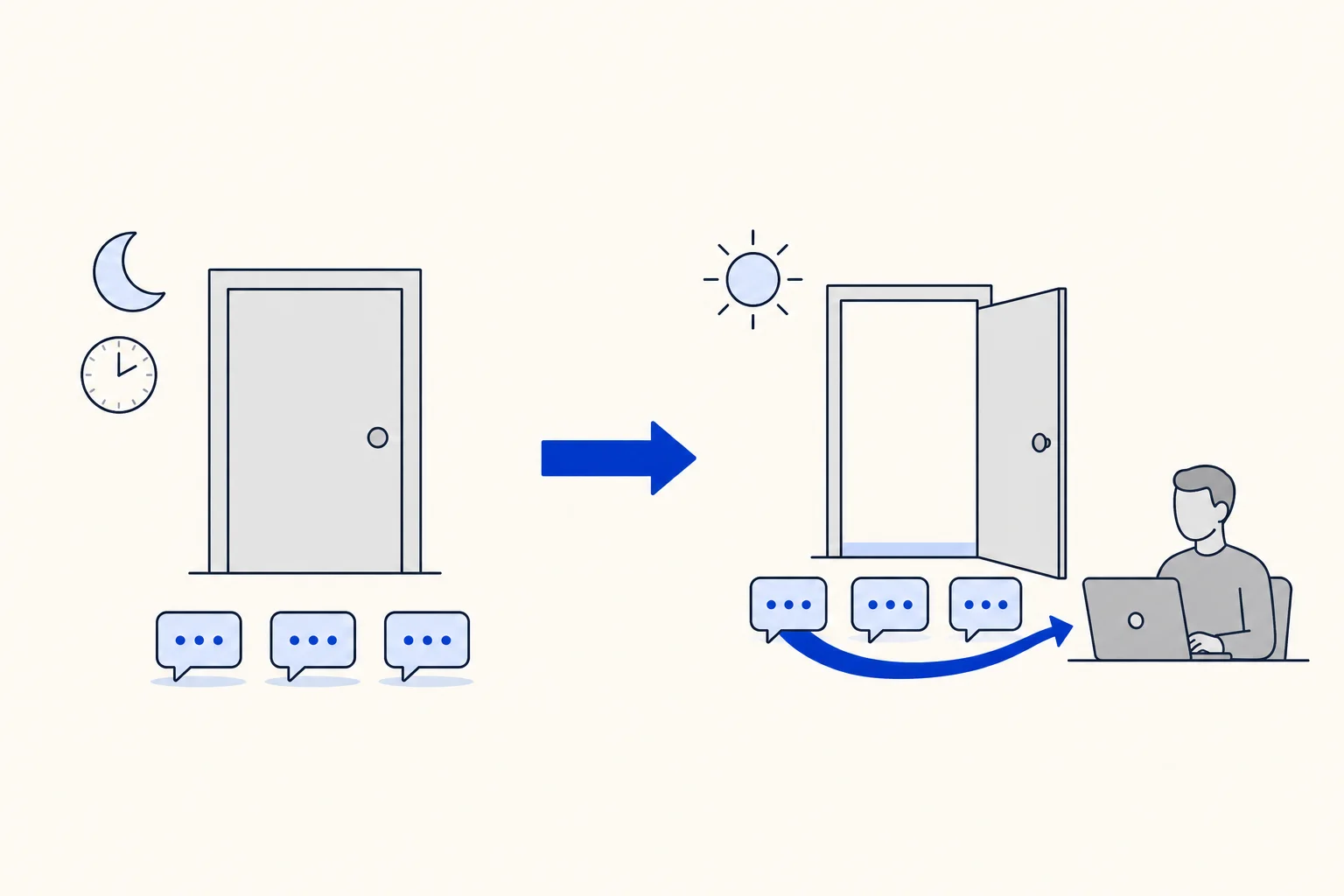
Customers do not check your opening hours before they write. A clinic gets appointment requests at midnight, a store gets order questions on Sunday, a sales team gets leads from an ad that ran all weekend. With an AI agent on WhatsApp or web chat, those customers get an answer right away. The question is what happens to the part the AI agent cannot finish, the part that needs a person, when that person is not at work.
HellouOne already lets an AI agent park those conversations: register the case outside hours and keep answering, instead of opening it for a team that is not there. Now the second half is automatic. When the area's hours open, HellouOne hands every parked conversation to the right team on its own, so no customer who wrote at night waits for someone to remember them.
What a parked conversation is
A native AI agent in HellouOne hands conversations over to people through areas: sales, support, billing, whatever your team is organized around. Each area says who receives its conversations, a team and optionally specific agents, and it can have its own hours. The AI agent itself can also follow business hours.
For each area you choose what happens when the AI agent wants to hand over while the area is closed. By default the handover still opens the conversation for your team. If you turn on Outside hours: register it and keep answering (do not open), the conversation is parked instead:
It stays Pending, out of your team's Open list, and the AI agent keeps answering the customer.
The area's team and agent are already set on it, so it is clear who will own it.
A private note marked [Fuera de horario] records that it was parked outside hours. Notes added by the AI agent use these Spanish tags in every language.
If the customer writes again while it is parked, the AI agent adds a note marked [Datos adicionales], so the new details are not lost.
Parking is off by default and is set area by area, so it only happens where you chose it.
What happens when the area opens
Within a few minutes of the area's hours starting, HellouOne releases its parked conversations. Each one is handed over exactly like a handover made during the day. It gets a private note marked [Apertura], it goes to the area's team and agent, it is marked urgent if the area says so, and it becomes Open in your team's list. Conversations are released roughly in the order they arrived, so the customer who wrote first is not left for last.
Who receives each conversation follows the area. If the area names agents, the conversation goes to the first one listed, or to the agent picked for it if the area rotates between agents. If the area names only a team, the team's own automatic assignment decides.
What the customer sees depends on one option of the AI agent, Send the customer a handover message, which starts off. With it on, the customer hears at night that their case was registered for that team and will be answered in the next business hours, and hears at opening that someone will reply shortly. With it off, the customer keeps talking to the AI agent and simply gets a person's reply when your team starts.
What is not released
The release only picks up conversations that still need it. A conversation is left alone when, in the meantime, someone resolved it, opened it or snoozed it, or a person already replied to it or assigned it. A park older than 7 days is not released either, and neither are conversations in a paused inbox. If a release fails three times in a row, HellouOne writes a note saying a person must take the case, so a failure is visible instead of silent.
One WhatsApp rule to keep in mind
The release hands the conversation over; it does not change WhatsApp's rules. Meta's 24-hour customer service window starts every time the customer writes. A message from 11 pm is usually still inside the window at 9 am, so your team can reply freely. A message from Friday evening may reach Monday with the window closed, and then the first reply has to be an approved template.
How this works in HellouOne
Releasing parked conversations is part of native AI agents in HellouOne, and it is controlled by one switch on each AI agent: Hand parked conversations to the team when the hours open. It is on by default. You find it in the AI agent editor, in the Handover & hours tab, in the Handover to people section. A short setup:
In the Handover & hours tab, set the AI agent's business hours, or give each area its own hours.
On each area where night and weekend cases should wait for the right team, turn on Outside hours: register it and keep answering (do not open).
Decide whether customers should receive the handover messages, and switch on Send the customer a handover message if so.
Check that Hand parked conversations to the team when the hours open is on.
Write to the number from your own phone outside hours, ask to talk to a person, and watch the conversation the next morning: the [Fuera de horario] note at night, the [Apertura] note at opening.
Business hours for the inbox itself are explained in business hours in HellouOne: what happens after hours, and moving conversations between the AI agent and people is covered in assign a conversation to your AI agent and give it back. For everything the AI agent does on WhatsApp, see the WhatsApp AI agent page.