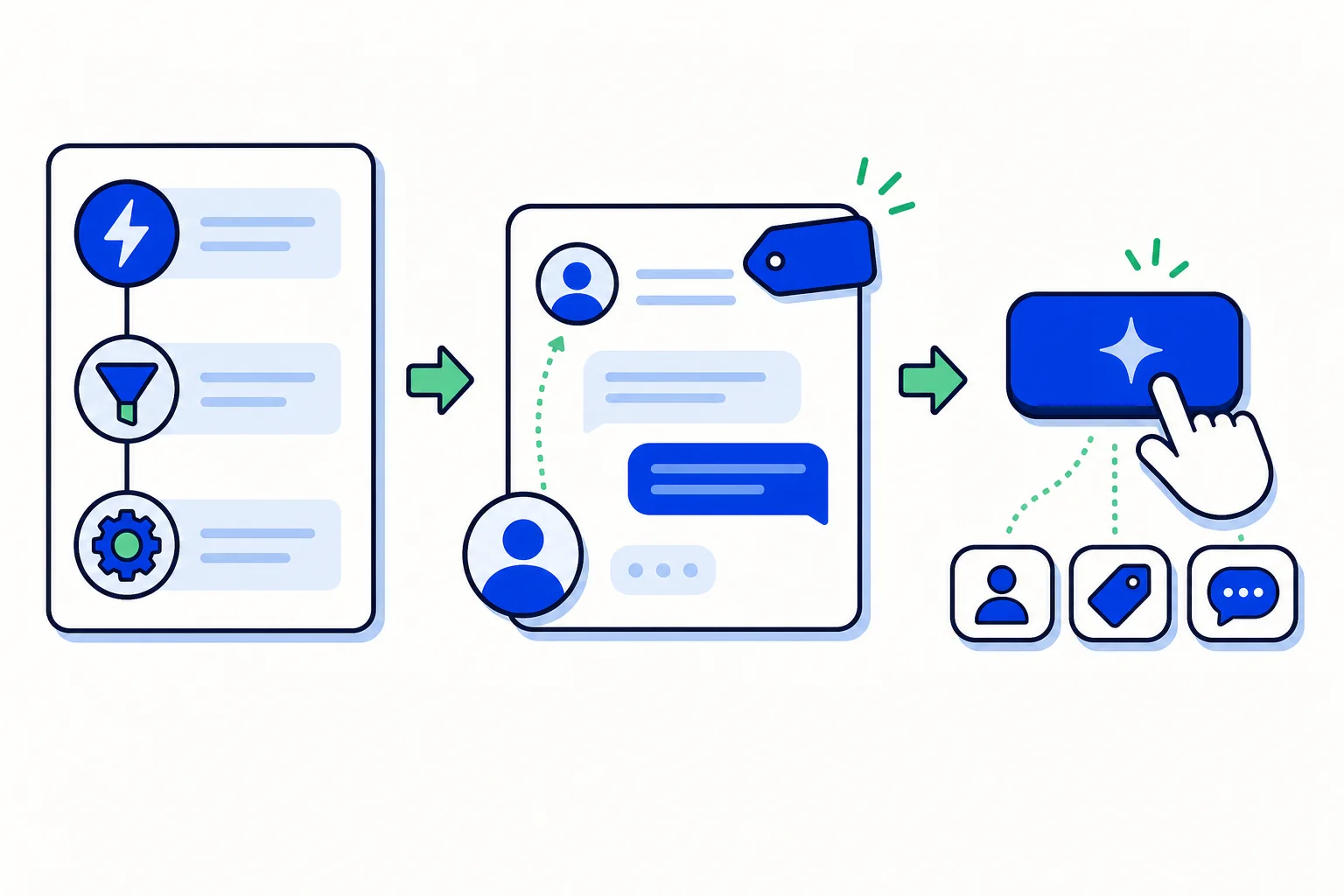
Most of the repetitive work in an inbox is not answering customers. It is the housekeeping around answering them: assigning the conversation to the right person, adding the label the report needs, sending the same first message, telling another system that something happened. HellouOne has two tools for that housekeeping. Automations do it on their own when an event happens. Macros do it on demand, with one click from an agent. Used together they take the clerical steps off the team's plate and leave the actual conversation to people.
Automations: rules that run on events
An automation is a rule that runs automatically when something happens. Three events can trigger one: a conversation is created, a conversation is updated, or a message is created. Each rule can carry conditions, such as inbox equals WhatsApp or message contains precio, so it only fires when they match. When it does, it runs its actions:
Assign the conversation to an agent or a team.
Add a label.
Send a message.
Send a webhook, which lets another system react to the event.
Rules live in Settings, under Automation. You add one with Add Automation Rule, name it, pick the event, add conditions and actions, and create it. A practical first set for a sales inbox: when a conversation is created in the WhatsApp inbox and the message contains a product word, label it and assign it to the sales team; when a message contains a complaint word, label it and assign to support. The team never sees those conversations unsorted.
Macros: a sequence of actions in one click
A macro is a sequence of actions an agent runs manually on a conversation. The help center's example is the typical one: assign to Sales, add the cotización label, and send a predefined response, all from a single click. Macros are created in Settings, under Macros, with Add a new macro: you add the actions in order, choose whether the macro is public, visible to all agents, or private, visible only to you, and save. To run one, the agent opens the conversation and finds Macros in the right-hand panel.
The difference from an automation is judgement. An automation fires on a pattern; a macro fires when a person decides this conversation is a quote request, or a return, or a lead to hand to a colleague. The agent reads, decides, clicks once, and the three or four clerical steps happen correctly and consistently.
Removing the repetitive work without removing the person
The failure mode of automation in customer service is a customer who feels processed. The way to avoid it is to automate the steps the customer never sees and keep people in the ones they do. Routing, labelling and notifying other systems are invisible to the customer; automate them. The reply, the apology, the judgement call about what this customer actually needs: leave those to an agent, and give the agent a macro so the clerical part of their decision takes one click instead of five.
A good test for any rule is whether a customer would notice if it stopped. If not, it belongs in an automation. If yes, it belongs with a person, possibly helped by a macro.
How to use it in HellouOne
Automations and macros are available from the Team plan upward and in the free trial. Start with two automations: one that routes new conversations by inbox and keyword, and one that labels anything containing your most common complaint words. Then watch the team for a week and write a macro for each action sequence you see repeated: the quote request, the appointment confirmation, the escalation. Make the shared ones public and let agents keep private ones for their own routines. Canned responses pair naturally with macros, since a macro can send a predefined message as one of its steps. And if you want a rule you cannot quite express, ask LIA; the admin assistant can set up automations with you and proposes each change for approval.
Learn more in the help center: Automations and macros, the full step-by-step guide.