
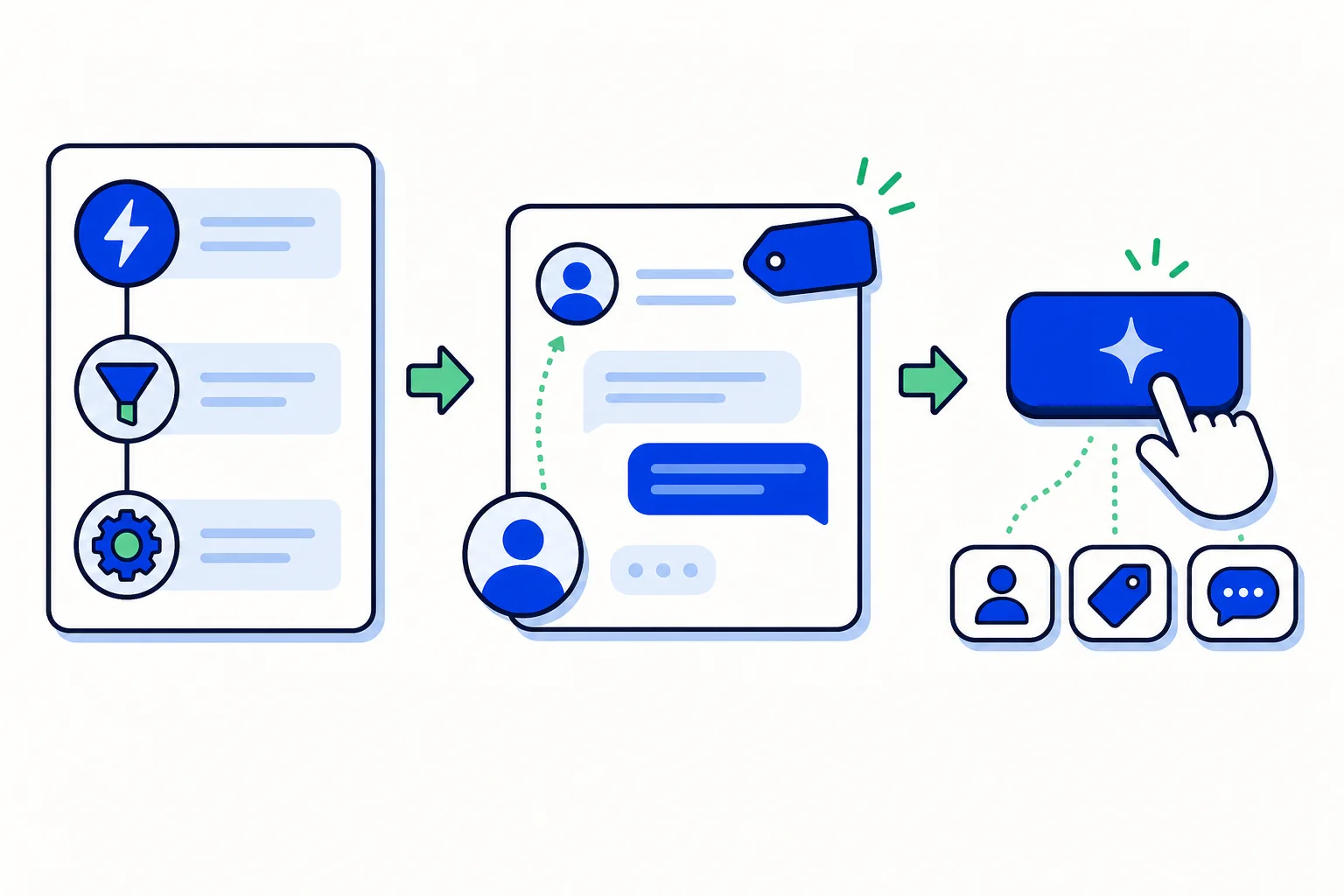
Every support team repeats the same small decisions hundreds of times. Which team gets this conversation. Which tag marks it as billing. Which chats are urgent. An automation rule in HellouOne takes those decisions off your team's plate: it watches an event and, if its conditions are met, it executes actions such as assigning, tagging, changing priority, sending a message or an email, or notifying a webhook. The help guide puts it simply: rules replace the team's routine work.
This post is a deep dive into rules alone: how they are built, the examples the guide gives, and the habits that keep a rule set healthy.
How a rule is built
Create one in Settings, then Automation, then Add automation rule. A rule has four parts:
Name and description. The name appears in the conversation's activity timeline when the rule acts, so write a name your team will understand later.
Event, meaning when the rule is evaluated. Conversation Created, when a new conversation opens. Conversation Updated, when its status, assignment, priority, team, or tags change. Message Created, with each new message.
Conditions, and all of them must be met. You can combine status, priority, inbox, team, agent, tags, channel, browser language, country, custom attributes, or the content of the message.
Actions, executed in order: assign to an agent or team, add or remove tags, change priority or status, snooze, send a message or a private note, send an email to the team or an attachment, or call a webhook.
Click Create and the rule is active. The toggle in the list pauses it without deleting it, which makes experimenting safe: a rule that misbehaves can be paused in seconds while you fix it.
Examples the guide gives
Status to tag: when a conversation is resolved, add status-resolved and remove status-open, so tag based reports count statuses correctly.
Return the conversation to the AI agent: when a conversation that the AI agent had transferred with urgent priority is resolved, remove the priority, so the AI agent answers again if the customer writes back.
One channel, one person: every new conversation from a given inbox is assigned to one agent.
Keyword: if the first message contains "invoice", tag it billing and assign it to the corresponding team.
Notice the pattern. Each rule watches one clear moment, checks something simple, and does the housekeeping a person would otherwise do by hand, every time, without forgetting.
Good practices
The guide closes with habits worth adopting from day one:
One rule per intention. It is easier to pause and review.
If several rules touch the same conversation, each one acts independently. Avoid two rules undoing each other.
A rule that points to an agent, team, or tag that no longer exists switches itself off and emails the administrators. Your rule set cleans itself up instead of failing quietly.
For decisions that require understanding the message, such as a complaint, urgency, or a customer asking for a person, use AI classifications in Assignment and in the AI agents. Automation rules can then use those attributes as conditions.
That last point draws the line between the two tools. Rules are exact: if this condition, then that action. Classifications understand meaning. Used together, a classification can decide that a message is a billing complaint, and a rule can route, tag, and prioritize it in the same moment.
Start with one rule
Pick the decision your team repeats most, often routing by keyword or by inbox, build that one rule, and watch its name appear in conversation timelines for a few days. When you trust it, add the next one. A small set of clear rules, one intention each, quietly removes hours of routine work every week.
Source: this post is based on the Hellou help guide "Automation: rules that act for you": https://help.hellou.ai/hc/hellou/articles/1791215207-automatizacion-reglas-que-actuan-por-ti























