
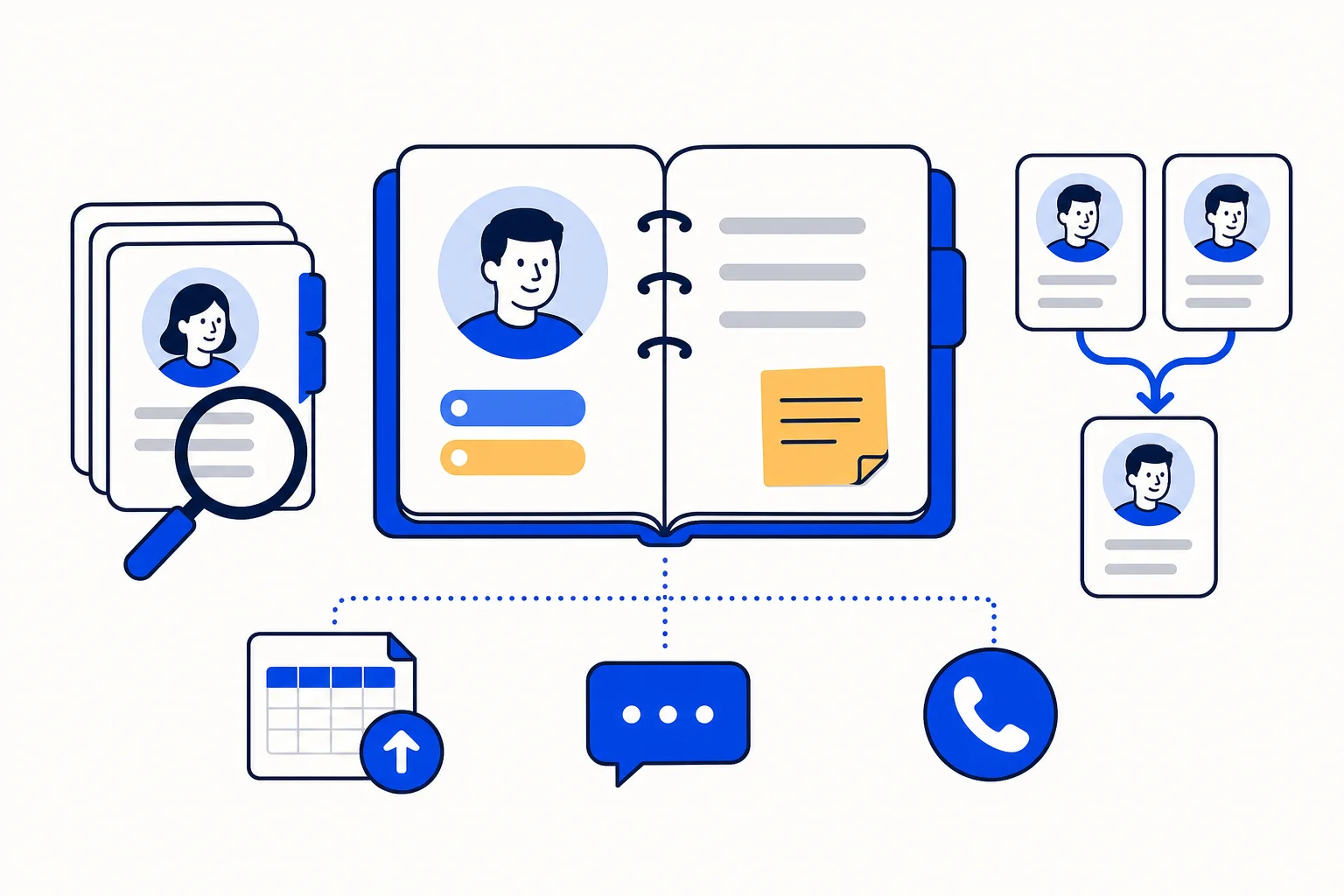
Every business that sells or supports over WhatsApp ends up with the same problem: the customer's history is scattered. Part of it lives in one agent's phone, part in a spreadsheet, part in an email thread nobody can find. HellouOne solves this with a simple rule. Anyone who writes to you on any channel becomes a contact, and that contact record holds everything your team knows about the person.
This guide covers what a contact record contains, how to find and segment customers, how to bring an existing list in, and how to keep the address book clean. It follows the help center article Contactos: tu libreta de clientes.
What a contact record holds
You open contacts from the contacts icon in the side menu. Each record shows the person's name, phone, email and company, and below that:
Contact attributes: your account's custom attributes, such as customer number, plan or city. AI agents and automations can read and write them, so a value an AI agent collects in a chat lands in the record.
Contact labels: tags that belong to the person, separate from the labels on their conversations.
Previous conversations: every conversation with that customer, from any channel, with a direct link to each one.
Notes: internal comments about the customer that the whole team sees and the customer never receives.
From the same record you can start a new conversation with the person (you choose the inbox), edit their details, merge them with a duplicate or delete them.
Search, filters and segments
The search box finds contacts by name, email, phone or identifier. For anything more specific, the filter combines conditions such as attributes, labels, creation date and country. You can also narrow the list to one contact label, sort columns by clicking their header and choose which columns to show.
The useful part is what happens when you save a filter. A saved filter becomes a segment: it appears in the left menu, ready to reuse. A segment can then serve as the audience for a WhatsApp campaign, so "customers in Bogota on the premium plan" or "leads labelled webinar from last month" turns into a send list without exporting anything.
Create, import and export
New contact: create a record by hand with name, email, phone (with country code, for example +57) and company.
Import: upload a CSV with one row per contact. Download the template from the import window to see the expected columns: name, email, phone_number, identifier and, optionally, one custom attribute per column. A contact that already exists by email, phone or identifier is updated instead of duplicated, so you can re-import a corrected list safely.
Export: produces a CSV of the contacts in your current filter and sends it to you by email.
PBX contact sync: if your account has telephony, it pulls in your phone system's directory so calls show the customer's name.
Merge duplicates and delete data
If the same person wrote to you on WhatsApp and through your website, you will have two records. Open one, click the merge icon, search for the other and confirm. The conversations, notes and attributes end up in a single record, so the next agent sees the whole story.
Deleting a contact deletes their record and their conversations. If a customer asks you to erase their data, this is how you do it. Because it removes the conversation history too, treat it as a privacy action rather than a way to tidy the list.
How this works with HellouOne
Contacts are the memory behind the HellouOne shared inbox. When a customer writes again, the agent or AI agent who picks up the chat sees their past conversations, labels, notes and attributes, instead of asking the same questions twice. AI agents can read attributes to personalise a reply and write new ones as they qualify a lead, and automations can act on them. Segments built from those same fields become WhatsApp campaign audiences, so the data your team collects in conversations is what decides who receives the next message.
A good routine for a new account: import your existing customer list with the template, create the custom attributes you care about, save two or three segments you will reuse, and merge duplicates as they appear. Learn more in the help center: Contactos: tu libreta de clientes.























