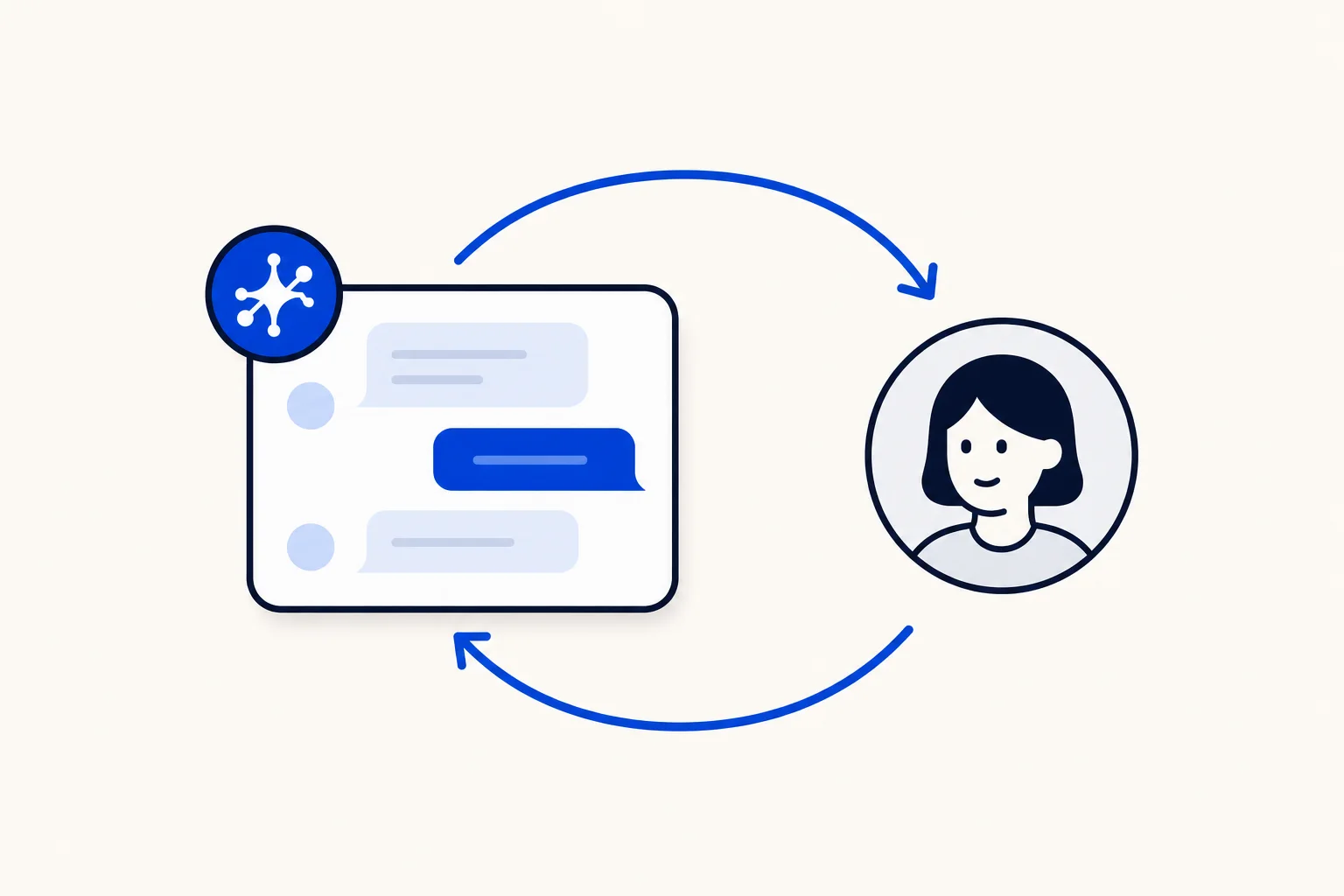
Until now, a conversation handled by an AI agent was easy to miss. The AI agent answered, but nothing in the inbox said it owned the conversation, so your team had to guess. HellouOne now treats your AI agent as a real assignee. You can see when a conversation belongs to it, choose to assign a conversation to it, and give a conversation back after a person has stepped in.
This post is for support and sales teams that run an AI agent next to people on the same inbox and want a clear answer to the question of who has this conversation right now.
Why visible ownership matters
When people and an AI agent share an inbox, ownership is the thing everyone needs to know. A person should not pick up a chat that the AI agent is already working. A manager should not have to open every thread to learn who is on it. And when a person finishes the part that needed a human, the conversation should have an obvious way back to the AI agent.
Before this update, AI ownership was implicit and invisible. Now it is shown the same way as a person: as the assignee of the conversation. That makes the handover between your team and your AI agent something you can see and decide, instead of something you infer.
How it works in HellouOne
Everything below applies to inboxes that have an active AI agent linked to them.
In the assignee dropdown in the conversation header, your AI agent now appears next to your people as "<AI agent name> (AI agent)". Pick it to assign the conversation to the AI agent.
From the conversation list you can do the same without opening the conversation: right-click a conversation card, choose Assign agent, and the AI agent appears after your people.
Inside the conversation, a chip reads "Handled by the AI agent <name>", so anyone who opens the thread knows who has it.
In the conversation list, cards held by an AI agent carry a marker that reads "Assigned to AI agent <name>", so you can tell at a glance without opening anything.
To hand a conversation back, open the status menu, next to "Snooze" and "Mark as pending", and choose "Give back to the AI agent". You will see the message "The AI agent has the conversation again".
Give back works on an open conversation, and also on a resolved or snoozed one. The conversation returns to pending, it loses its human assignee, and the AI agent holds it again.
The rule behind it: an AI agent holds pending conversations
The model is simple. An AI agent holds only a pending conversation. That one rule explains how the rest behaves.
If you assign a conversation to a person, the AI agent stops holding it.
If a conversation moves out of pending for any reason, the AI agent stops holding it.
New pending conversations in an inbox with an active AI agent are held by the AI agent automatically.
A conversation that is pending and has nobody assigned goes back to the inbox's AI agent.
So you never have to clean up after a handover. Assign a person and the AI agent steps aside. Give the conversation back and the person steps aside.
What changes in the Unassigned tab
Conversations held by an AI agent no longer show up in the Unassigned tab or in its counts. Unassigned now means what it says: conversations waiting for a person to look at them. The conversations an AI agent is working are in the All tab. What each person is allowed to see has not changed.
Pausing the AI agent on an inbox
If you pause the AI agent link on an inbox, its conversations are released to Unassigned, and the AI agent option and the give back action are hidden. Restoring the link does not take those conversations back automatically. A person can give them back on purpose when they are ready. That keeps control with your team.
For developers and automations
The conversation payload now includes meta.ai_assignee, with the AI agent's id, name, avatar_url and type (agent_bot). It appears in the API, in webhooks and in automations, so your own systems can tell which conversations belong to an AI agent. To assign through the API, POST to the conversation's assignments endpoint with assignee_agent_bot_id. To give a conversation back, POST to give_back_to_bot on the conversation. Sending both a person and an AI agent in the same request is rejected, because a conversation has one assignee. The details are in the HellouOne API docs.
Ways to use it
Let the AI agent open every conversation, then assign a person when the customer asks for something only a human can do.
When the person has solved the special case, give the conversation back so the AI agent takes the follow-up questions.
Use the All tab for a live view of what the AI agent is working, and Unassigned as your team's real to-do list.
Pair this with assignment rules so you know who sees what and who gets the next conversation, and with automation rules that assign, tag and route for you.
If you are still deciding when an AI agent should pass a chat to a person, read about AI to human hand-off rules. To see the pieces together, the WhatsApp AI agent page covers how HellouOne answers customers, and the WhatsApp team inbox page covers how people and AI agents share one place to work. With ownership shown on every conversation, the handover between them becomes a choice you make, not a guess.