
An AI agent is only as good as what it knows. Ask it about your return policy, your opening hours or the price of a service, and it can only answer well if that information is somewhere it can read. In HellouOne, that somewhere is the knowledge base.
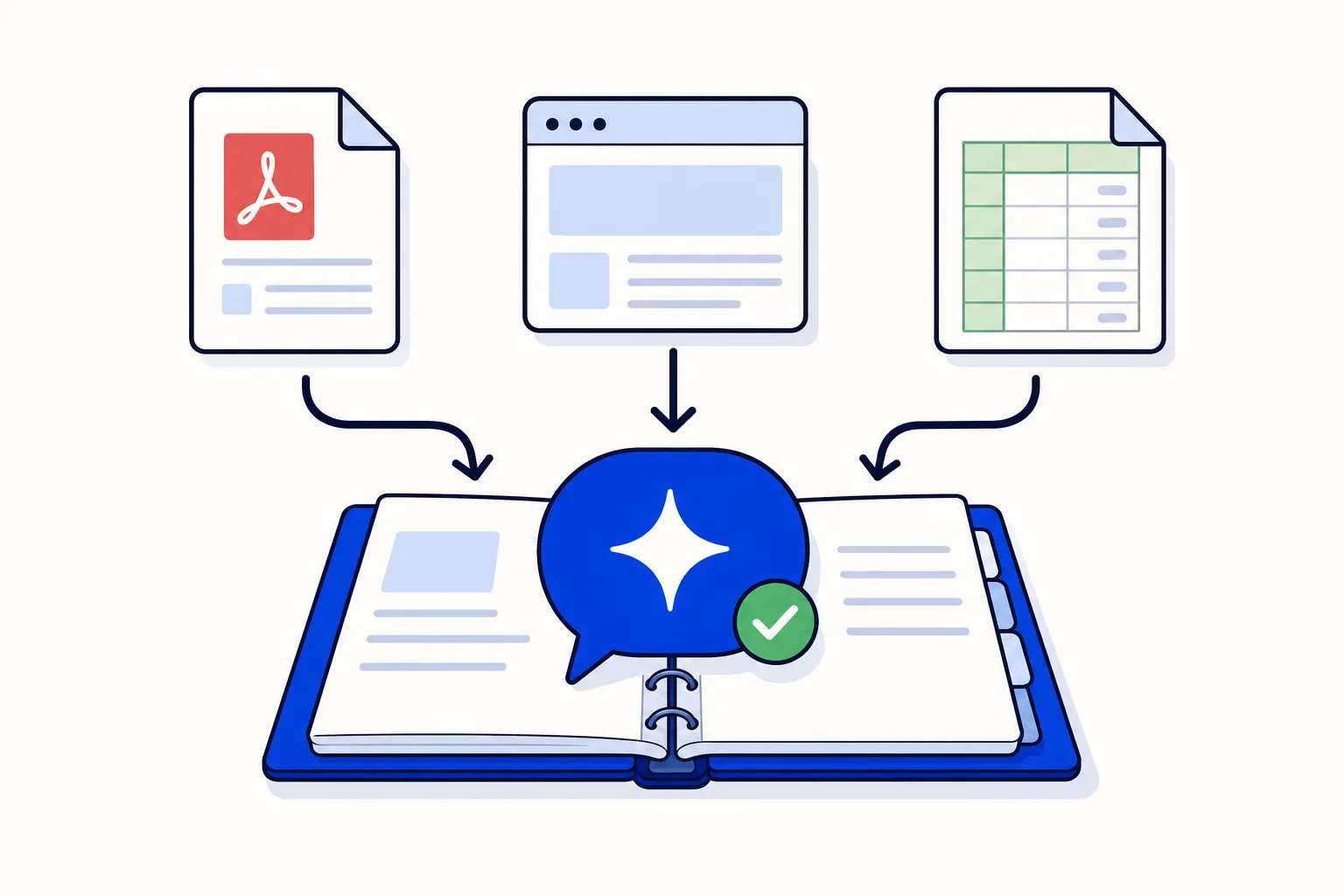
The knowledge base is the set of FAQs, documents and web pages your AI agent takes its answers from. What is not there, the agent does not know and should not make up. You manage it in Settings, Knowledge Base, and you can also open it from the agent's Knowledge tab. This guide follows the help center article Base de conocimiento: lo que tu agente de IA sabe.
Add a document
Click Add document and choose the Source:
Text or FAQ: you write the content yourself. One entry per topic works better than a long text that mixes several.
File: you upload a PDF or a Word document; HellouOne extracts the text and splits it into fragments.
Web page: you paste a URL; HellouOne downloads the page and splits it up.
Fill in the Title, choose the Category (FAQ, document, policy or other) and click Create.
Follow each document's status
A new document goes through the states pending, processing and Ready. The Fragments column shows how many pieces it was split into. If something fails, the status says so, and the retry icon processes it again. Changes take effect immediately, with nothing to restart. Edit with the pencil and delete with the red icon.
How the AI agent uses it
Search the knowledge base: for each question, the agent looks for the most similar fragments and answers with them. This is the mode for large knowledge bases.
All text in the message: the agent receives the full documents with every reply. It suits small knowledge bases, and lets you choose by title prefix which documents each customer sees.
If you are not sure which to pick, think about size. A handful of short FAQs fits comfortably in every message; a catalogue of manuals and policies is better searched.
Tips for good answers
Write the way you would talk to a customer: question and answer, prices with their currency, hours with their timezone.
One topic per entry. Separate entries for opening hours and for the return policy are worth more than a five-page FAQ document.
Include the ways people actually ask. If customers say mailbox, locker or Miami address for the same thing, put all three in the entry so the search finds it.
Check with the agent's Test chat: ask something and see whether it uses what you just loaded.
Keep it current
A knowledge base is never finished. When a price, a schedule or a policy changes, update the entry the same day; changes take effect immediately, so the agent's next answer uses the new version. Delete documents that are out of date rather than leaving them next to the new ones, because an old price list that is still loaded is an old price list the agent can quote. A short monthly review of the list, sorted by category, catches most of these.
The Configure button
The Configure button shows where your account's vectors are stored. The Hellou team manages it, so you do not need to touch it.
How this works with HellouOne
The knowledge base is what the HellouOne AI agent reads before it answers a customer on WhatsApp or any other channel. Add your FAQs, policies and key web pages, connect them from the agent's Knowledge tab, and test the result in the Test chat before going live. When a question falls outside what the knowledge base covers, the agent should not invent an answer, which is where handing the conversation to a person comes in. For a broader plan of what to teach your agent, see how to train a WhatsApp AI agent on your business information.
Learn more in the help center: Base de conocimiento: lo que tu agente de IA sabe, part of the Account Settings guides.























