
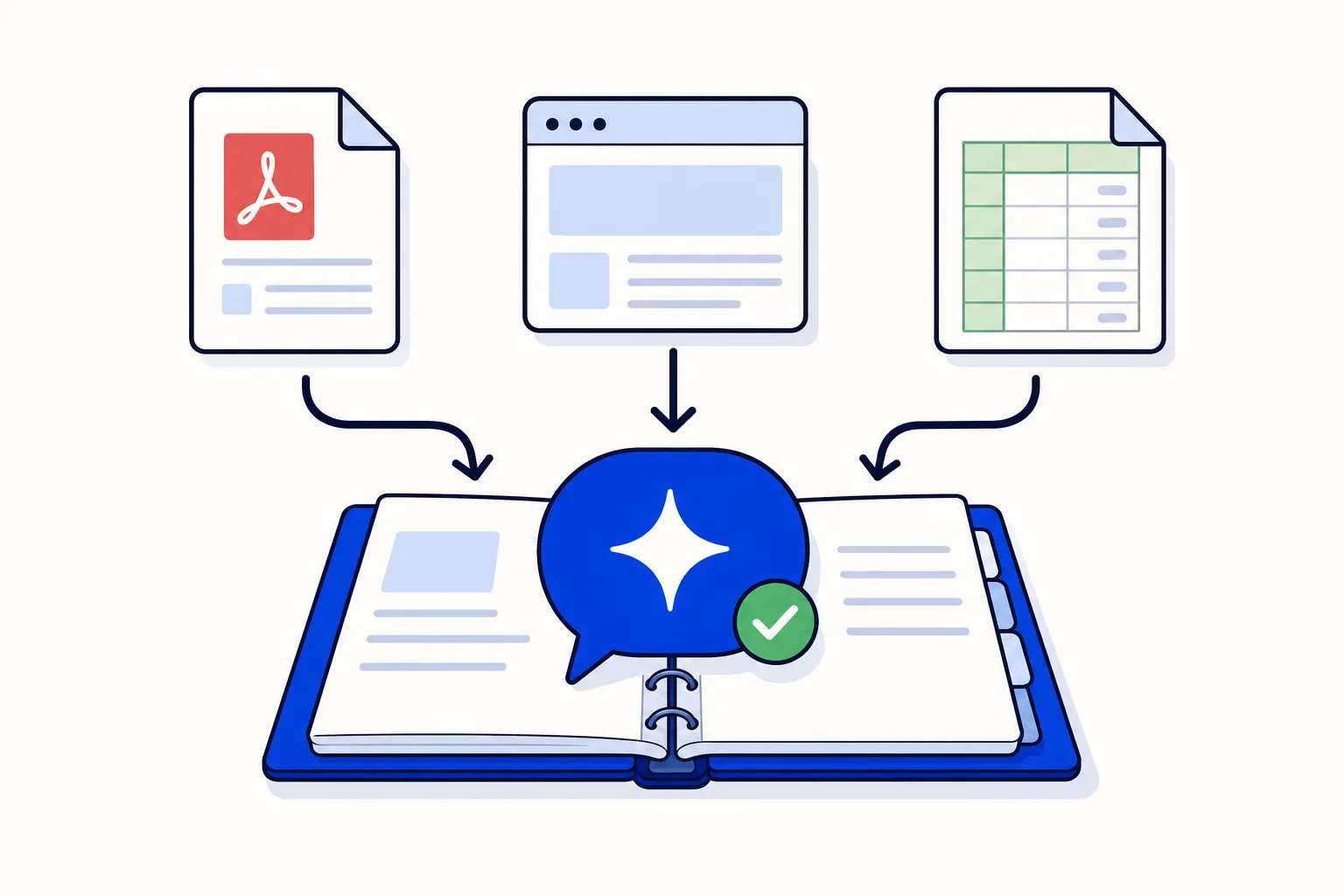
When people say they want to "train" a WhatsApp AI agent, they usually picture something technical: data sets, a model, a developer. For a business it is nothing like that. Training an AI agent means giving it your material (prices, policies, hours, product details) and a set of instructions about how to behave. The model underneath does not change. What changes is what the agent reads before it answers.
That makes it an editorial job, not an engineering one. A thin, vague knowledge base guesses; a clear, current one answers like your best employee on a good day. If you have not connected your number yet, start with the step-by-step setup and come back here for the knowledge part.
What does "training" an AI agent mean in practice?
Two layers, and it helps to keep them separate:
Knowledge. The facts the agent searches when a customer asks something: prices, hours, delivery zones, return policy. It comes from text you paste, PDFs you upload and web pages you point the agent at.
Instructions. How the agent behaves: its tone, the languages it answers in, what it must never promise and when it must hand the conversation to a person.
Knowledge answers "what". Instructions answer "how" and "when not to". Most weak agents have a problem in one of the two.
What should you feed the agent?
Start with the questions your team answers ten times a day:
A price list. Every product or service with its current price, what it includes and what costs extra.
Frequently asked questions. The real ones from your chats, not the ones you wish customers asked.
Policies. Returns, cancellations, warranties, deposits, payment methods.
Hours and contact details. Opening hours by day, holidays, the address, how to reach a person.
Service areas. Where you deliver or attend, how long it takes and what it costs per zone.
Product or service sheets. Specs, sizes, materials, duration, who it is for and who it is not for.
Plain text, PDFs and web pages all work. If the information already lives on your website, point the agent at the page. If it lives in a catalogue PDF, upload the PDF. If it lives in someone's head, write it down as text: that is the step most businesses skip and most regret.
How do you write material the agent answers well from?
The agent searches your documents for the pieces that match the question and answers from them, so the writing rules are the opposite of marketing copy:
One fact per line. "Deep clean, 2-bedroom apartment: $180, about 4 hours" is easier to find and quote than a paragraph that mixes three services and two prices.
Concrete numbers. "Delivery in 2 to 3 business days" beats "fast delivery". "Deposit: 30% at booking" beats "a small deposit".
Dates on anything time-sensitive. A promotion without an end date lives forever in the agent's mind. Write "valid until 31 October 2026" and the agent can say so.
Answer the "what if". What if the customer cancels the same day? What if the product arrives damaged? What if they live outside the delivery zone? Each one you write down is one fewer handover.
Avoid ambiguity. "Usually", "around" and "it depends" invite the agent to fill the gap. If it depends, say on what: "Installation depends on floor area: up to 50 m², $X; 50 to 100 m², $Y."
No marketing fluff. "Our passionate team delivers excellence" gives the agent nothing to answer with. Cut it.
A simple test: could a new employee answer a customer correctly using only this document? If not, neither can the agent.
What should you leave out?
Everything you would not say to a customer face to face:
Internal notes. Supplier margins, staff issues, the real reason a product was discontinued.
Outdated promotions and prices. The agent does not know last year's flyer is old unless you remove or date it.
Draft policies you have not decided on. The agent will present them as fact.
Other customers' personal data. Never in a shared knowledge base.
Anything you only tell some customers. If a discount is negotiated case by case, keep it out and let a person handle it.
If a document mixes public and internal information, make a customer-facing copy before uploading it.
What goes in the instructions layer?
Instructions are shorter than the knowledge base and matter just as much. Cover four things:
Tone. Formal or warm, short or thorough, first names or not. Match how your best person actually writes on WhatsApp.
Languages. The agent detects whether the customer writes in Spanish or English and answers in that language. Make sure the knowledge base covers both.
What it must never promise. Delivery dates it cannot confirm, discounts it is not authorised to give, medical, legal or financial advice, stock it cannot check.
When to hand over. Complaints, refund requests, money beyond quoting a price, a customer who asks for a person, a question it cannot answer from the knowledge base. The full trigger list is in AI-to-human handoff on WhatsApp: the rules that work.
The last point is not optional. WhatsApp's Business Messaging Policy requires automated conversations to offer customers prompt, clear and direct ways to reach a person. An agent that keeps customers in a loop is both bad service and a policy problem.
How do you test it before going live?
Do not test with made-up questions. Pull 20 real questions from last month's chats and run them through the agent one by one:
The 10 most common questions, to check the bread and butter.
5 edge cases: a cancellation, a complaint, a product you do not carry, an address outside your area, a question in the other language.
5 trick questions: an expired promotion, a price that changed last week, a request for a discount, a question that sounds like a FAQ but has a different answer, and something that should trigger a handover.
For each one, judge three things: Was the answer correct? Was it complete? Did it hand over when it should have? Every wrong answer points at a document line to fix or add. Fix, run the 20 again, and go live when the trick questions pass. Keep the list: it is your regression test for every later change.
How do you keep it current?
A knowledge base rots quietly: prices change, a service is dropped, hours shift for the season, and nobody tells the agent. Three habits prevent it:
A monthly review. Thirty minutes, a calendar invite, one owner. Re-read prices and policies, check anything with a date on it, re-run the 20 questions.
Change the document when you change the business. New price? Edit the sheet the same day, as you would your website.
Approve every change and keep the history. Each edit should create a version you can review and roll back if answers get worse.
What does the agent do when it doesn't know?
The right behaviour is to say so and hand the conversation to a person, with the chat so far attached. The wrong behaviour is to guess: a guess about a price or a delivery date is worse than silence, because the customer acts on it.
This is why the instructions need an explicit rule for "not in the knowledge base", and why a handover should land with a specific team, not a general pile. The person who picks it up sees the whole conversation and, ideally, sends the question back to whoever maintains the knowledge base: every handover caused by a missing fact is a document line waiting to be written.
How do you measure whether it's working?
Three signals from your own reports are enough:
Handover share. Of the conversations the agent starts, how many reach a person? Label the handed-over ones and the labels report shows the trend month to month. A falling share with no rise in complaints means the knowledge base is covering more.
Why they hand over. Read a sample of handed-over chats every week. A question that keeps appearing belongs in the knowledge base.
What customers say afterwards. Satisfaction surveys and sentiment on conversations the agent handled, compared with the ones a person handled.
Write down your numbers at launch so the monthly review has a baseline.
How this works in HellouOne
In HellouOne both layers live inside the agent, and you do not need a developer for either:
Knowledge base from text, PDFs and web pages. HellouOne splits what you add into searchable pieces so the agent answers with your real information, not guesses. More on the WhatsApp AI agent page.
Visual editor. The agent's instructions, where it searches knowledge and where it hands over are laid out as a flow you can see and edit.
Versions. Every change creates a version: you see what the agent looked like before and roll back if an edit does not work out.
LIA, the in-app assistant. Describe a change in plain language, in Spanish or English ("add that we close on 12 October", "make the tone more formal"), and LIA proposes the edit. You approve it before it takes effect, and it is recorded as a version like any other.
Handover areas. Defined points where the agent passes the conversation to a team, with the context it gathered. With business hours set, it takes a message outside hours rather than promising a person who is not there.
AI messages per plan. Starter includes 2,000 AI messages a month, Team 5,000 and Growth 25,000. The knowledge base and handover areas are available from the Team plan.
The whole path to go-live is on how it works, and what an AI agent can and cannot do on WhatsApp is in the WhatsApp AI agent guide.
Where do you start today?
Pick one job, say price and hours questions. Write that price list one fact per line, date anything that expires, set one handover rule for everything else, test with 20 real questions and go live.























