
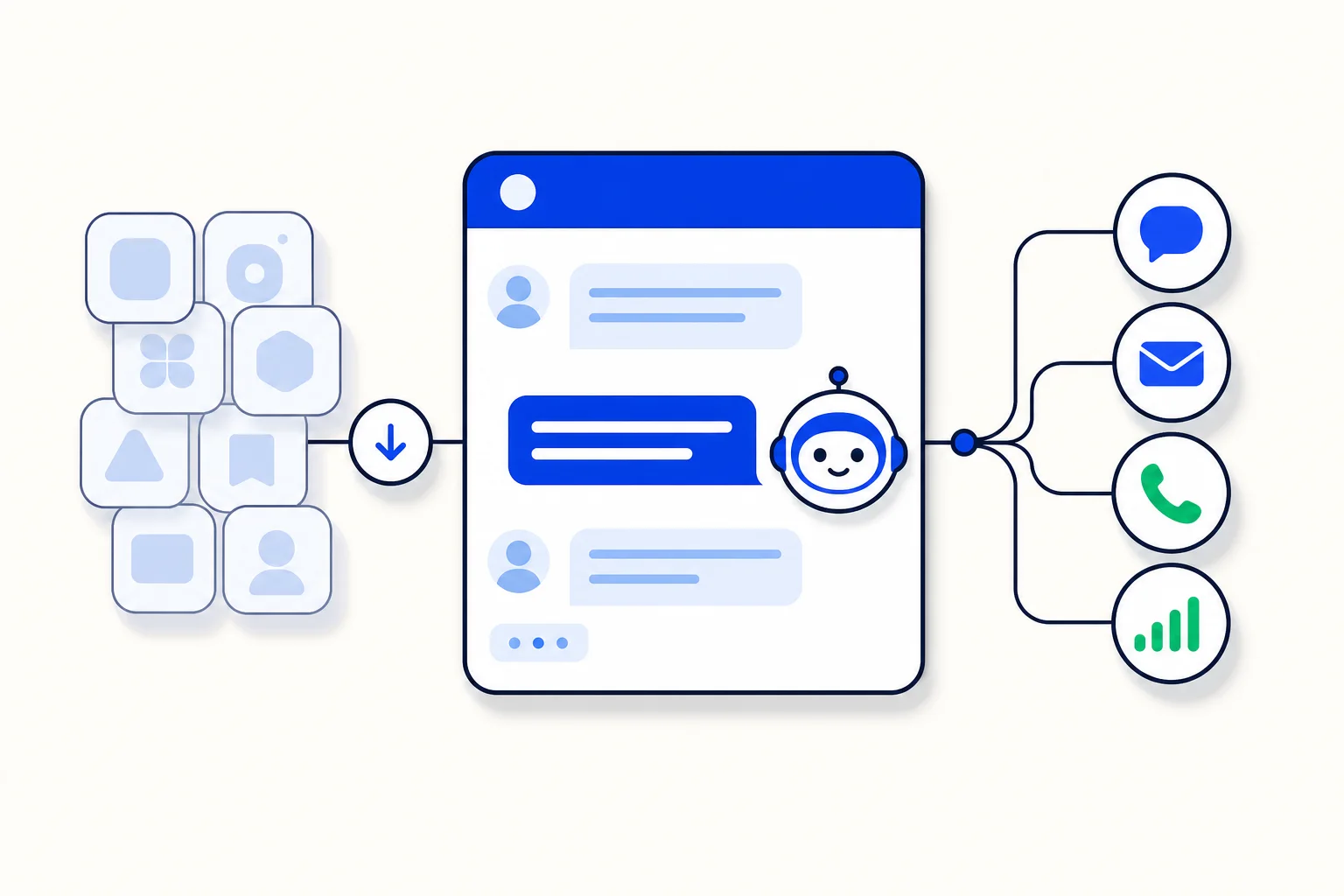
An AI agent answers your customers in an inbox and hands the conversation over to the right team when a person should step in. It runs inside HellouOne, with no external server: one editor holds its persona, knowledge, handover, rules and tools, plus a safe test chat so you can rehearse before it meets a real customer. Only administrators can create and edit AI agents, and your plan must include them.
Create it
Go to Settings → AI Agents and click Configure new AI agent, then Choose AI agent. Give it a Name and click Create and configure. The agent starts with sensible defaults, so a first version takes minutes.
Persona and model
Persona and instructions say who the agent is, what it helps with, the tone it uses and what it must never do. Then pick the Model: the default suits most teams, and it can read images, shown in the list as '· 👁'.
Knowledge
The Knowledge section decides what the agent answers from. Mode offers No knowledge, Whole text in the prompt, or Search the knowledge base, and Search answer chooses between The passages found and A summary. The documents themselves live in Settings → Knowledge Base.
Handover and hours
Switch on Let the AI agent hand over and Send the customer a handover message so nobody is left mid-conversation. Under Business hours — Use business hours, Time zone and Weekly schedule — you decide when the agent works the way your team does; outside hours a handover still opens the conversation, except in areas set to register it and keep answering.
Areas, rules and tools
Areas are handover destinations: a name, when the agent should pick the area, the team or agents who receive it, whether it is urgent, what the area does NOT handle, and up to five phrases its customers write; mark one as the Default area. Rules are checked in order before the agent reads a message, and the first match runs: one condition, an optional Not, and the steps that follow. Tools let the agent act: built-in actions update the contact, save an attribute, add a label or resolve the conversation, and custom flows and connectors reach your CRM, store or calendar.
Test, save and connect it
Use the Test chat to write as a customer: nothing is sent, handovers are simulated, and only reading calls run for real. Then click Save and connect the agent to an inbox in Settings → Inboxes → your inbox → AI Agent Configuration: Select AI agent and Update. And if you would rather describe a change than click it, ask LIA — 'Make my AI agent shorter and stop offering discounts' — it shows each change for your approval.
Read the full guide in the Hellou help center: https://help.hellou.ai/hc/hellou/articles/1791216503-ai-agents-create-and-configure-your-assistant























