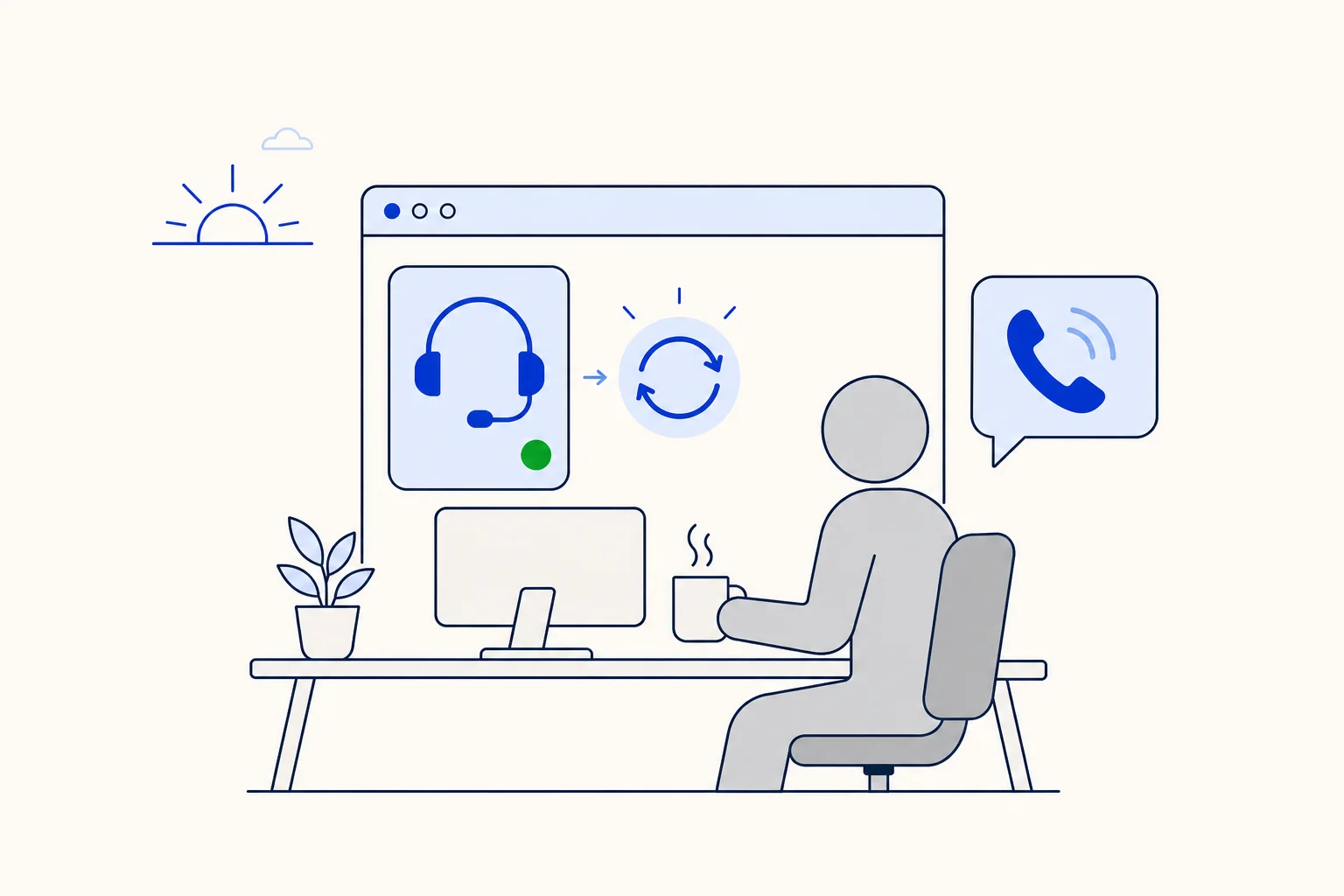
Every contact center has a small ritual at the start of a shift. The agent sits down, opens the dashboard, checks the queue, reads a note from the night team and then, if they remember, connects the phone. If they forget, the first calls of the day ring nobody on their seat. Nobody notices until a supervisor asks why a customer waited, or until the agent wonders why the morning is so quiet.
HellouOne's softphone now removes that step. Agents who were connected the last time they used the dashboard are reconnected automatically when the dashboard loads. They press Connect once on their computer, and from then on the phone comes back by itself every time they open HellouOne on that browser.
What changes for your phone agents
The softphone is the phone that lives inside the HellouOne dashboard: the agent takes and makes calls from the browser, with a headset, next to their conversations. Until now it had to be connected by hand after every page load. A reload, a browser restart or a new day meant clicking Connect again.
Now HellouOne remembers that the agent was connected. The memory is kept in that browser, for that agent and that account, and it is saved only after a connection that worked. The next time the dashboard loads there, the softphone registers again on its own, with no click. There is no setting to switch on: an agent who uses the phone simply stops having to reconnect it.
What it deliberately does not do
Auto-connect is careful by design, because a phone that connects in the wrong place is worse than one that does not connect at all:
It works per browser and per person. Another computer, or another person signing in on the same browser, does not connect automatically until they press Connect there once.
It never takes the phone from another tab. If the phone is already active in another tab of the same browser, the new tab says so and offers a Use it here button, so the agent decides where calls ring.
It never asks for the microphone on load. It only reconnects when the browser already allows the microphone. If the microphone is blocked or was never allowed, it stays quiet and the phone waits on Connect; pressing Connect then explains what the browser needs.
It does not change the agent's availability. It connects the phone, nothing more. An agent who is busy or offline is still not rung.
Two things switch it off: the agent pressing Disconnect, or the server refusing the phone for good, for example because an admin turned the softphone off for that agent. Signing out does not switch it off, and a temporary error simply means it tries again on the next load.
Why it matters at the start of a shift
Missed calls at the start of a shift are rarely about people. They are about a manual step that is easy to skip when the queue is already full. A customer who calls at 8:01 and hears nothing does not know the agent forgot a button; they only know nobody answered.
Removing the step has three practical effects. Agents are ready to take calls as soon as they set themselves available, so the first calls of the day reach someone. Supervisors stop chasing people to check whether their phone is connected. And a reload in the middle of the day, which used to quietly disconnect the phone, now brings it back by itself, so calls do not go missing after a browser hiccup.
Hearing the call when the tab is in the background
The same release improves what happens when a call arrives and the agent is looking at something else:
When the HellouOne tab is hidden, a desktop notification for the incoming call shows the caller's name, as long as desktop alerts are on and the browser allows notifications. Desktop alerts are now on by default for agents who never chose a preference.
Browsers keep a page silent until someone clicks on it. HellouOne shows a small reminder to click anywhere to enable the ring sound, and a call that is already ringing now starts sounding at that first click instead of staying silent.
Who gets it
Auto-connect is part of the HellouOne softphone, which is a voice feature of your plan. An admin gives each agent a phone extension with the softphone switched on; from there it works the same for agents and admins. If your team already uses the softphone, nothing needs to be set up: each agent presses Connect once more on each computer they use, and the phone takes care of itself after that.
How this works in HellouOne
The softphone sits next to the rest of the work. Calls appear in the call history with their details, supervisors follow the floor in the live call center panel, and AI voice agents can answer first and transfer to the agents whose phone is connected. A few habits make the most of auto-connect:
Ask each agent to press Connect once on the computer they work on, and to allow the microphone and notifications when the browser asks.
Keep the dashboard in one tab. If a second tab opens, use Use it here only where the agent wants calls to ring.
Use Disconnect when an agent leaves a shared computer, so the phone does not come back there for them.
Remember that connection and availability are separate: the agent still sets themselves available to receive calls.
Read how availability decides who receives conversations, how the softphone behaves on campaigns in campaign mode, and where to follow every call in call history and the live call center panel. For the full calling setup, see Hellou Connect calling.