
Phone support has a reputation for being a black box. Calls come in, some get answered, some do not, and at the end of the week nobody can say with confidence how many customers were left waiting. When the phone system sits in a separate tool from the chat, the picture gets even blurrier, because the same customer may have written and called about the same problem.
If your plan includes telephony, HellouOne puts calls in the same place as chats and adds two pages to make them visible: Call History and the Call Center Panel. This guide explains both, along with the dialer, the Calls report and how billing works. It follows the help center article Llamadas: historial y panel en vivo. WhatsApp calls are a separate feature with their own setup, covered in WhatsApp calling from the browser.
The dialer: calling from where you chat
Agents call and receive calls from the same panel where they chat. The green phone button at the bottom right opens the dialer, where an agent can dial a number or search for a contact. During a call they can mute, put the customer on hold and transfer the call.
When a call comes in, it rings in the browser of the available agents. The one technical requirement is the microphone: your browser must allow microphone access for one.hellou.ai, otherwise the agent can see the call but the customer cannot hear them.
Call History: every call, logged
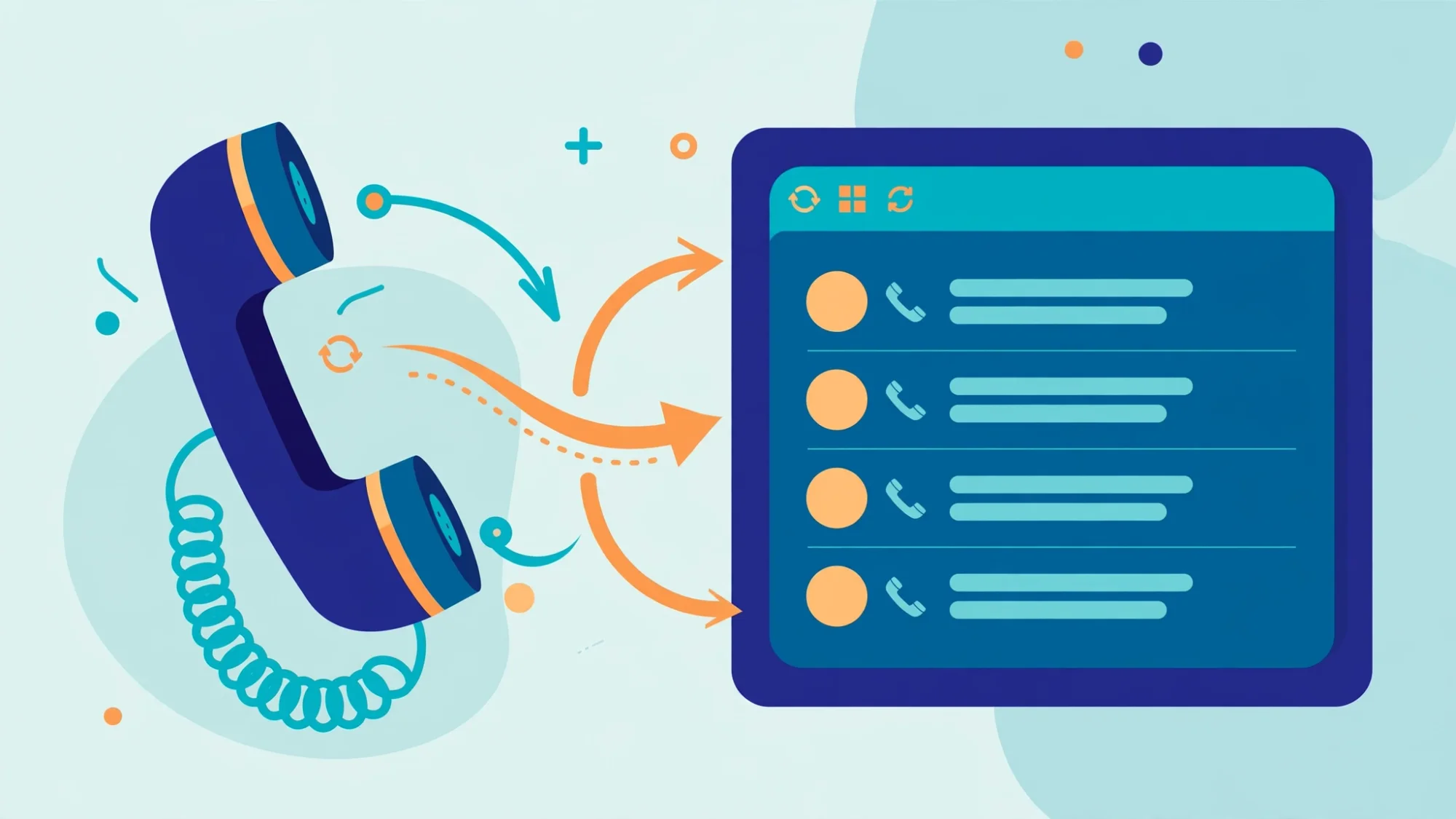
Both pages open from the phone icon in the side menu. Call History records every inbound and outbound call with:
Date and time.
Contact, when the number is already in your contacts.
Agent extension, origin and destination.
Direction (inbound or outbound).
Status, such as answered, missed or busy.
Duration.
The recording, to play or download, when your phone system records calls.
You can filter by text, direction, status, agent or date range, and use Download CSV to take the result to a spreadsheet. A few filters answer most questions quickly: missed inbound calls this week show who needs a callback, one agent's calls over a month show workload, and a text search on a number shows everything that happened with one customer.
The live call center panel
The Call Center Panel is built for a big screen in the office. It shows calls waiting, agents available, calls in progress and agents in wrap up, plus the list of agents with their status. It updates on its own, so a supervisor can glance at it and see whether the queue is building before customers start complaining.
The same live block appears in Reports, under Overview, as Live call center, so managers who work from the reports page do not need a separate tab.
The Calls report
Where the live panel tells you what is happening now, Reports, Calls summarises a period: answered calls, missed calls, average duration and figures per agent. That is the view for a weekly review. If missed calls rise on a particular day, or one agent's average duration is far above the rest, you see it here and can dig into Call History for the details.
Billing for calls
Calls are billed per minute according to your plan and deducted from the balance shown in Billing. From the same page you can top up the balance and see usage detail, so the cost of phone support is as visible as the calls themselves.
If you do not see these pages
Telephony is switched on by the HellouOne team when you sign up for a plan with voice, because your extensions and phone number need to be created. Write from Settings, Billing, Chat with us and the team will set it up for you.
How this works with HellouOne
Calls live next to chats in the HellouOne shared inbox, so the same agents, contacts and reports cover both. A call from a number in your contacts shows the customer's name, the history page keeps every call searchable, and the live panel and Calls report give supervisors the numbers they need without a separate phone tool. For how call records can also reach your CRM, see CRM call logging with your phone system.
A good first week with telephony: allow the microphone on every agent's browser, put the live panel on a shared screen, and check missed inbound calls in Call History at the end of each day. Learn more in the help center: Llamadas: historial y panel en vivo.























