
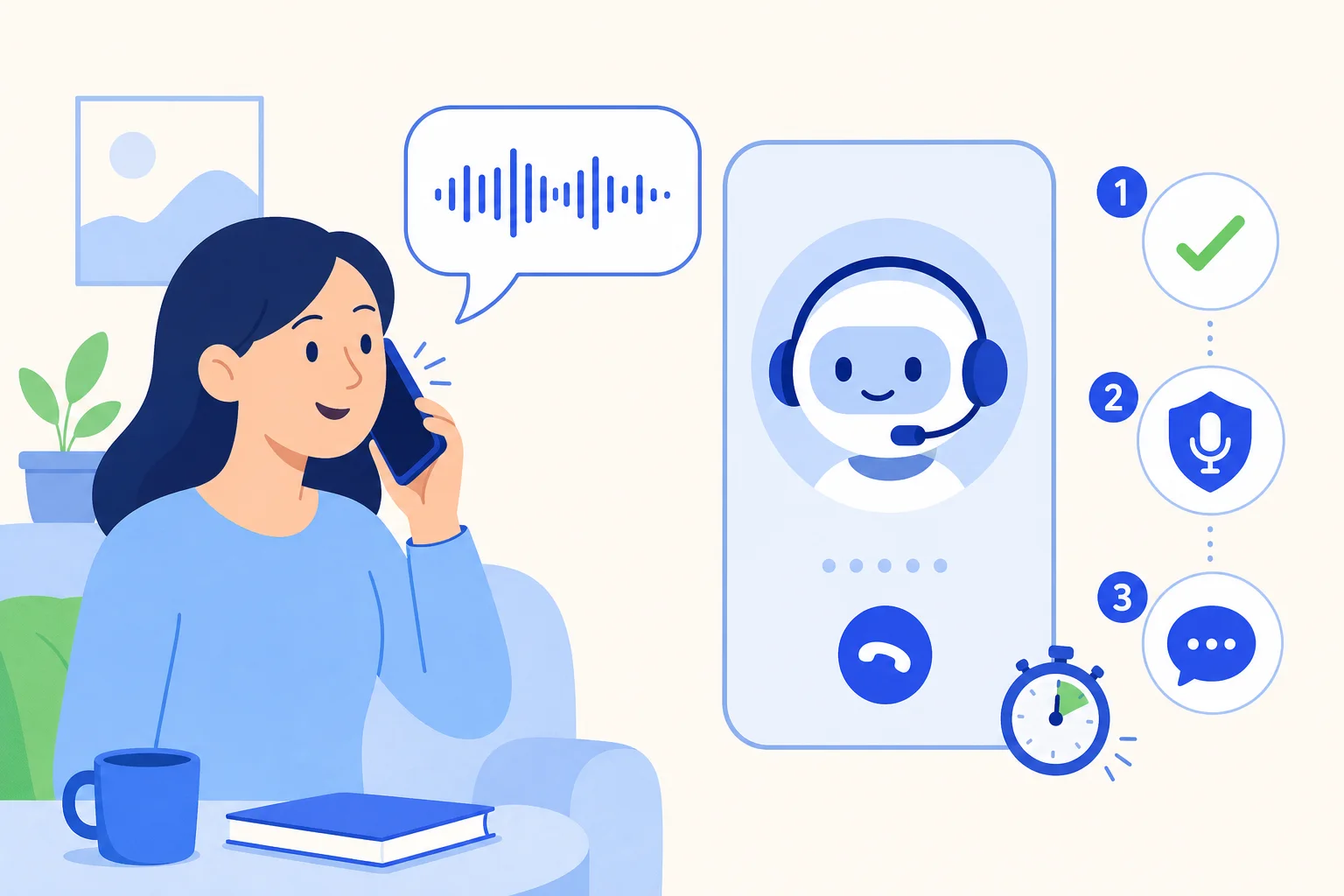
The first five seconds of an outbound call decide whether it goes anywhere. If a voice starts a pitch before the person has even said hello, many people hang up on the spot. If the caller never checks who picked up, the message can reach the wrong person. And if the recording notice is buried or skipped, the business has a compliance problem.
HellouOne now has a who speaks first setting for outbound AI calls that fixes the order of that opening. You can set it per AI agent or per campaign, and the campaign wizard preview shows exactly the order the call will follow. Inbound calls are unchanged.
The new opening, step by step
With the setting on, an outbound AI call follows this sequence:
The AI agent stays silent until the person speaks. The call starts the way a human call does, with the person answering first.
It asks whether it is speaking with the contact, by name. In Spanish that sounds like Hablo con Ana?
It waits for the answer, so the conversation only continues once the right person has confirmed.
It gives the recording notice.
Only then does it say why it is calling.
If nobody speaks for about 8 seconds, the AI agent says the whole opening anyway. Some people pick up and wait silently for the caller, and the call should not stall because of it.
Why this order works better
Waiting for the person to speak makes the call feel like a real conversation instead of a recording. Confirming the name before anything else protects the contact's privacy: a payment reminder or an appointment detail goes to the person it is meant for, not to whoever happened to answer the phone. Giving the recording notice before the reason for the call means the notice is heard before anything substantive is said, and every call follows the same order, so there is a clear record of it.
For the business, that adds up to fewer early hangups, conversations that start with the right person, and a consistent opening that is easy to audit.
Per AI agent or per campaign
Setting it on the AI agent makes it the default for every outbound campaign that agent runs. Setting it on a campaign lets you choose for that campaign alone, for example a collections campaign where confirming identity matters most, while a different campaign keeps another opening.
Whichever level you choose, measure the effect. Before switching it on, note how many calls in a recent campaign ended within the first few seconds. After a week with the new opening, compare the same figure in the call history. Fewer early hangups and more conversations that reach the reason for the call are the signs that the order is working for your contacts.
See it before you launch
The campaign wizard preview shows the order the call will follow, so the person building the campaign can check the opening before a single number is dialed. That makes it easy to confirm the recording notice is in place and the name question reads naturally.
Inbound calls stay the same
This setting only affects outbound AI calls. When a customer calls your business, the AI agent answers as it does today, because the caller already knows who they called.
How this works with HellouOne
Who speaks first is part of how you configure the HellouOne AI agent and its voice campaigns, next to its instructions, knowledge and handover areas. The contact's name comes from your HellouOne contacts, so keeping names up to date makes the confirmation step sound right. Every call is logged in the call history, and if the person asks for a human, the AI agent hands over according to your handover rules.
A good way to start: switch the setting on for one campaign, read the order in the wizard preview, listen to a few recordings from the first day, and then make it the default on the AI agent.























