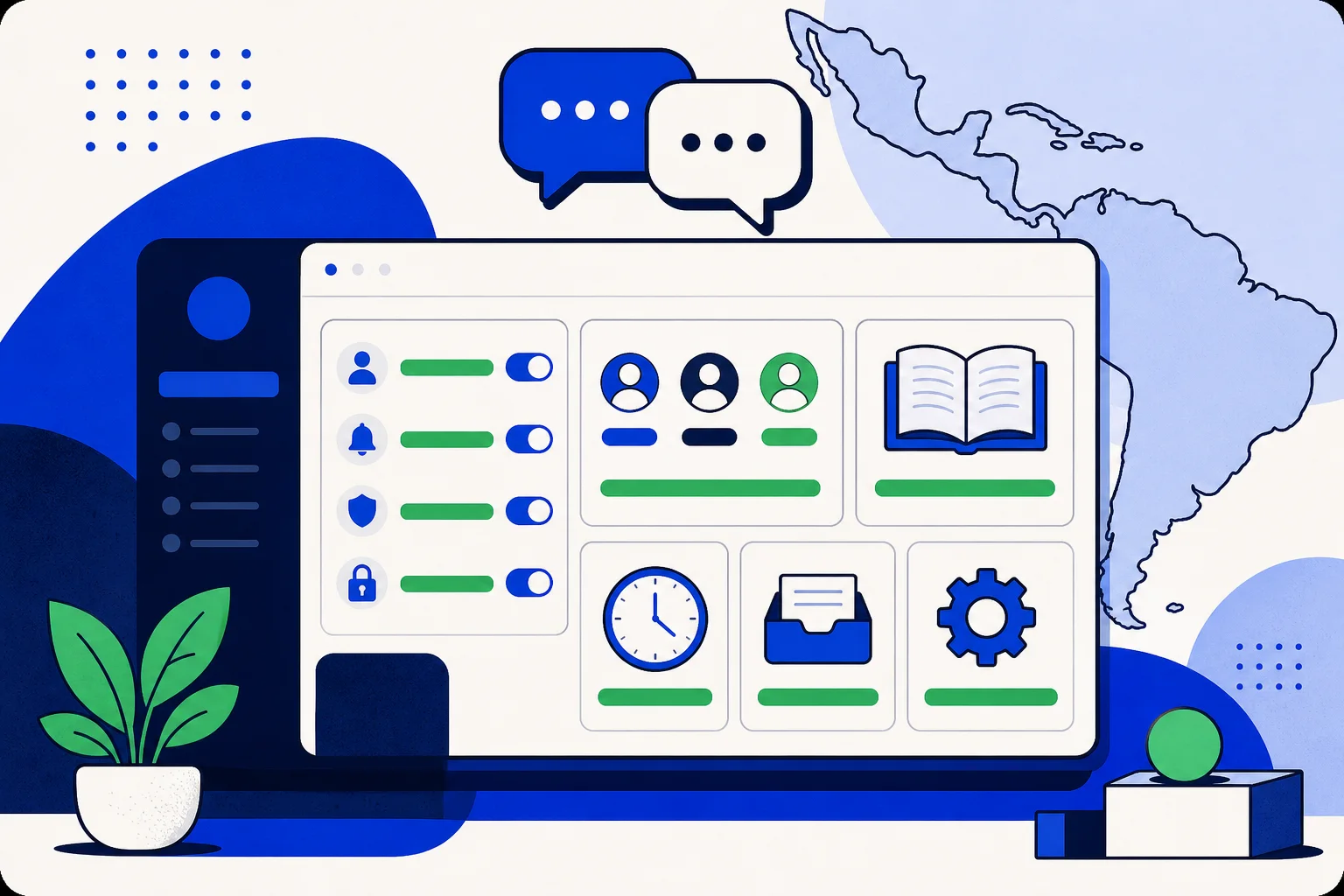
A dashboard that is mostly in Spanish is not the same as one that is fully in Spanish. When nine labels out of ten are translated and the tenth is not, the missing one is the one your team stumbles on, usually in the middle of a settings change. This release closes that gap. Around 130 Spanish interface keys that were missing or still carried English values have been filled in across the HellouOne dashboard.
Where the changes landed
The work focused on the settings areas that admins use most, plus a few places that kept showing up in support conversations:
Channels: connecting and managing WhatsApp and your other channels.
Custom roles: defining what each team member can see and do.
Knowledge base: the content your bots and agents draw on.
SLA: response and resolution targets.
Inbox: the shared inbox settings your agents live in every day.
General settings.
Before this release, some of these screens mixed Spanish labels with English values pulled from defaults, which is more confusing than a screen entirely in English. Every one of those values was reviewed and translated, and the keys that simply had no Spanish entry were added.
The channels area was a priority because it is the first thing a new account touches, and the custom roles screen because it is where mistakes are expensive. A permission described in a language you only half read is a permission you might grant by accident.
Two more areas got attention. The hotkey cards in the profile, which show the keyboard shortcuts for the inbox, are now localized, so a Spanish-speaking agent can learn the shortcuts without decoding English labels. And all bot connector gallery text, including the descriptions and setup copy for the new integrations, is available in Spanish.
Why 130 small strings matter
None of these keys is dramatic on its own. A button label here, a field description there. Together they decide whether the product feels native or borrowed. An admin configuring SLA targets should not have to guess what a term means in context. A new agent reading the inbox settings should not switch languages halfway down the page. Consistency lowers the effort of every interaction, and that adds up across a team that spends its whole day in the dashboard.
It also affects who can do the work. When parts of the settings are in English, configuration tends to end up with the one person on the team who is comfortable in both languages. When everything is in Spanish, any admin can own it.
There is a practical side for managers too. Training a new agent is easier when the screen matches the words used in the training. Written procedures, screenshots and the actual interface can all use the same Spanish terms, so nobody has to keep a mental glossary of what each English label corresponds to.
A push for Spanish-speaking teams across LatAm
HellouOne is used by teams from Mexico to Argentina, and Spanish is the working language for most of them. This localization push is part of a broader effort, alongside fully localized guided tours and a Spanish connector gallery, to make sure that a team in Latin America gets the same quality of experience as a team working in English. Where the product talks to you, it should do so in your language, all the way through.
What to expect next
Localization is never finished. New features bring new strings, and the team keeps reviewing the Spanish interface as the product grows. The guided tours already ship in Spanish and Brazilian Portuguese. If you spot a label that is still in English or reads awkwardly, tell us through your usual support channel. Those reports are how the remaining gaps get found.
How to switch
If your dashboard is not in Spanish yet, change the language in your profile settings. The change applies across the dashboard, including settings, inbox, hotkey cards and the connector gallery.