
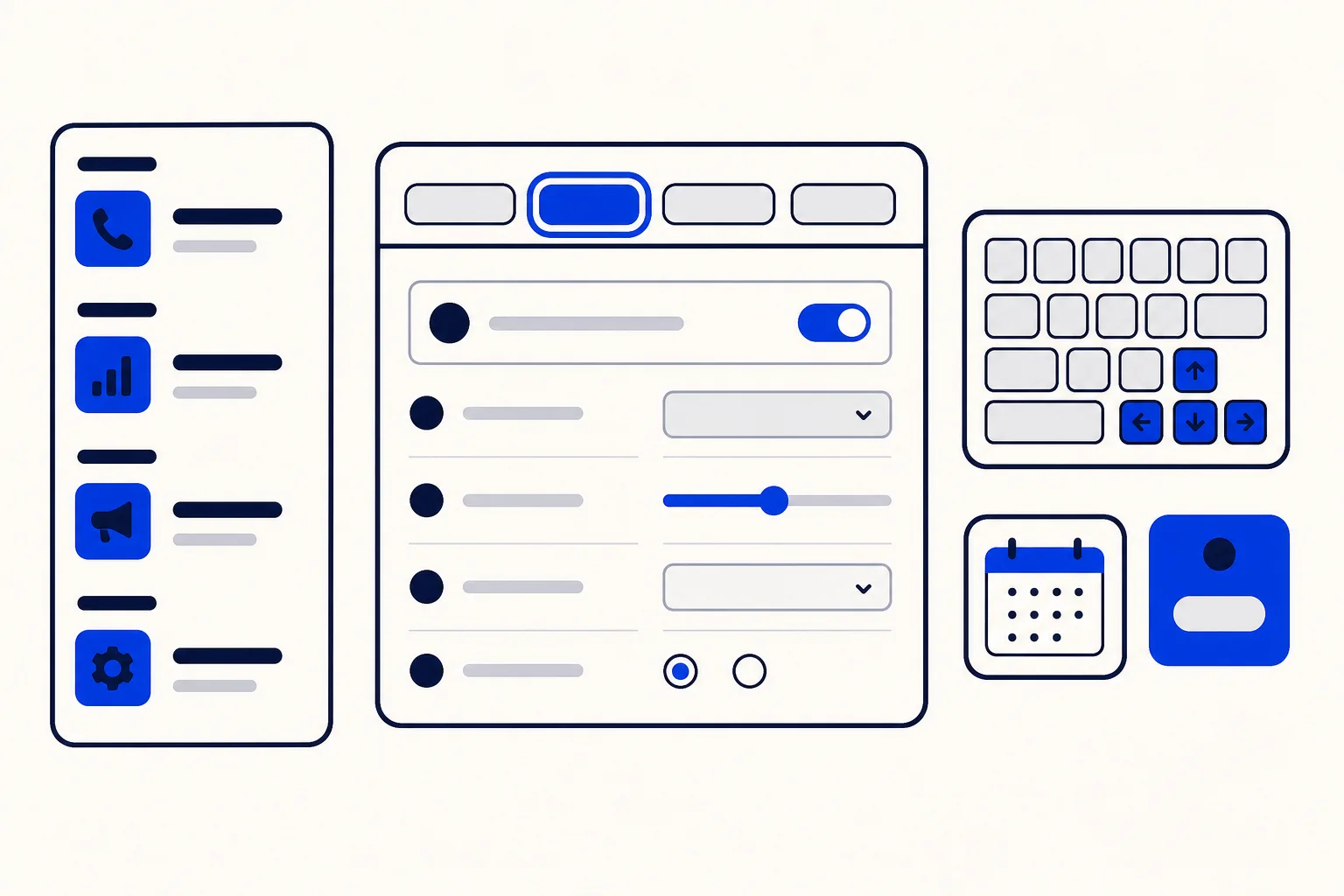
Voice in HellouOne has grown fast. Call history, AI phone lines, voice campaigns, the live monitor, compliance rules and several reports all arrived in a short time, and each one landed in the menu where it fit at the moment. The result worked, but it asked people to remember where things were.
This release tidies up the voice area so it is easier to find your way, easier to use from the keyboard and easier to read for teams in different countries. Nothing about how calls or campaigns work has changed. What changed is how the screens around them are organised and how they behave.
A Voice menu grouped by what you are doing
The Voice menu is now grouped under headers that match the job at hand:
Activity: call history, AI calls and the live monitor.
AI agents: your AI phone lines.
Campaigns: voice campaigns.
Reports: the call report, the AI call report and campaign reports, including report thresholds and per-campaign detail pages.
Admin: phone numbers, compliance, the change log and contact center settings.
Each entry only appears when your account uses that part of voice, and some are for administrators only. So most teams see a shorter menu than this full list, with just the pages that apply to them. Agents who only take calls are not distracted by settings they cannot change.
Settings pages that behave the same way
The AI agent editor, the dialer console, AI phone lines and phone numbers now share the same settings layout and header, including the menu button on phones. Once you know how one of these pages works, you know how the others work too.
The pages also link to each other where it makes sense. An AI phone line links straight to its AI agent and to a See calls view, so you can go from a line to the agent behind it, or to what it has been doing, in one click.
Easier to use from the keyboard
Many people who run phones all day prefer the keyboard. Several parts of the voice area are now easier to use without a mouse:
Tabs are real tabs for screen readers. Arrow keys, Home and End move between them, and Enter or Space selects one.
Rows in the audit log and the live monitor open from a proper button, and focus stays where you are when another row opens.
The dialer mode choice is a set of radio options you can move through with the arrow keys.
Focus outlines stay visible in dark mode, buttons are at least 24 pixels tall, and the pages work on screens as narrow as 360 pixels.
These improvements cover the tabs, those two tables and the dialer mode choice. They make day to day work smoother for the people who live in these screens.
Dates and numbers that read the same everywhere
The audit log, the live monitor, the compliance page and the voice reports now share one way of showing dates, numbers and rates. A date in a report looks like a date in the audit log, and a rate looks the same wherever it appears.
Time zones are clearer too. The audit log now tells you which time zone it is showing, and the voice reports have a time zone selector. For teams spread across more than one time zone, that removes a common source of confusion when someone asks what time a call happened.
Who benefits
Supervisors, who move between the live monitor, call history and reports many times a day.
Administrators, who set up phone numbers, AI phone lines and compliance rules.
Agents who work mostly from the keyboard or use a screen reader.
Teams in more than one time zone, who need dates and times they can trust.
How this works with HellouOne
The voice area is where you run HellouOne AI voice agents, your phone system calls and WhatsApp calls, next to the chats your team already answers. The new grouping follows the order most teams work in: watch activity, set up AI agents, run campaigns, read reports and adjust admin settings.
There is nothing to configure. The next time you open Voice, the menu is already grouped and the pages already share the new layout. If you are getting started, a good path is to open AI phone lines, follow the link to the AI agent behind each line, and then use See calls or the unified call history to check how it is doing.























