
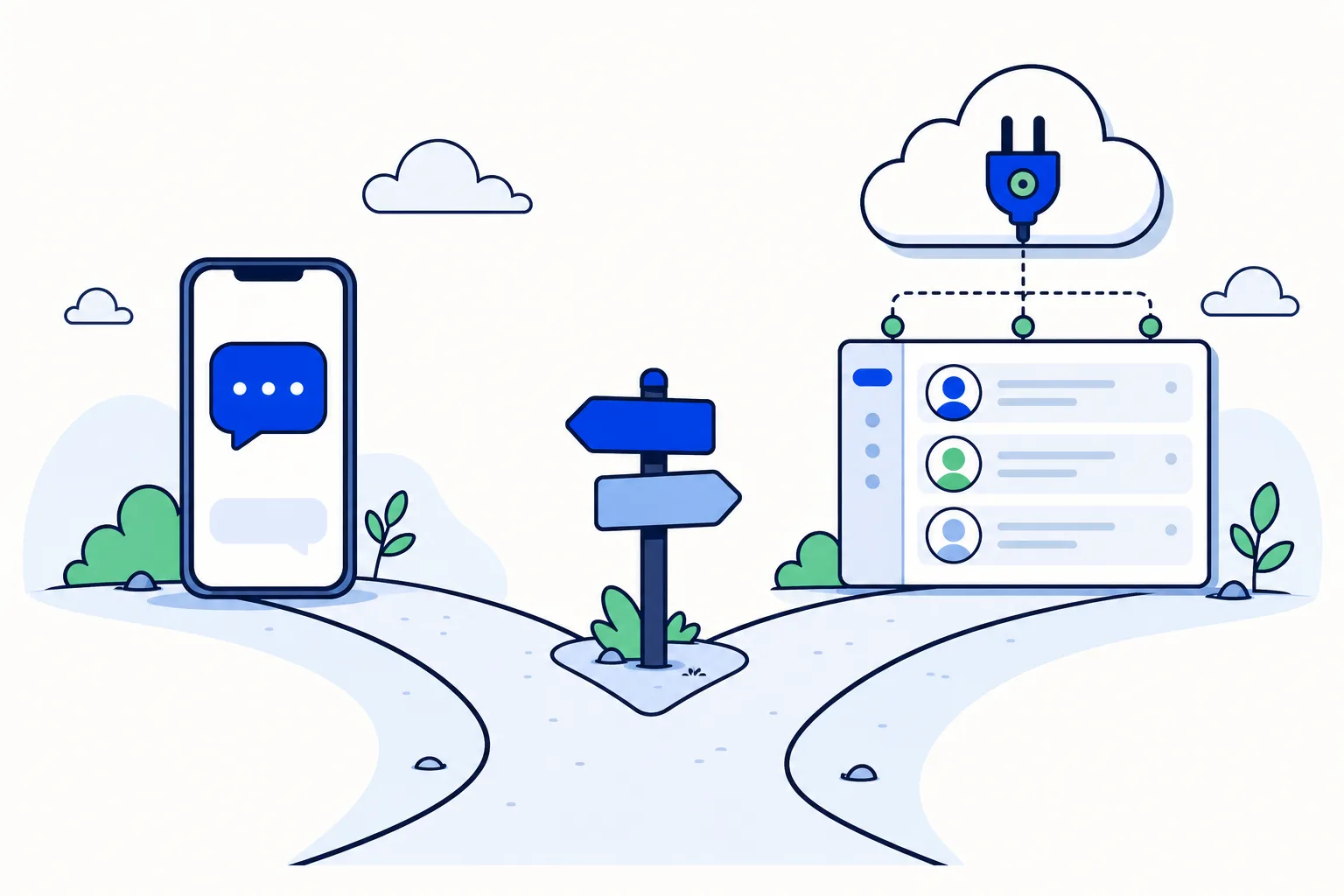
Most businesses start on WhatsApp the same way: one phone, the free WhatsApp Business app, and whoever owns the phone answers. It works until the second or third person needs to answer too. At that point the question comes up: do we stay on the app, or move the number to the API?
It helps to be clear about what kind of decision this is. The WhatsApp Business app and the WhatsApp Business API (officially the WhatsApp Business Platform) are both Meta products. You are not choosing between vendors; you are choosing which of Meta's two doors your number sits behind. The software you use on the API side (a team inbox, a CRM, an AI agent) is a separate choice that comes after.
What is the WhatsApp Business API, in plain terms?
The app is a program on a phone. The API is a cloud interface hosted by Meta: there is no app to install and no phone to keep charged. Messages for your number arrive at Meta's servers and are handed to whatever software you connect, and that software sends the replies. For most SMBs that software is a team inbox, which is why "moving to the API" and "getting a team inbox" tend to mean the same thing in practice.
Your phone number is the thing that moves. It either migrates from the app to the API outright, or, with coexistence, it stays active in the app while also being connected to the API. The number itself does not change.
What stays the same for your customers:
Your number. They keep writing to the contact they already saved.
Your business name and profile.
Their side of the conversation. Nothing is deleted on their phone.
What changes for your team:
Every person gets their own login instead of sharing one phone or a linked device.
Conversations can be assigned to a person or a team, so ownership is explicit.
You get reports: response times, volume per agent, open versus resolved.
Integrations become possible: CRM sync, e-commerce, calendars, payment links.
AI agents can answer first and hand over to a person under rules you define.
Outbound campaigns use approved message templates and a consent list.
Meta bills per message for templates, and since October 1, 2026 also for free-form replies after the first 1,000 per phone number per month. More on that below.
When is the app still enough?
If one person answers every chat, the app is a reasonable choice. A solo operator or a small clinic where the receptionist owns the phone gets a catalog, quick replies, labels and away messages for free, and the new Meta Business Agent can answer basic questions and book appointments on the app without extra software.
The app can also link a few extra devices (five in total, counting the phone), which gets a second person reading and replying. That is where many teams stall: the linked devices share one identity, so nobody can tell who wrote what, and nothing can be assigned.
If you read the next section and recognise fewer than two of the signs, stay on the app. If you recognise three or more, you have already outgrown it.
What are the 7 signs a team has outgrown the app?
1. Two people answer the same customer
A customer asks for a price. Two colleagues see it on linked devices and both reply, with slightly different numbers. Or, the opposite: each assumes the other has it and nobody replies. On the API, each conversation has one assignee, and assignment can be automatic (round-robin across the sales team, for example), so the second reply never happens.
2. Nobody can tell who said what
On a shared phone, every outgoing message is simply "you". When a customer complains that "someone promised delivery on Monday", there is no way to know who, or to coach them. A team inbox on the API records the author of every message, keeps private notes on the conversation and lets you @mention a colleague inside the thread.
3. Leads wait hours after closing time
A Facebook ad runs at 9 pm, a lead writes at 9:15 pm, and the phone is in a drawer until 8 am the next morning. The Lead Response Management study by Oldroyd found that replying within 5 minutes versus 30 minutes makes a large difference in reaching and qualifying a lead; by the next morning the lead has usually talked to someone else. On the API, an AI agent or an automation sends the first reply in seconds, around the clock.
4. The phone holder is the bottleneck
The number lives on one person's phone. When that person is in a meeting, on holiday or off sick, the business is effectively closed on WhatsApp. If they leave the company, the chat history may leave with them. The API separates the number from any one device: it belongs to the business account and every authorised person can reach it from a browser.
5. You need campaigns to a consent list
Broadcast lists in the app only reach people who saved your number, and they cap out quickly. If you want to send a promotion, a reminder or a reactivation message to a list of customers who opted in, the API is the only route: you submit a message template to Meta, pick an audience, and the messages go out from your number with per-message pricing by country and category.
6. You want AI to answer first
Meta Business Agent, launched in June 2026, brings AI to the app itself. It is designed for one phone: when it cannot answer, it transfers the chat to the phone holder, with no routing to a sales or support team. An AI agent on the API can qualify, book, track an order and then hand the conversation to the right person or team, with the full transcript attached. Meta's policy since January 15, 2026 allows exactly this kind of AI: one that serves your own customers rather than a general-purpose assistant.
7. Your CRM needs to know what was said
If sales updates a deal in HubSpot or Pipedrive by hand after every chat, something is always missing. On the API, the conversation can create or update the contact, log the exchange and move the stage.
What does moving to the API change in cost and setup?
On fees, Meta charges per message for templates, priced by country and by category (marketing, utility, authentication). Replies inside the 24-hour customer-service window used to be free; since October 1, 2026 Meta bills those free-form messages per message after the first 1,000 per phone number per month, as documented on Meta's non-template message pricing page. For a team doing a few hundred service conversations a month this is usually a small line item; for campaigns it is the main cost, so estimate before sending.
On migration, the number is kept. The step-by-step is in how to move your WhatsApp Business number to the API. If you would rather not switch everything in one day, WhatsApp coexistence lets the app and the team inbox run on the same number, so the owner keeps the phone while the team works from the inbox.
How this works in HellouOne
HellouOne is a team inbox and AI agent platform built on the WhatsApp Business API, so the seven signs above map directly to what it does:
Every team member has their own login; conversations are assigned by round-robin or priority rules, with five visibility levels so a rep sees their chats and a manager sees everything.
Every message carries its author. Private notes and @mentions live inside the conversation, and agent, team and conversation reports show who answered what and how fast.
AI agents answer first, 24 hours a day, and hand over to a team through handover areas you define. AI is included on every plan.
Campaigns use approved templates with a cost estimator before you send, and HellouOne adds 0% markup on Meta's per-message fees.
Two-way CRM sync with HubSpot, Pipedrive, GoHighLevel and DataCRM, plus Shopify, WooCommerce, Calendly, Stripe and Mercado Pago among 16 connectors.
LIA, HellouOne's setup assistant, guides you through connecting the number step by step. Coexistence is supported: you can keep the WhatsApp Business app on the phone and let the team work from the inbox on the same number, migrating gradually.
The 7-day free trial needs no card and includes 2 agents, 2 inboxes and 100 conversations; the account goes read-only afterwards rather than charging you. See how it works and the WhatsApp team inbox page for the full picture.
So, app or API?
Stay on the app if one person answers everything. Move to the API when a second person needs to answer with their own name, when leads arrive outside working hours, or when you want campaigns, AI or a CRM in the loop. The number comes with you either way, and with coexistence the move does not have to happen in one day.























