
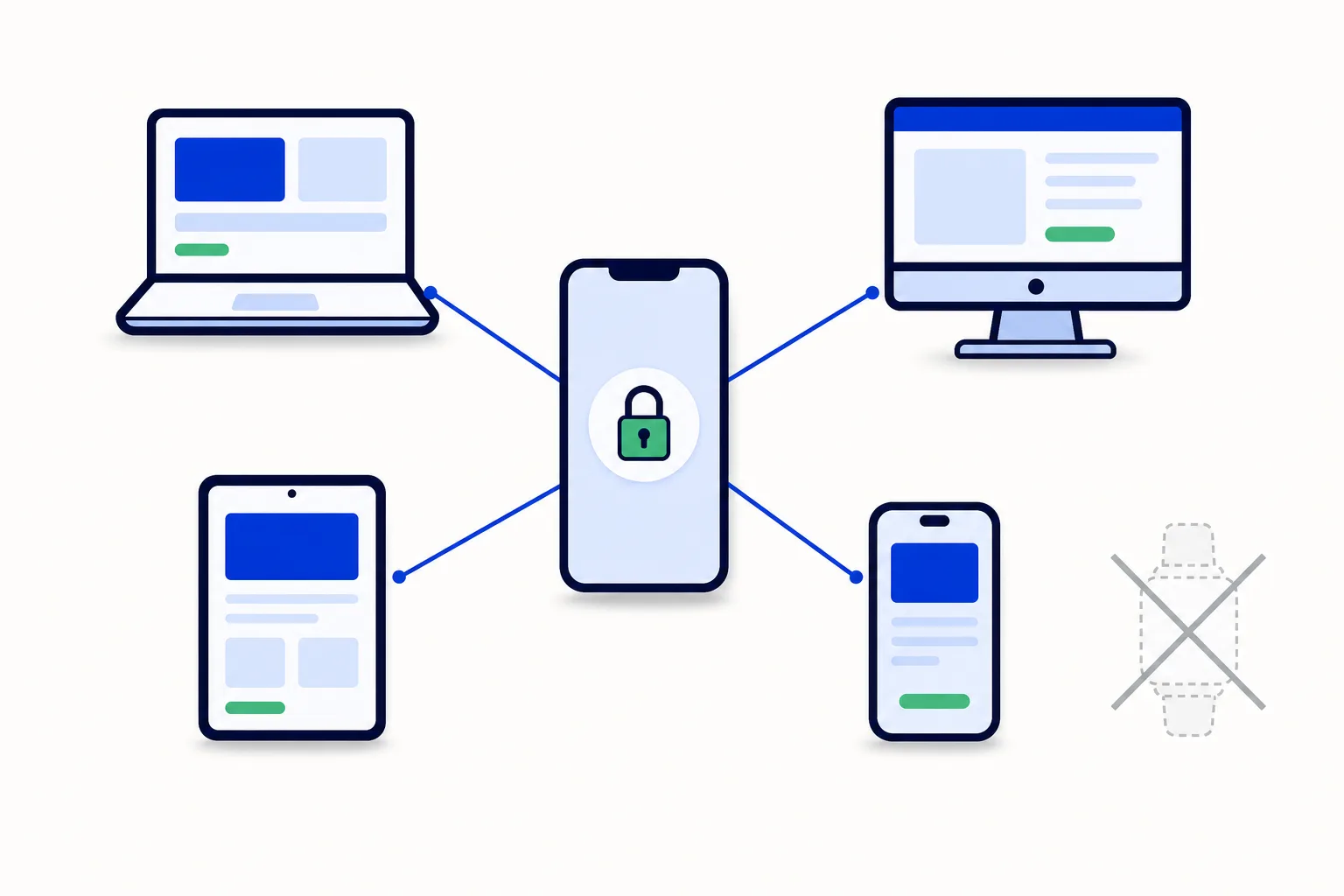
If you run a business on WhatsApp, sooner or later you hit the linked-devices ceiling. Someone tries to add a fifth laptop and WhatsApp asks which device to drop. That moment is worth understanding, because the limit is only half the story. The other half is that linked devices were never meant to turn one account into a team tool.
What is the WhatsApp Business linked-devices limit?
WhatsApp's help center states it in one sentence: "You can stay connected by linking up to four devices at a time to your primary phone". In practice that means five screens for one account: the primary phone plus four linked devices.
The usual combination looks like this:
The primary phone. The phone that registered the number. It owns the account; everything else hangs off it.
WhatsApp Web in a browser on the office computer.
WhatsApp Desktop on a laptop.
A tablet, for the counter or the showroom.
A second phone as a companion device, for example a personal phone that also carries the business chats.
That is four. The next device you try to link replaces one of them. The limit applies to the free WhatsApp Business app and to regular WhatsApp alike; it is a property of the account, not of your plan.
How does linking a device work?
Linking is done from the primary phone, through the Linked devices menu. You open the device you want to add (the web client, the desktop app, the tablet app), it shows a code, and you confirm it from the phone. Per WhatsApp's help center, linked devices stay connected to your primary phone; the exact conditions, such as how long a device stays linked and which features a companion device lacks, are documented on the help page and change from time to time, so check there.
One thing does not change: the primary phone remains the account, and every linked device is a mirror of it. There is no "my" view on one screen and "your" view on another.
What are linked devices good for?
Linked devices do one job well: one person on several screens.
Typing long replies on a keyboard instead of a phone.
Answering from the counter tablet while the phone stays in your pocket.
Keeping the business number on a second phone so you can leave the main one at the office.
If you are one person doing all the answering, the 4-device limit is rarely a problem.
What are linked devices not?
They are not multi-user. This is the point most businesses discover the hard way. Each linked device is a window into the same account, so:
No separate logins. There is no "Ana" and "Luis" inside the account, only the business. Everyone who has a linked device has the whole account.
No assignment. You cannot say "this conversation belongs to Ana". Every device sees every chat and anyone can reply to anything.
No "who answered". Every outgoing message is simply the business. Afterwards nobody can tell which person sent which reply, or who promised what.
No visibility control. A new hire with a linked device sees the full history with every customer.
No reports. No first-response time, no conversations per person, no count of what came in this week.
The primary phone still owns everything. If the owner's phone is off, lost or in a drawer, the account is at risk even with four laptops open.
For a solo business, none of this matters. For a team, each point becomes a daily friction.
When does the 4-device limit actually bite?
The ceiling shows up in five recognisable situations.
A team of three. Owner, a salesperson and a support person each want a laptop, plus the phone and a counter tablet. Five screens for three people: full. Add a fourth colleague and someone gets unlinked, or two people share a session and nobody knows who typed what.
A shift change. The afternoon shift uses the same linked laptops as the morning shift. Chats answered at 11:00 and at 15:00 look identical, and follow-ups fall through the gap.
A sales rep working from home. They need their own linked device, which means one less for the office. And because every device is the full account, the rep at home also sees the owner's negotiations and the accountant's collection chats.
A second location. A new branch wants to answer the same company number. Two or three more devices, the account is permanently full, and nobody at location A knows what location B told the customer.
An AI agent you want answering first. You want frequent questions answered at any hour and leads qualified before a person picks up. A linked device is a screen for a human, not an assistant that works on its own; the app has no slot for that.
None of these are solved by a bigger limit. Even if WhatsApp allowed ten devices, you would still have no assignment, no record of who answered and no reports.
What are the honest options?
There are three, and the right one depends on how many people touch the number.
Option 1: stay with linked devices
If you are one person, or two people who sit next to each other and talk all day, stay where you are. Use the phone, a laptop and a tablet, and spend your energy elsewhere. The limit is not your bottleneck.
Option 2: the WhatsApp Business API with a team inbox
The WhatsApp Business API is Meta's official way to connect a number to software instead of a phone; Meta documents it in its platform docs. On its own it is only an API. What makes it multi-user is a team inbox on top: a web application where each person has their own login, conversations can be assigned, and everything is reported.
This removes the device limit entirely. There is no "device" to link; there are users, as many as your plan includes, each logging in from any browser, and every message carries the name of whoever sent it. The full setup is in how to put multiple users on one WhatsApp Business number, and if you are not sure whether your team is there yet, WhatsApp Business app vs API lists the signs. Moving the number does not mean losing it: it moves from the app to the API and customers keep writing to the same contact.
Option 3: coexistence
If the owner is not ready to give up the app they know, coexistence lets you keep the WhatsApp Business app on the phone and run a team inbox on the same number at the same time. The team gets logins, assignment and reports; the owner keeps the familiar app. It is the gradual path, explained in WhatsApp coexistence: app and team inbox on one number.
A decision checklist
Answer these in order and stop at the first "yes":
Does only one person ever answer the number? Stay with linked devices.
Do two or more people answer, and do you need to know who said what? You need a team inbox, not more devices.
Do people work from home, in shifts or at a second location? Team inbox.
Do you want an AI agent handling the first reply and the frequent questions? Team inbox with AI agents.
Is someone on the team attached to the WhatsApp Business app? Team inbox via coexistence, then decide later whether to migrate fully.
How this works in HellouOne
HellouOne is a WhatsApp team inbox with AI agents built in, so the device limit simply stops being a concept.
Logins, not devices. Every person gets their own account. Starter includes 1 human agent, Team 3, Growth 6, with more on Scale and above. Any browser is a "device", and there is no cap on screens per person.
Assignment rules. Round-robin and priority rules put each new conversation on one person, so nothing lands on everyone and nothing lands on nobody.
Five visibility levels. From "only their own conversations" to "everything in the account", so a new rep, a supervisor and the owner each see the right slice.
Coexistence supported. Keep the WhatsApp Business app on the phone and run the HellouOne inbox on the same number; migrate gradually, or move the number outright and keep it.
AI agents first. An AI agent answers the first message, handles the frequent questions and hands over to the right team through a handover area; your people pick up with full context.
Reports. First-response time, conversations per agent and per team, and sentiment: the numbers linked devices can never give you.
The how it works page shows the flow from number connection to first assignment, and the pricing page lists plans. The 7-day free trial needs no card and gives you 2 agents and 2 inboxes, enough to see the difference between "four more screens" and "a team" on your own number.























