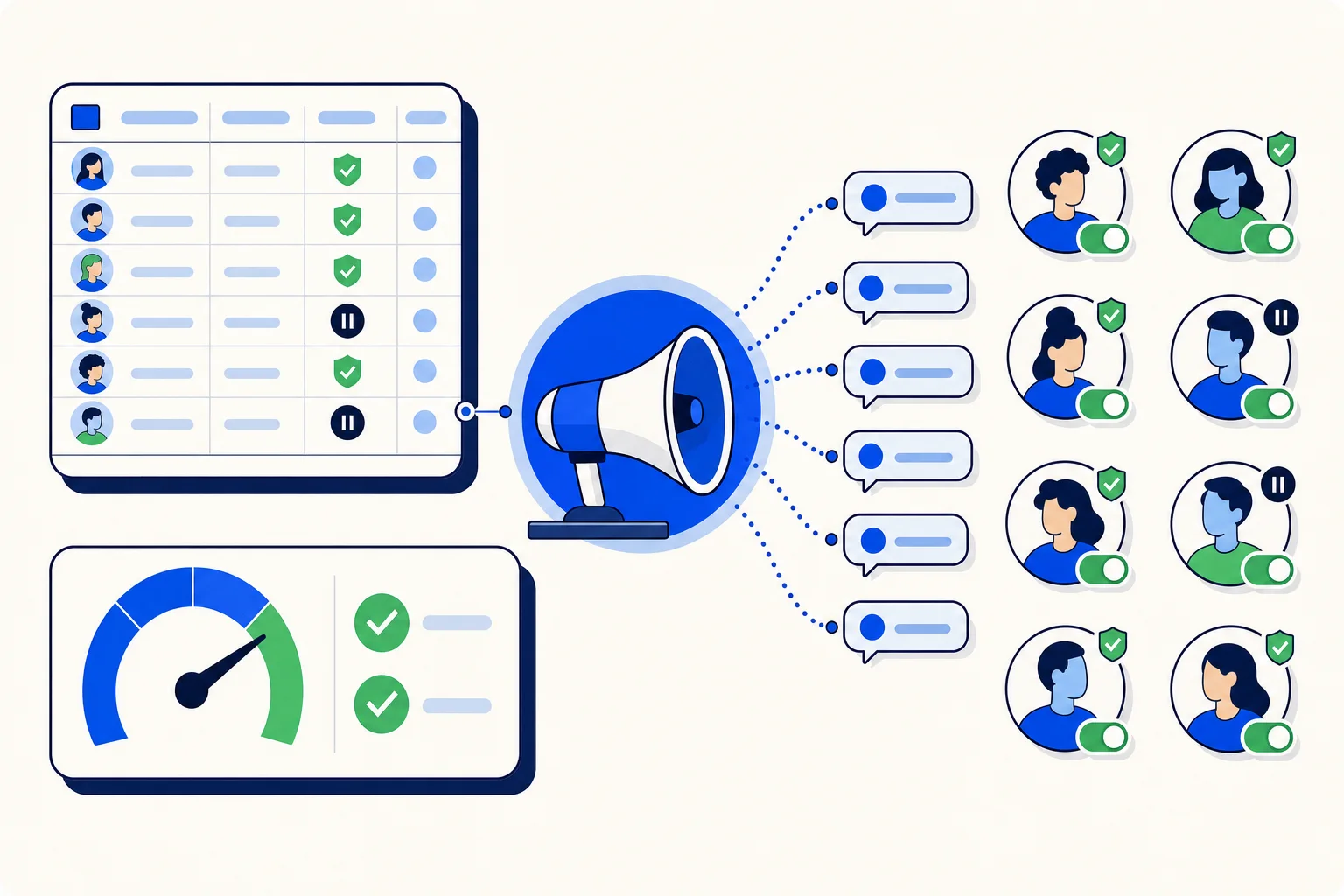
Every sales team knows the golden hour. A lead who fills in a form is interested right now, and the odds of a real conversation drop fast with every hour that passes. The problem is that most teams cannot answer every lead inside that hour, and on a weekend or a holiday they cannot answer at all. The new Facebook Marketing module in HellouOne adds an optional WhatsApp first touch for exactly this: each new Facebook lead can receive a WhatsApp template message automatically, moments after the form is submitted.
How the first touch works
The follow-up is configured per lead form in the lead-form editor. You switch it on, choose the inbox where the conversation should land, and pick the approved WhatsApp template to send. From then on, when a lead arrives from that form, HellouOne creates the contact and sends the template. The reply, when it comes, lands in the inbox you chose, with the lead's form data already on the contact, so whoever picks it up knows who they are talking to and what they asked for.
Because the message is a WhatsApp template, it goes through the same approval and quality rules as any other template on your account. You can use a template that greets the person by name, confirms what they asked about, and invites them to reply with a question or a good time to talk. Keep it short. The goal of the first touch is to open the conversation while the lead is still warm, not to close the sale in one message.
Two guardrails: consent and the 24-hour window
Sending the first message to someone who just gave you their phone number is a sensitive moment, and the module is built to get it right:
Consent-gated. The follow-up only goes out when the lead has consented to be contacted. Forms that do not capture consent, or leads that did not grant it, are created as contacts but do not receive the automatic message.
Only within 24 hours. If a lead is older than 24 hours when HellouOne receives it, for example after a reconciliation that picked up a missed submission, the automatic message is skipped. A late automatic message reads as spam, so the lead stays in your list for a human to handle instead.
Optional per form. The switch is per lead form, so you can run the first touch on a high-intent form and leave it off on a form used for a giveaway or a newsletter signup.
What this looks like for a sales team
Picture a dental clinic in Bogotá running a Facebook campaign for a teeth-whitening promotion. A lead submits the form at 9:40 on a Saturday night. Within moments, they get a WhatsApp message from the clinic confirming the promotion and asking which day works for them. They reply with a day. On Monday morning the receptionist opens the inbox and sees a conversation that is already halfway to a booking, with the person's name, phone and the form's answers on the contact card. Compare that with a CSV export on Monday and a cold call on Tuesday.
For a sales team with several reps, the inbox selection matters as much as the message. Route a form for one product line to the inbox of the team that sells it, and the first reply from the lead reaches the right person without a handoff.
Tips for a good first message
Mention what the lead signed up for. A message that names the promotion or the product is far more likely to get a reply than a generic hello.
Ask one question. A good time to talk, or which option they prefer. One question gets an answer; three get silence.
Set the expectation. If a human will follow up on business hours, say so.
Review the replies in the first week and adjust the template, the inbox and the labels based on what you see.
Availability
The WhatsApp first touch is part of the Facebook Marketing module, which is rolling out gradually behind a feature flag. It is included from the Growth tier upward, including the No-AI and No-Voice variants of Growth, and it is not available during the free trial. The module also ships with a guided tour and a help-center article that cover the follow-up setup step by step.