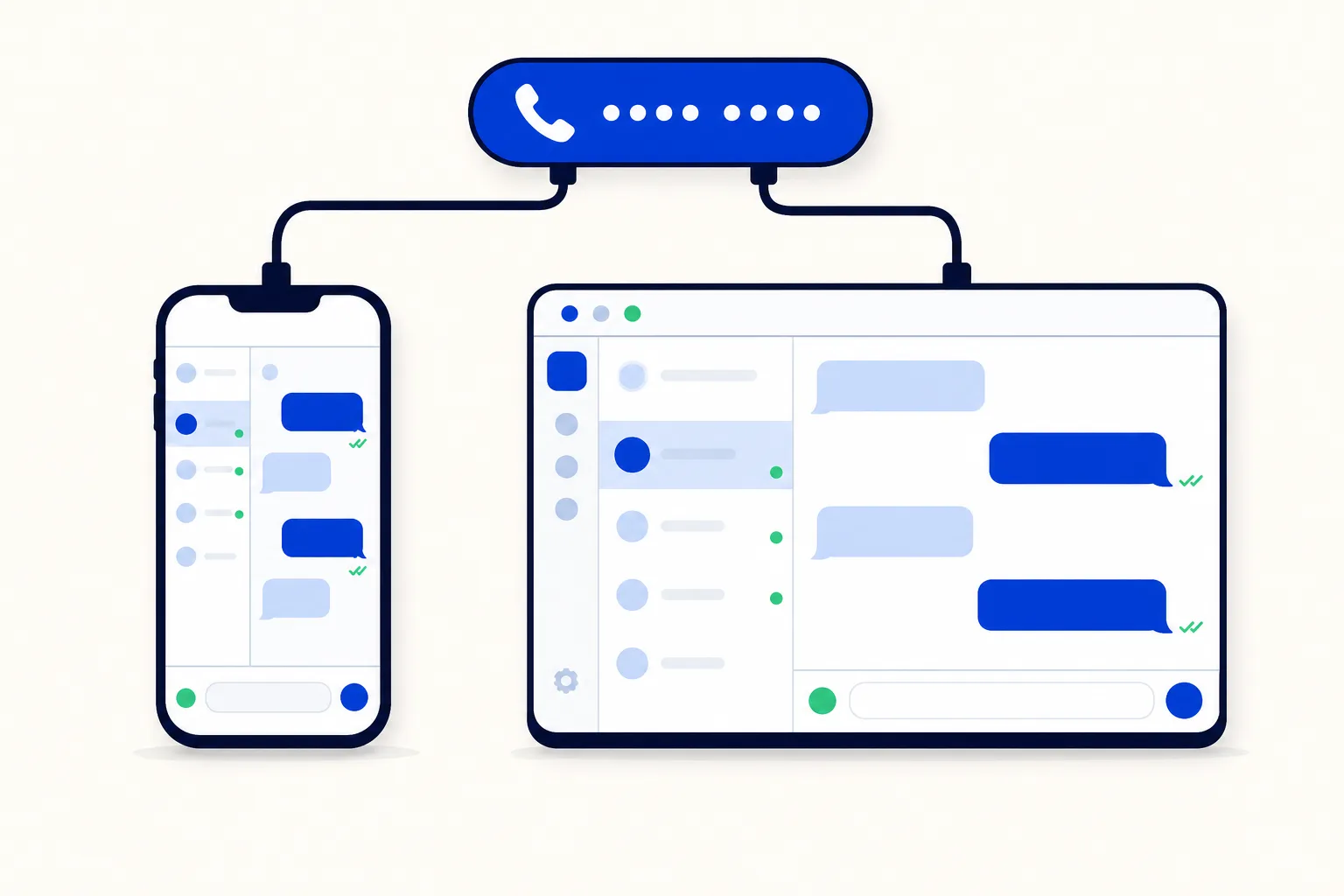
Until now, putting a WhatsApp number on a shared inbox could mean giving up the WhatsApp Business app on your phone. The connect window flagged a number that was still active in the app as not meeting the requirements, and the only way forward was to delete the account in the app, losing the app and its chat history. HellouOne now connects the number while it stays active in the WhatsApp Business app. Meta calls this coexistence.
This post is the product update: what you get, how to connect, what syncs and what to agree with your team. For the bigger picture of why coexistence exists and how to use it for a gradual move, read the WhatsApp coexistence explainer.
What changes for you
The number works in HellouOne and keeps working in the WhatsApp Business app, and the two stay in sync. Nobody has to switch tools on the same day, and the owner can keep answering from the phone while the team and your AI agents work from the inbox.
Customer messages arrive in HellouOne.
Replies typed in the WhatsApp Business app appear in the HellouOne conversation as sent messages, and they are never sent twice.
Replies sent from HellouOne go out on the same number as always.
How to connect the number
Have the phone with the WhatsApp Business app in your hand, because one step happens there.
Update the WhatsApp Business app to version 2.24.17 or newer.
In HellouOne, start connecting a WhatsApp number and choose Continue with Facebook. This opens Meta's Embedded Signup window.
In Meta's window, choose to connect your existing WhatsApp Business app. Type the number in rather than picking it from a list.
Scan the QR code shown in the window from the WhatsApp Business app on your phone.
Finish the remaining steps of the flow. HellouOne takes it from there.
What you need from Meta's side
Meta sets the conditions, and they are short. The WhatsApp Business app must be version 2.24.17 or newer. Meta also fixes the throughput of numbers used in the app and on the platform at 20 messages per second. The full list is in Meta's guide to onboarding WhatsApp Business app users.
How this works in HellouOne
Right after you connect, HellouOne starts Meta's contacts sync and chat-history sync for you. Meta requires that sync within 24 hours of onboarding otherwise the number has to be offboarded and connected again, so it is good that you do not have to remember it.
History is imported only if you agree to share it in the app.
Each contact's history lands as one archived (resolved) conversation, so your open inbox stays clean.
The import is silent: no AI agent replies, no automations and no notifications fire for imported messages.
Contacts from the app are added to HellouOne as contacts.
If Meta ever disconnects the number, HellouOne shows a reconnect prompt so you can link it again.
For developers, the inbox endpoint of the HellouOne API now shows a whatsapp_coexistence summary to administrators, so you can see how a number is connected.
Limits worth knowing today
Coexistence works well, and a few edges are better said plainly.
Replies typed in the app that are audio, stickers, locations or contact cards are not mirrored into HellouOne yet. Text replies are.
A reply typed in the WhatsApp Business app does not pause the AI agent on that conversation in HellouOne.
Meta's own rules still apply inside the app, such as groups staying in the app. The explainer lists them with Meta's sources.
Agree who answers where
Because both doors are open, the one real decision is who answers what. Three habits keep it smooth.
Split by topic or by customer. For example, the owner keeps a handful of personal relationships in the app, and everything else is handled in the inbox.
Give every inbox conversation one owner with assignment rules, so two people never reply to the same message.
Since an app reply does not pause the AI agent, decide which conversations the AI agent covers and keep the owner's personal chats out of its scope.
The WhatsApp team inbox page shows assignment, notes and reports for the team side, and pricing lists the plans. If your number was blocked before because it lived in the app, you can try the connection again today and keep the app on your phone.