
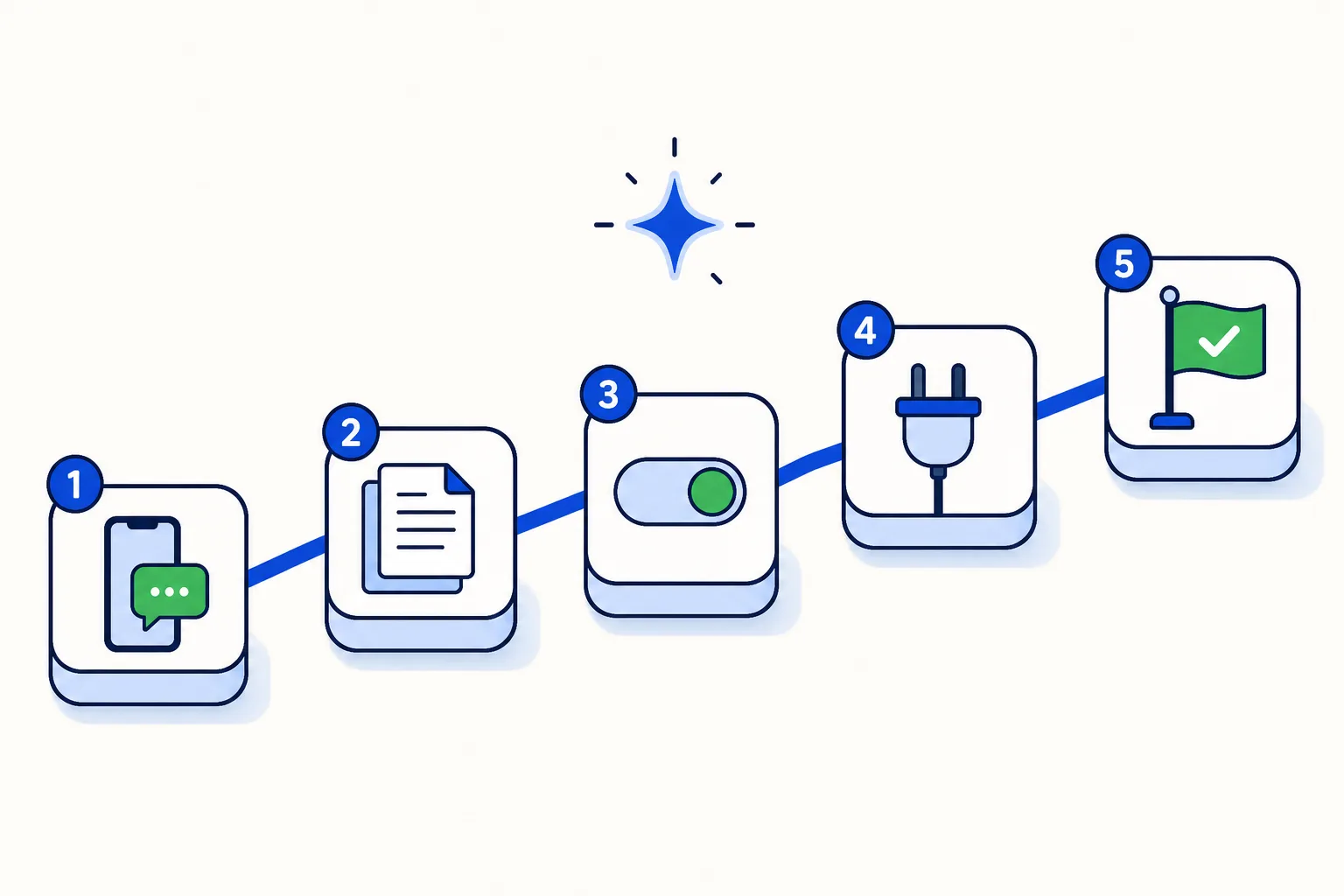
Setting up a WhatsApp AI agent used to mean a developer and a flow builder. In 2026 the work is mostly editorial: deciding what the agent answers, writing down what it knows, and telling it when to hand over to a person. None of that needs code, and most of it fits in one afternoon.
This is the long version of the setup section in our WhatsApp AI agent guide. The slow parts, Meta's verification of your number and gathering your documents, come first so they run while you do the rest.
Step 1. What do you need before you start?
A WhatsApp Business number on the WhatsApp Business Platform. An AI agent cannot run on the WhatsApp Business app alone; the number has to be on the platform, usually called the API, which Meta documents at developers.facebook.com. You keep your number and customers keep writing to the same contact. If the team still needs the app for a while, coexistence lets the app and the inbox share the number. Both routes are in how to move your number to the API.
A Meta Business account. The number is registered under your business portfolio. Meta asks for documents to verify the business, and that review can take several days, so submit it before anything else.
A one-line job for the agent. "Answer questions about products, prices and delivery, and book demos" is a job; "handle WhatsApp" is not. It decides the knowledge in step 3 and the rules in step 5. Keep it inside what WhatsApp allows: since January 15, 2026 the platform is closed to general-purpose AI assistants, but an AI that serves your own customers (support, bookings, order tracking, sales) is fine.
Step 2. How do you connect the number?
In HellouOne you start the WhatsApp connection from inside the inbox, and LIA, the in-app setup assistant, walks you through it. The connection opens Meta's own sign-in flow, where you pick or create the business account, enter the number and type the code Meta sends by SMS or voice call. LIA tells you which option to pick at each step and checks that verification and the business profile are complete before moving on; the Connect a service guided tour covers the same ground screen by screen, in English or Spanish.
This takes about ten minutes of your time plus whatever Meta needs for verification. The full six-step checklist is on how HellouOne works.
Step 3. How do you give the agent its knowledge?
The agent answers from what you give it, not from the open internet. It learns from three kinds of material: plain text you type, PDFs you upload and web pages you point it to. A good first knowledge base is small and specific:
Prices and products. The current price list, as text or as the PDF you already send customers. If it lives on a web page, use the page: it stays current when you update it.
Policies. Delivery areas and times, returns, warranties, payment methods, opening hours.
The questions people actually ask. Copy the ten most common questions from last month's chats, with the answer your best employee gives.
Leave out anything you would not want repeated, such as internal margins. The full method is in training a WhatsApp AI agent on your own business info.
Step 4. How do you write the agent's instructions?
The instructions are a short text, in your own words, that shapes how the agent behaves. The marketplace offers templates to start from, such as Warm support or Formal sales. Cover four things:
Tone. Formal or warm, short answers or fuller ones, whether it uses the customer's first name.
Language. The agent detects whether a customer writes in Spanish or English and answers in kind; say which language to use when a message is ambiguous, such as a single emoji.
What it must never do. Quote prices that are not in the knowledge base, promise delivery dates it cannot check, approve refunds or discounts, or guess at anything medical, legal or financial.
What to say when it does not know. The sentence it uses before handing over, so the customer hears "let me bring in a colleague" rather than silence.
Two paragraphs are usually enough; specific beats long.
Step 5. When should a person take over?
Handover areas are the rules that move a conversation from the agent to your team, written in plain words: "complaints and refunds go to Support", "quotes above 50 units go to Sales", "anyone who asks for a person goes to the on-duty team". The conversation stays in the same WhatsApp thread and the person receives it with everything the agent learned, so the customer never starts over.
Start with five rules or fewer: complaints, money decisions, a lead ready to negotiate, questions outside the knowledge base, and the customer asking for a human. The reasoning behind each is in AI-to-human handoff on WhatsApp. Add your team to the inbox in this same step, so the destination teams exist before the first handover fires.
Step 6. Does the agent need a tool?
Only if its job includes something it cannot answer from text. HellouOne ships 16 connectors, listed on the integrations page. The ones most first setups need:
Bookings. With Calendly the agent offers real slots and books them inside the conversation, and can reschedule or cancel on request; Cal.com gives the same booking flow.
Order status. With Shopify the agent looks up an order by number or phone and reports its status, and answers product and stock questions from your store data; WooCommerce gives order and shipping lookups for WordPress stores.
CRM and payments. HubSpot, Pipedrive, GoHighLevel and DataCRM sync contacts and conversations both ways; Stripe and Mercado Pago let the agent send a payment link and confirm when the payment lands.
If your job line does not mention bookings, orders, leads or payments, skip this step.
Step 7. How do you test it with your own phone?
Write to your business number from your personal phone, typing like a customer in a hurry:
"hi, how much is [your best-selling product]?"
"do you deliver to [a neighbourhood you cover] and how long does it take?"
"do you deliver to [a city you do not cover]?"
"can I pay by card?"
"are you open on Sunday?"
A question in the other language your customers use.
"what's the difference between [product A] and [product B]?"
"I got my order and it's broken" (this one must hand over).
"can you give me a discount?"
"I want to talk to a person."
Check each answer on three points: correct, right tone, handed over when it should. A failure goes back to step 3 (missing knowledge), step 4 (wrong behaviour) or step 5 (missing rule). Two or three rounds usually get you to ten out of ten.
Step 8. What happens when you change something?
Every change to the agent creates a version: instructions, knowledge, handover areas. You can see what the agent looked like before an edit and go back if a change does not work out. You can make the change in the visual editor, where the agent's behaviour is laid out as a flow, or describe it to LIA in plain language; LIA proposes the edit and you approve it before it takes effect.
So you can tune the agent on a Tuesday afternoon without worrying about Wednesday morning. Change one thing at a time, rerun the ten questions, and keep the version if they still pass.
Step 9. How do you go live and watch the first week?
Going live is turning the agent on for the inbox. Then, for seven days:
Read the handovers. Every conversation that reached a person is either a rule working as intended or a gap. Gaps go into the knowledge base or the rules.
Read the reports. The conversation report shows first response time and resolutions; the sentiment report shows how customers felt. Compare with the week before.
Set the inactivity window. Each agent has an inactivity setting that closes a silent conversation automatically after anything from one minute up to 7 days. Quick retail support suits a few hours; quotes and B2B, two or three days; collections can wait a week. A new message reopens the conversation with its history.
Which mistakes do first-time setups make most?
Starting verification last. Meta's review is the one step you cannot speed up.
Loading the whole website. Fifty pages of marketing copy bury the ten answers customers need. Start small and add.
Instructions that describe the company instead of the behaviour. "Answer in two sentences and offer a booking link" beats "a leading provider since 2009".
No rule for "I want a person". The most common request and the easiest to forget.
How this works in HellouOne
In HellouOne the walkthrough is a guided conversation, not a developer project. LIA asks five questions about your business, guides the number connection and proposes each change to the agent, the inboxes and the templates; you approve it before anything is applied, and every proposal is kept in a change history. The agent runs natively inside the platform: a visual editor shows its behaviour as a flow, every edit is a version you can go back to, handover areas send conversations to the right team with context, business hours tell it when nobody is available, and the inactivity setting tidies up silent threads.
The 7-day trial needs no card, and the AI agent is included from the Starter plan at $49 a month with 2,000 AI messages. Meta's own fees, such as template messages and free-form replies beyond the first 1,000 per number per month under its non-template message pricing, are billed with 0% markup.
Submit the verification first and build the first version small: one job, one handover point, the knowledge for that job. Expand once it is handling real conversations well.























