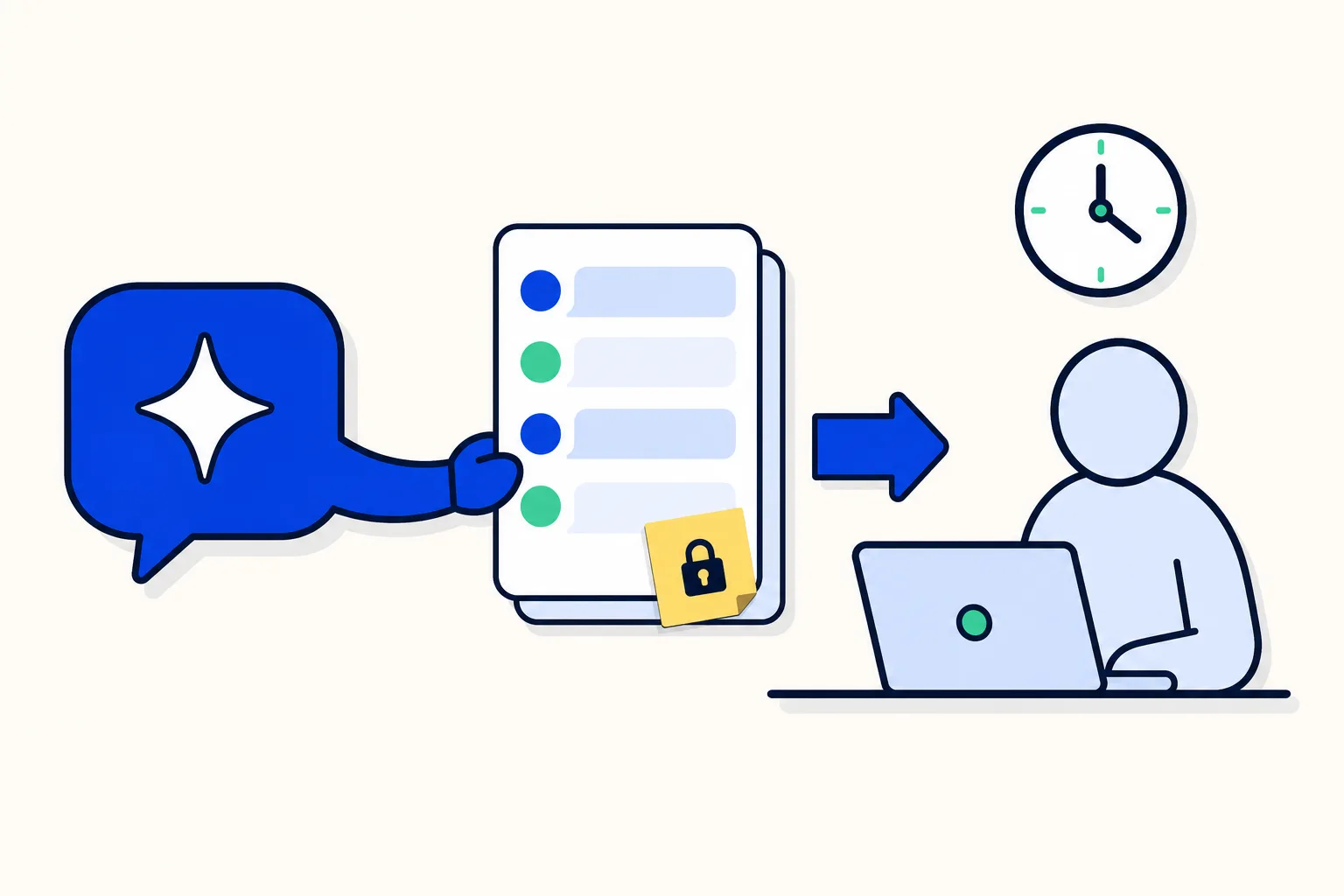
The promise behind every AI agent on a support channel is simple: when the AI agent cannot help, a person will. Customers accept an AI agent because that door exists. The weak point is not the moment of the handover. It is the half hour after it, when the conversation sits in someone's queue, the person is in a meeting, and the customer is still waiting for a reply that never comes.
HellouOne AI agents can now follow up on their own handovers. When the AI agent passes a conversation to a person and nobody replies, HellouOne sends one reminder and, if there is still no reply, reassigns the case. Trust in AI support depends on the human fallback actually working, and this is the part that checks it does.
Where to turn it on
Go to Settings, then AI Agents, and open an AI agent. In the Handover & hours tab, under Handover to people, switch on Follow up handovers nobody answers. It is off by default and set per AI agent, so you can start with one AI agent and extend it later. Only admins can change it, and it is part of the AI agents in your plan, with no separate add on. If you are new to handover areas, our post on smart routing for AI agents explains how the AI agent picks one.
With the switch on, three fields appear:
Remind the assignee after, in minutes of the route's hours. The default is 30. Set it to 0 for no reminder.
Reassign after, in minutes of the route's hours. The default is 120. Set it to 0 to never reassign.
Reassign to this agent. Leave it blank to send the case to the route's team.
Both times go from 0 to 10,080 minutes, which is a week. The reassignment has to come later than the reminder, unless one of the two is set to 0. The editor tells you if the order is wrong.
What counts as nobody answering
The clock starts at the handover and stops when a person sends a public reply to the customer. That detail matters. Assigning the conversation to someone does not stop the clock, and neither does a private note. A case that was picked up by name but never answered is exactly the case this is built to catch.
Only open conversations are followed. A snoozed or pending conversation waits. If the AI agent hands the same conversation over again, the clock starts again, and resolving the conversation ends the follow up.
Minutes count only during the route's hours
The route is the handover area the AI agent sent the case to. Its business hours decide when the clock runs. If the area has no hours of its own, the AI agent's hours apply, and with hours turned off the clock runs around the clock. Outside hours nothing is sent and the clock pauses, so a handover at 9 pm does not escalate overnight. The case waits for the morning, in line with how business hours work in HellouOne.
Step one: a reminder
When the reminder time is reached, the person assigned to the case gets a reminder. If nobody is assigned, it goes to the members of the area's team who can open the case, up to 20 people. The reminder arrives as a normal assignment notification, by push and email according to each person's own notification settings. A private note is also added to the conversation, starting with [Reminder] and saying how many minutes of hours have passed since the handover.
There is one reminder per handover. There is no special alert sound and no separate notice to admins.
Step two: reassignment
If there is still no public reply when the reassign time is reached, the case moves. With an agent chosen in Reassign to this agent, it goes to that person. With the field blank, it goes back to the area's team and the previous assignee is cleared, so anyone on the team can take it. A private note starting with [Escalation] records who it was reassigned to.
If the handover area was deleted in the meantime, the AI agent's default area is used. If there is no agent and no team to send it to, the note says that a person must take the case. After the reassignment nothing more happens: there is one reassignment per handover.
What it does not do
The customer is not told anything. The follow up happens inside your team.
It does not check whether anyone is online, so it can reassign to someone who is offline. A team with an on duty rotation may prefer the blank option, which sends the case to the whole team.
It covers conversations an AI agent hands over in the inbox. Inboxes with no AI agent and AI phone lines are not covered.
Handovers made before you switched it on are not followed.
Handovers older than 14 days are ignored.
How this works with HellouOne
In HellouOne the AI agent, the handover areas and your team live in the same inbox, which is why the follow up can see whether a person actually replied. It completes a chain that starts with your handoff rules, continues with the handover area chosen by smart routing, and now ends with a check that a person took the case. Conversations parked outside hours are covered separately: HellouOne hands parked conversations to your team when the hours open.
A sensible start: switch it on for the AI agent with the most handovers, keep the defaults of 30 and 120 minutes, and leave Reassign to this agent blank. After a week, search your conversations for the [Reminder] and [Escalation] notes. They show which areas are short of people and at what times, which is the same insight the HellouOne reports give you from the other side.