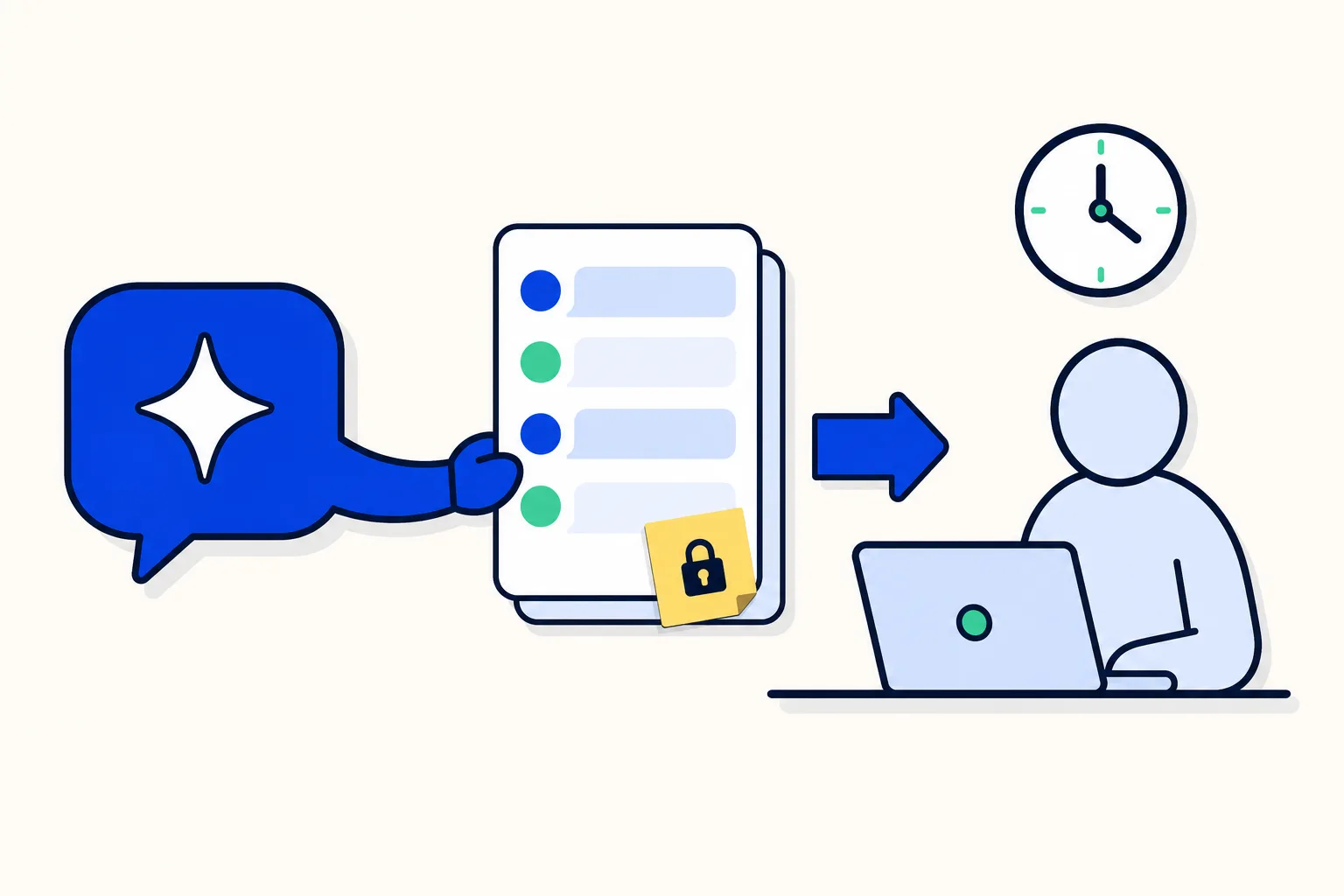
Not every customer message should start with an AI agent reply. When someone asks for a person, makes a legal threat or sends a formal complaint, the best first step may be a handover. Smart routing in HellouOne reviews the message before the AI agent answers and can hand the conversation over directly.
This post follows the help center guide to creating and configuring your AI agent, the reference for every label mentioned here. If you are new to the editor, start with the step-by-step guide to setting up an AI agent.
Before you start: your plan and the default setting
Smart routing appears only if your plan includes AI classifications, which you can read about in AI classifications: a small model reads every customer message. The Reply check is covered by the guide together with Smart routing and appears under the same condition. If your plan does not include AI classifications, you will not see either of them in the editor.
There is also a default to know about. Smart routing starts off on every AI agent. Nothing changes until you choose a mode for an AI agent yourself, so you can prepare it calmly and decide when it starts to act.
What Smart routing reviews before the AI agent answers
Smart routing sits in the Handover & hours tab, above Areas. Before the AI agent answers, it reviews the customer's message: whether they ask for a person, whether there is a legal threat or a complaint, and which area fits.
A direct handover with a notice for the customer
Based on that review, it can hand the conversation over directly, without the AI agent replying. When it does, the customer always gets a notice. If the AI agent has no areas, the notice speaks of "our team".
For the wider picture of handovers, see when an AI agent should pass a chat to a person.
Three modes: Off, Shadow and On
In Mode you choose how Smart routing behaves:
Off.
Shadow (classifies and records, never transfers): to see what it would do before turning it on.
On (transfers when a rule below fires).
The four transfer triggers
Next, choose in which cases it transfers:
Transfer when the customer asks for a person.
Transfer on a legal or regulatory threat (marked urgent): a legal threat is handed over marked urgent.
Transfer an upset customer with a formal complaint.
Transfer requests outside the topics below.
Then describe the topics your AI agent covers in What this AI agent handles. The last trigger is worded around those topics, so that field is worth writing with care.
Areas: tell them apart by what each one handles
Each area is a handover destination. Routing tells areas apart by what each one handles, so every area needs a description in plain words under When the AI agent should pick this area. While Mode is not Off, the editor points out the areas that are missing it.
If two areas overlap, fill in two more fields. What this area does NOT handle says what the area does not cover, and Phrases its customers write holds up to 5 examples of how its customers write.
Mark one area as the Default area. It receives whatever fits no other area.
A rollout we suggest: Shadow first, then On
This is our advice, built only on the guide's own statement that Shadow is there to see what it would do before turning it on. Take it in steps:
Describe your topics in What this AI agent handles and fill in When the AI agent should pick this area for every area. Add the two overlap fields where areas look alike.
Choose the transfer triggers you want and set Mode to Shadow. It classifies and records, and never transfers.
Let real conversations come in, then look at what it would have done.
Adjust your area descriptions and triggers wherever its choice differs from what you expected.
When you are happy with it, set Mode to On.
Remember that it starts off: it only acts on the AI agents where you chose a mode.
The test chat does not run it
The Test chat in the editor does not run Smart routing, so a conversation there will not show you a routing handover. Try it in a real conversation instead. The same goes for Rules and the Reply check. Our post on Rules in the AI agent editor explains the Test chat in detail, and the Reply check has its own post.
How this works in HellouOne
Only administrators create and edit AI agents in HellouOne, and your plan must include them. Smart routing is part of the AI agent editor, so you set it in the same place as everything else about the AI agent.
LIA can adjust your AI agent for you and shows you each change to approve before it is applied. For example, you can ask LIA to "Add a Billing area for the Collections team". The help center guide has the exact labels of the editor.