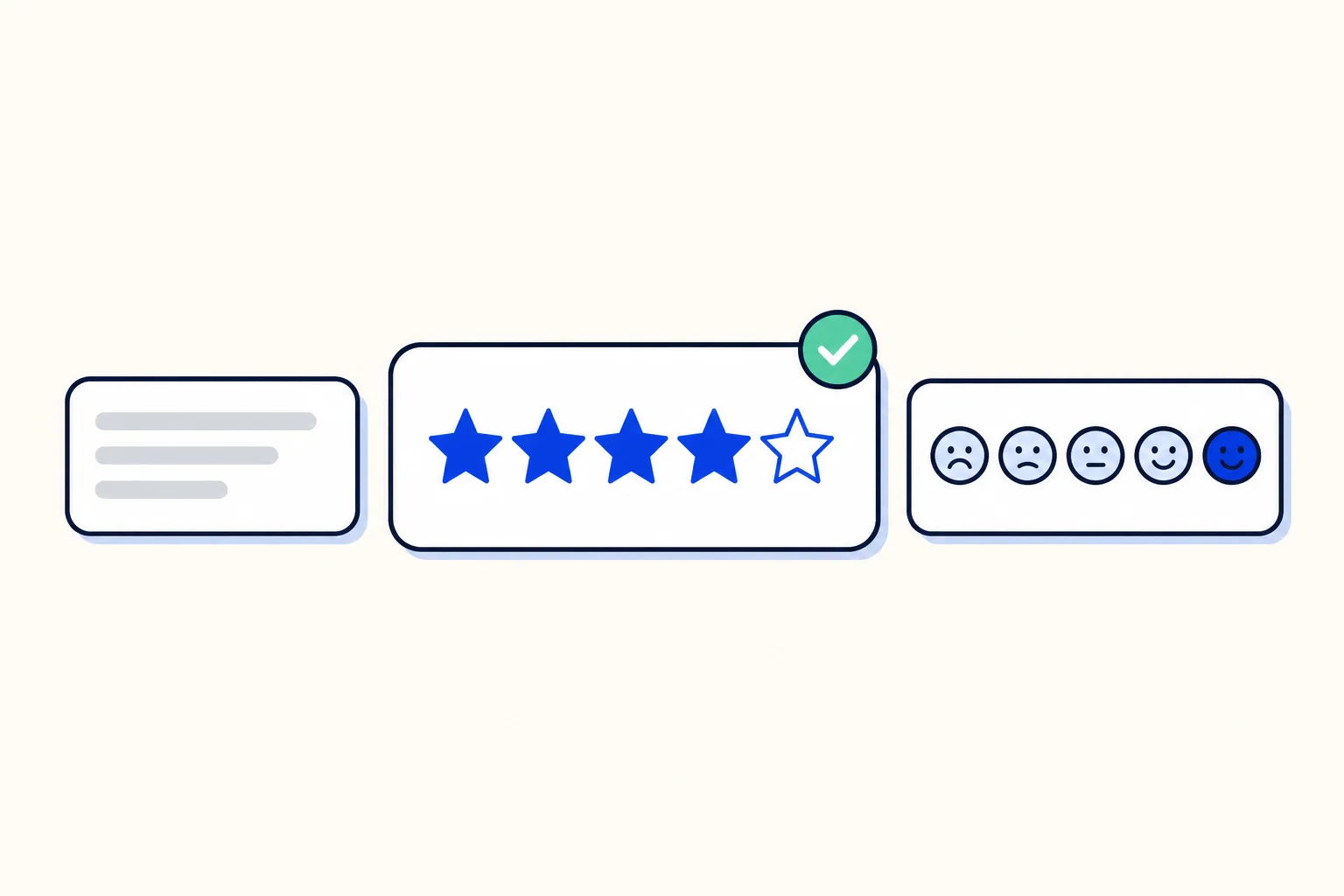
A customer satisfaction survey works best when it looks like it belongs to your business. HellouOne CSAT surveys now offer two rating styles, emoji or stars, and a custom message that appears above the rating. You choose both per inbox, so each channel can ask for feedback in the way that fits its customers.
This post is for support leads and administrators who use CSAT to measure how conversations end, and who want the survey to sound like their brand rather than a generic form.
What is new
A rating style setting with two options: emoji, which stays the default, and stars.
A custom survey message of up to 500 characters, in plain text, shown above the rating. Line breaks are kept, so you can write a short greeting and a question on separate lines.
Both styles store the same rating from 1 to 5, so your reports and averages work the same whichever style an inbox uses.
Inboxes you do not touch keep the emoji survey exactly as before.
Stars or emoji: which one to pick
Both styles collect the same score, so the choice is about your audience and your tone. Emoji faces are quick and friendly, and they suit casual channels where customers chat with you as they would with a friend. Stars feel more familiar in contexts where customers already rate things, such as deliveries, appointments or purchases, and they read as a little more formal.
If you are not sure, keep emoji on one inbox and switch another to stars for a few weeks. Since the scale is the same, you can compare response counts and averages side by side in your reports.
Writing a survey message that gets answers
Thank the customer first, then ask one clear question about the conversation they just had.
Keep it short. The limit is 500 characters, but two or three lines are usually enough.
Use the voice of the team that answered: an inbox for a clinic and an inbox for an online store should not sound the same.
Write the message in the language your customers use on that inbox.
Leave it blank if you prefer no text. A blank message simply removes it.
How this works in HellouOne
CSAT is turned on per inbox, and the survey goes to the customer when a conversation is resolved. In the inbox's customer satisfaction settings, pick the rating style, emoji or stars, and write your message. The choice is saved with the inbox and stays after a reload.
On the survey page, the star rating shows five large stars that are easy to tap on a phone. Customers can also use the keyboard: the arrow keys move between stars, and Space or Enter selects one. Each star has its own label for screen readers, and your message keeps the line breaks you wrote.
The ratings feed the same reports as before. The satisfaction survey report shows the average score, how many customers answered and their comments, filtered by agent, inbox or team, and the sentiment report sets CSAT next to how each conversation ended. Learn more in the help center: Reports: how your customer service is doing. For a tour of every report, see our post on HellouOne reports.
For developers, the inbox object in the HellouOne API now has a csat_config field with display_type (emoji or star) and message, so you can set the survey style when you create or update an inbox.
Where CSAT fits in your service
A survey is only useful when someone reads the answers. Make CSAT part of your weekly review: look at low scores with their comments, open those conversations and see what went wrong. HellouOne keeps every channel in one team inbox, so the conversation behind each rating is one click away. If customer service is your main goal, our service overview shows how AI agents, the shared inbox and reports work together.
Picking a rating style and writing a message takes a minute per inbox. The result is a survey that sounds like your team, collects the same comparable score and gives customers an easy way to tell you how you did.