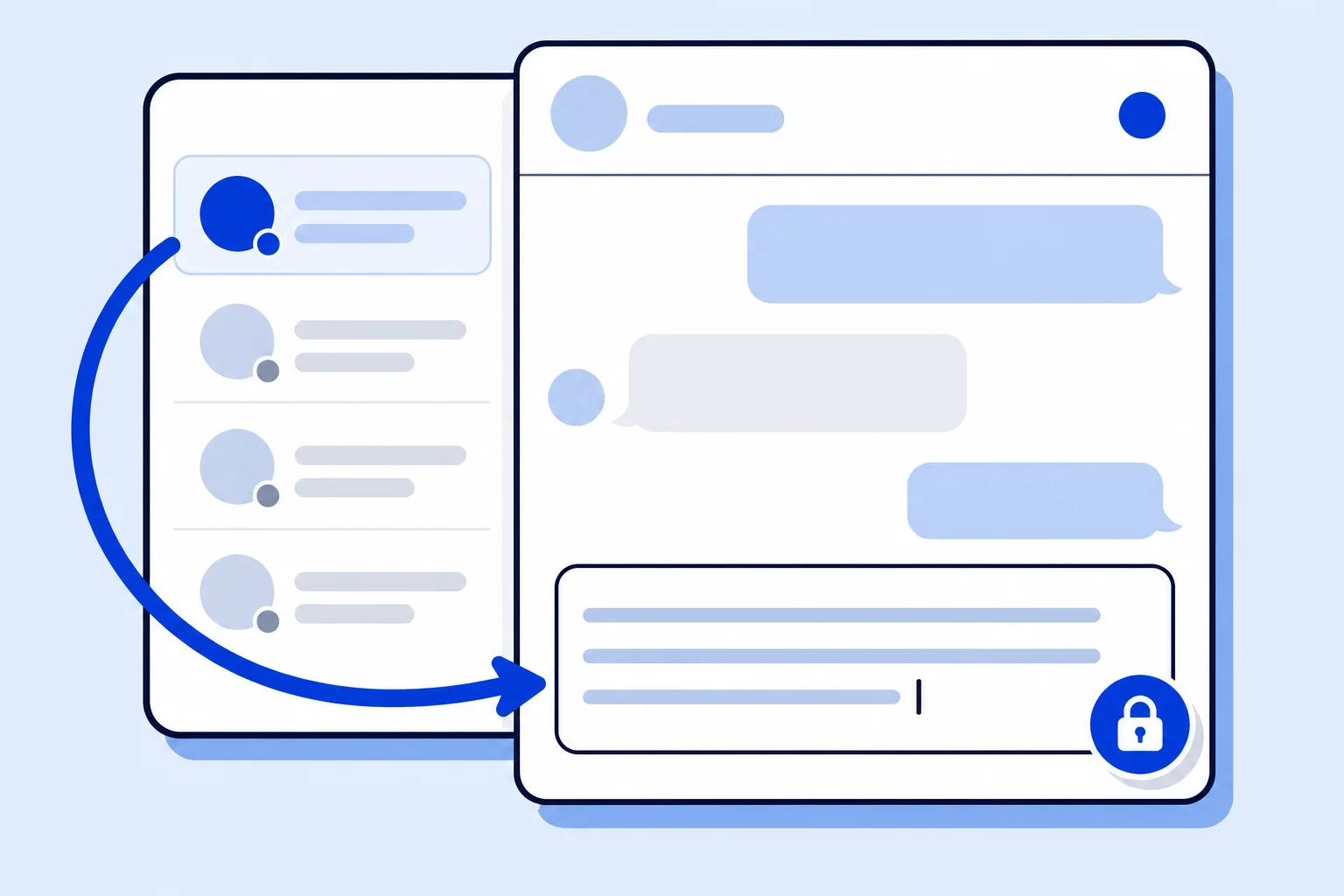
Support work rarely happens one conversation at a time. An agent starts a reply, a more urgent chat comes in, they jump to it, and a minute later they come back to finish the first message. As of November 5, 2026, the HellouOne reply box keeps the whole unsent draft when you leave a conversation, so the message you had already written is still there when you return. The change is live in production for every account, and there is nothing to turn on.
This post is for agents and team leads who switch between conversations while they reply, on a computer or on a phone. If you have ever come back to a conversation and found only the first character of a long answer, this is the fix for that.
What was going wrong
The reply box has always saved drafts, so that a half-written answer survives a trip to the conversation list. The problem was when it saved. It stored the draft at the very first keystroke of a typing burst and then ignored the rest of that burst. If you typed a full sentence and left, the saved draft held only the first letter, and that single letter is what came back when you reopened the conversation.
It showed up most on phones, where agents go back to the list more often and the app can reload while they type. The result was the same everywhere: a reply that looked saved, but was not.
What changes for your team
The draft is saved half a second after you stop typing, so it always holds what you actually wrote, not just how it started.
The draft is saved again at the moment you leave the conversation, so even a reply you were still typing when you clicked away is kept in full.
If the page reloads or you close it right after typing, the latest text is written before the page goes away.
A reply and a private note each keep their own draft, so an internal note to a colleague never ends up in the customer reply.
Two conversations keep two separate drafts, even when you switch between them quickly.
Sending the message clears its draft, so an answer you already sent does not come back the next time you open the conversation.
Where the draft lives
Drafts are kept on the device you are working on. A reply you start on your laptop waits for you on that laptop, and a reply you start on your phone waits for you on your phone. A draft does not move between devices, and it is not visible to other agents. When you want a colleague to see your thinking before you reply, a private note in the conversation is still the right tool.
A simple habit that now works
With drafts you can trust, there is a cleaner way to handle interruptions. Start the reply, leave it when something more urgent arrives, handle that, then come back and finish. You no longer need to copy a long answer somewhere safe before you switch, or rush to send something half finished because you are afraid of losing it.
This pairs well with canned responses: insert a saved answer, adjust it for the customer, and if you get pulled away before sending, the adjusted version is what you find when you return, not the original template or a single letter.
What to check
Open a conversation, type a few sentences, go back to the list and open it again. The full text should be in the reply box.
Do the same on your phone. This is where the old behavior was most visible, so it is the best place to confirm the change.
Write a private note and a reply in the same conversation, switch between the two tabs, and confirm each keeps its own text.
How it works with HellouOne
HellouOne puts every channel in one inbox: WhatsApp, the website chat, Facebook and Instagram messages, email and calls. The reply box is the same for all of them, so this fix applies wherever your team answers customers. It matters most for teams where several people share one number and one inbox, as described in our guide to WhatsApp with multiple users on one number, because those agents move between conversations all day.
When an AI agent hands a conversation to a person, the agent picks it up in the same reply box, with the same draft behavior. And when the reply is done, the usual flow continues: send it, then close the conversation to keep the inbox current. Nothing about your inboxes, channels or settings changes. The only difference your team will notice is that the words they wrote are still there when they come back.