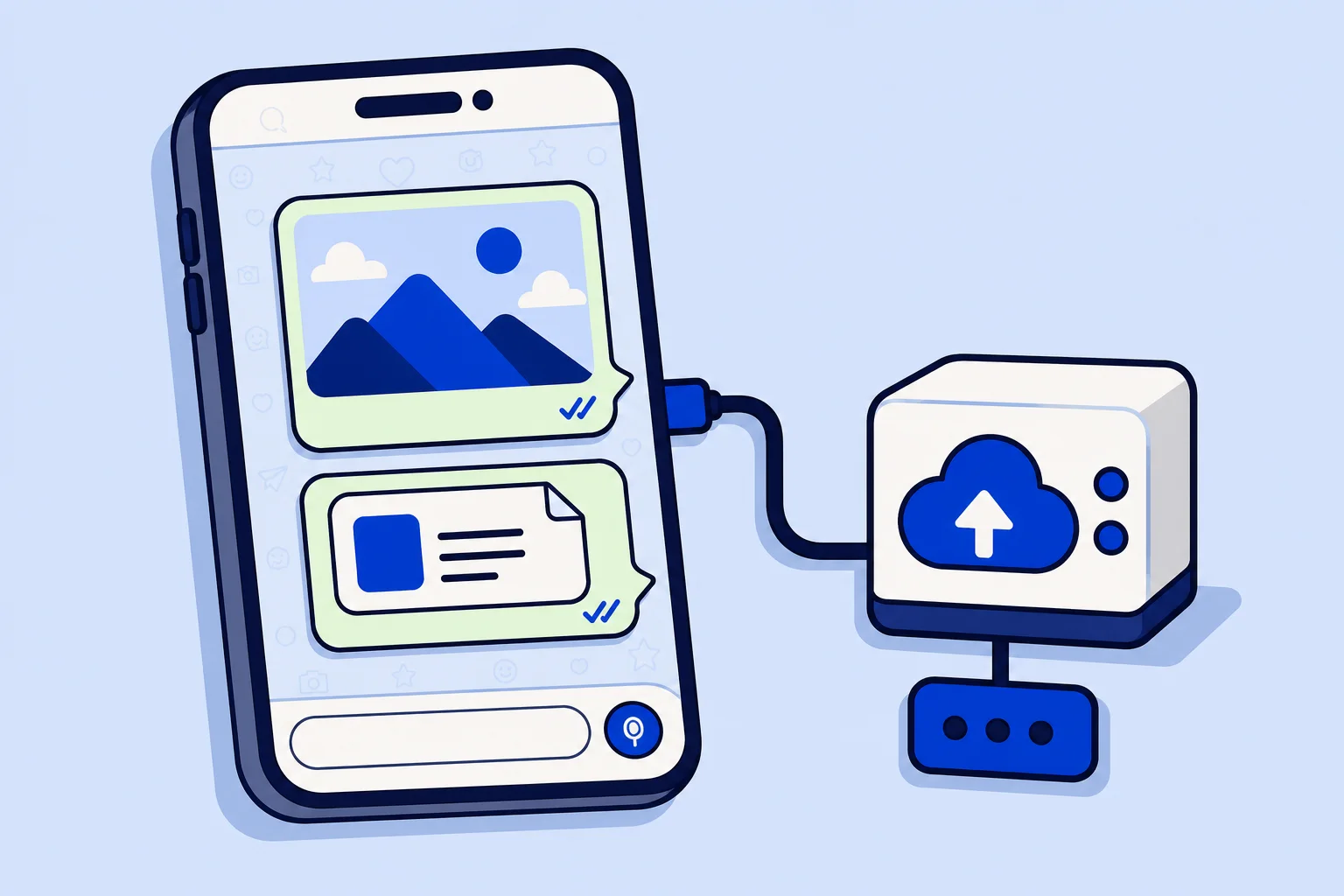
A product photo, a price list in PDF, a picture of the delivery address: on WhatsApp, a lot of customer service happens through files. As of November 6, 2026, HellouOne uploads every image and file you send on a WhatsApp Cloud API inbox to Meta first, and then sends the message using the media ID that Meta returns. Attachments no longer depend on Meta fetching a link from our side, so they arrive reliably. The change is live in production and needs no setup.
This is for every business that uses WhatsApp in HellouOne to send images and files to customers, whether those files come from a person on your team, from an AI agent, or from a macro or an automation.
What changed
The WhatsApp Cloud API gives a business two ways to send an attachment. The first is to pass a link, and Meta downloads the file from that link before delivering it. The second is to upload the file to Meta, receive a media ID, and send the message with that ID. Until now HellouOne used the link. That works while the link is public and quick to answer, but a link can be private, short-lived or slow, and when Meta cannot fetch it in time, the attachment does not reach the customer.
HellouOne now uses the second way. When you send an attachment, HellouOne uploads it to Meta for that phone number, gets the media ID back, and sends the message with it. Meta already has the file, so nothing depends on a download from our storage at the moment of delivery.
Who benefits
Agents who reply with photos, screenshots, PDFs and other files from the inbox.
AI agents that send images during a conversation, such as a product picture or a menu.
Macros and automation rules that attach a file as part of their actions.
All of these go through the same sending path for WhatsApp Cloud API inboxes, so all of them get the change at once.
What stays the same
If the upload to Meta fails for any reason, HellouOne falls back to sending by link, the way it worked before. You get the more reliable path first and the old one as a safety net.
Nothing changes in the inbox. Agents attach files exactly as they did, and customers see the same image or document on their phone.
Inboxes connected through 360dialog or Twilio have their own sending paths and are not part of this change.
Meta's rules still apply. A free-form message with a file can only go out inside the 24-hour customer service window. Outside it, you need an approved template.
Checked in production
After the release, the team sent an image from an agent in a live WhatsApp conversation on our own account. The message went out by media ID, Meta reported it as read about a minute later, and the fallback warning that would mean a link was used did not appear once.
What to check on your account
Send an image and a PDF from a WhatsApp conversation and confirm both arrive on the customer's phone with their usual delivery ticks.
If an AI agent on your WhatsApp inbox sends images, try one of those flows in a test conversation.
If a WhatsApp inbox stopped sending everything, files included, the cause is usually the connection, not the attachment. Our guide on reconnecting a WhatsApp inbox when the token expires covers that case.
How it works with HellouOne
HellouOne connects your WhatsApp number to a shared inbox where your team and your AI agents answer customers together. Files are part of that conversation: a customer sends a photo of a damaged product, an agent answers with the return form, and an AI agent can share a catalog image before handing over to a person. Sending by media ID makes the outgoing half of that exchange as dependable as the text messages around it.
Outside the 24-hour window, use WhatsApp templates to reopen the conversation, and for planned sends to many customers, WhatsApp campaigns. If you send messages through the HellouOne API, attachments sent that way to a WhatsApp Cloud API inbox go through the same path; the endpoints are described in the HellouOne documentation.