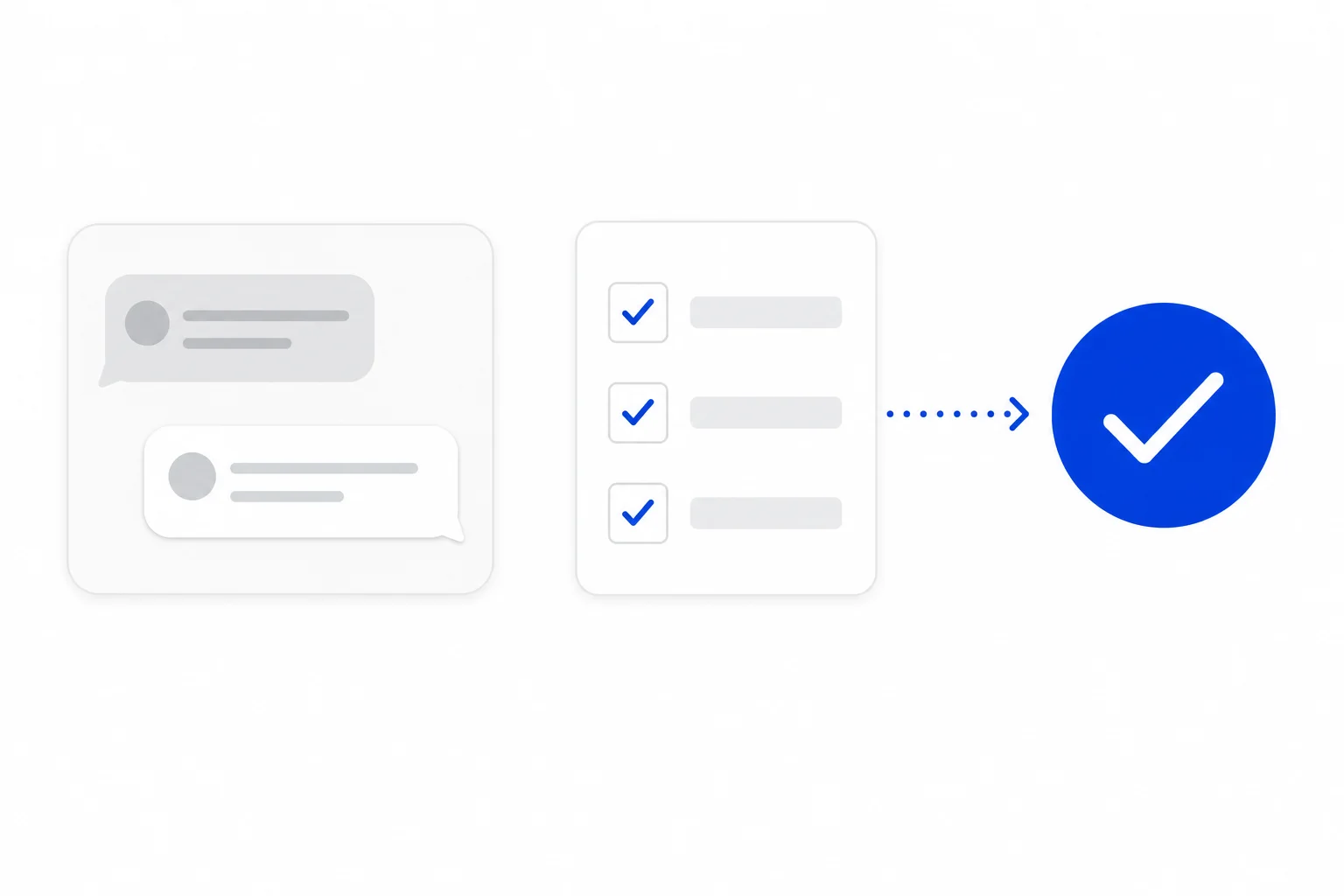
Every report and every CRM record depends on someone filling in the details when a conversation ends. Disposition, reason, order number: these fields are easy to skip on a busy day, and a blank value only shows up weeks later as a gap in a report. HellouOne now lets administrators choose which conversation custom attributes must be filled before a conversation can be resolved. If one is blank when someone resolves it, a window asks for the missing values first.
This post is for administrators, team leads and operations owners who rely on clean data at the end of every conversation, and who would rather build that habit into the inbox than remind people to follow it.
Why the end of a conversation matters
The moment a conversation is resolved is the best moment to capture what happened. The person who handled it still has the context, and the answer takes seconds. A day later it takes a search through the history. When the answer is never recorded, the cost lands on whoever reads the numbers later.
Here are examples of values a team may want on every closed conversation:
Sales: the disposition (won or lost) and the reason.
Support: the category of the issue.
Orders and tickets: the order number or ticket number.
Contact center: a wrap-up value that describes how the conversation ended.
Collections: the outcome of the contact.
These are all conversation custom attributes, the fields you define to keep your own business data next to the conversation. Until now you could create them and ask your team to fill them in. Now you can make the important ones required.
How it works in HellouOne
An administrator opens the new Conversation workflow page in Settings and picks which conversation custom attributes are required before a conversation can be resolved. Agents cannot change this list, so the rule stays consistent across the team.
After that, the rule applies at the moment of resolving:
When someone resolves a conversation and a required attribute is still blank, a window lists the missing ones.
They fill in the values and confirm, and the conversation is resolved.
If they cancel or press Esc, the conversation stays exactly as it was.
Values such as No (false) or 0 count as filled. A conversation where the honest answer is zero or no is not blocked.
It works wherever you resolve
The rule does not depend on which button someone happens to use. It applies when you resolve from:
The Resolve button.
The right-click menu on a conversation card, with Mark as resolved.
The keyboard shortcut.
The command menu.
If you resolve many conversations at once, HellouOne resolves the ones that are complete and skips the ones missing a required attribute. The message afterwards tells you how many were not resolved, so you know how many to go back to.
Automations follow the same rule
The rule also holds when the resolve does not come from a person. Macros that resolve, the resolve action of an AI agent and flows that set the status all respect the required list. If something is missing, they do not resolve the conversation. That keeps your AI agents and your macros from becoming a quiet way around the rule.
What is not enforced
To keep expectations clear, these cases are deliberately not covered by the rule:
Automatic resolve after inactivity.
Automation rules.
Resolves from the website widget.
If a conversation is closed one of those ways, required attributes are not checked. The rule also applies to conversation attributes only, not to contact attributes. Plan your process with that in mind: if you rely on an inactivity timer to close conversations, the data requirement applies to the resolves that people, macros, AI agents and flows make.
For developers
The API follows the same rule. Resolving a conversation through the HellouOne API returns an error that lists the keys of the missing attributes, so your integration knows exactly what to send. There is also a new endpoint to read and update the required list. Both are documented in the API docs, in English and Spanish.
Keep the list healthy
If you delete an attribute definition, it is removed from the required list automatically, so a retired field never blocks anyone. Beyond that, a few habits help the rule work well:
Require only what you will really use. Every required field is one more thing to fill in at each resolve.
Start with two or three attributes, such as disposition and reason, and add more once the team is comfortable.
Use clear names, so the window that lists missing values is easy to read.
A simple way to roll it out
List the questions your reports and your CRM ask about closed conversations.
Create a conversation custom attribute for each answer you do not capture yet.
Open the Conversation workflow page in Settings and mark the essential ones as required.
Tell the team what changes: a window will ask for missing values when they resolve.
Review how closed conversations look after a week and adjust the list.
If you want to revisit the basics of finishing conversations well, the post on closing conversations and keeping your inbox up to date is a good companion. And when the data is in place, reporting events help you see the events behind your report numbers.
Open Settings today and pick the one attribute you would most like to see on every closed conversation. Make it required, and your next report will thank you.