
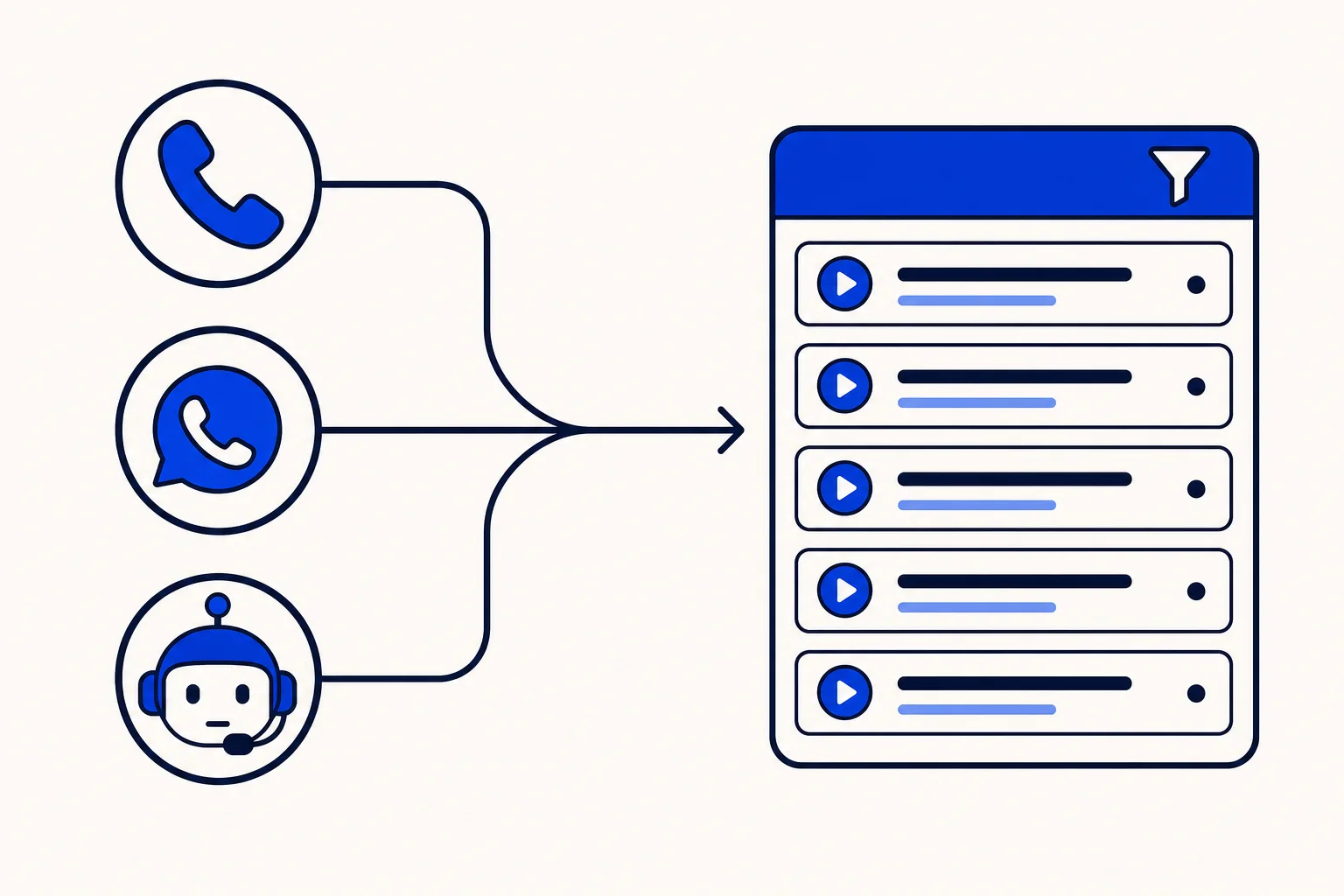
A customer calls your main line on Monday, gets a WhatsApp call back from an agent on Tuesday, and receives a reminder from an AI voice agent on Wednesday. Three calls, one customer. Until now, answering a simple question like "when did we last speak to this person?" meant looking in more than one place.
HellouOne's call history now puts every call in one list. Here is what changed since we described call history and the live call center panel on October 14, and how to use it.
Every call type in one list
The call history merges the calls from your phone system, made and received by your agents, with HellouOne's own calls: AI voice agent calls and WhatsApp calls. They appear together in one list, newest first.
When an AI call also has a record in the phone system, it shows once, not twice. That single row carries the AI details: which AI agent handled it, which campaign it belonged to and the sentiment of the conversation. You get one honest count of calls instead of duplicates.
The list also keeps working if the phone system is temporarily unavailable: AI and WhatsApp calls are still listed, so the page never goes blank.
AI calls paired with their phone record, with both recordings
From now on, the phone system record of an outbound AI campaign call is paired with HellouOne's own AI call. Answered calls are matched on the moment the contact picked up, and unanswered calls on the number, so a call that a person placed from the dialer or a desk phone is never mistaken for the AI call.
Open the call and the panel plays HellouOne's own recording of the AI part. When a person finished a call that the AI agent started, you see two labelled players: one for the AI part and one for the human part, with the phone system's audio when it has any. Playback needs a recording to exist, and recording is a per-line setting, so not every call will have one.
Calls the AI answered now show as completed
An inbound call that the AI agent actually answered now closes as completed, instead of looking unanswered in the list. Answered means the AI agent spoke at least once and nothing failed on HellouOne's side, so a call that broke on our end is not counted as handled. Completed calls then get their post-call summary, so the record tells you what was said.
One set of filters for everything
Because the list is unified, the filters are too. You can narrow the history by:
Free text search.
Who handled the call: a person or an AI agent.
Direction, inbound or outbound.
Outcome of the call itself, such as answered by AI, voicemail or unanswered.
Sentiment.
Line or inbox.
Agent or AI agent.
The post-call goal and its result.
Extension.
Whether to include test calls.
One detail worth knowing: the outcome filter refers to how the call itself ended, not to the result a voice campaign recorded for the contact. Campaign results stay in the campaign report.
A faster page and a richer CSV
The default view, with no filters applied, now loads faster. When you do need the data elsewhere, the CSV export takes exactly the rows you filtered, up to 10,000 at a time, and now includes the destination, the extension and the user name for each call. That makes weekly reviews by agent or by line much easier to build in a spreadsheet.
Very long searches by outcome can come back marked as incomplete, and the page tells you when that happens, so you can narrow the date range and try again. The phone system's date range is also limited, so plan big exports in smaller windows.
Who sees what
The call history opens for any account with AI voice agents or WhatsApp calling, which covers HellouOne's own calls, or with a connected phone system, which adds the phone system rows. Agents only see the calls their permissions allow. Supervisors and admins get the full picture for their team.
Ways teams use it
Search a customer's number to see every call with them, whatever the channel.
Filter by AI agent and negative sentiment to review the calls that need a human follow-up.
Filter by extension to check one agent's workload over a week.
Export a month of calls with destination and user name for a billing or staffing review.
How this works with HellouOne
The call history sits next to your chats in HellouOne, so the same contacts, agents and teams cover phone, WhatsApp and AI voice agents. An AI campaign call, a WhatsApp call from the inbox and a call through your phone system all end up on the same page, with the same filters and the same export.
Developers can read the same list through the HellouOne API with GET /api/v1/accounts/:id/call_history. The endpoint and its parameters are described in the HellouOne API docs.
A good first step: open the call history, filter by the last seven days, and compare how many calls each channel handled. It is the quickest way to see where your customers actually reach you.























