
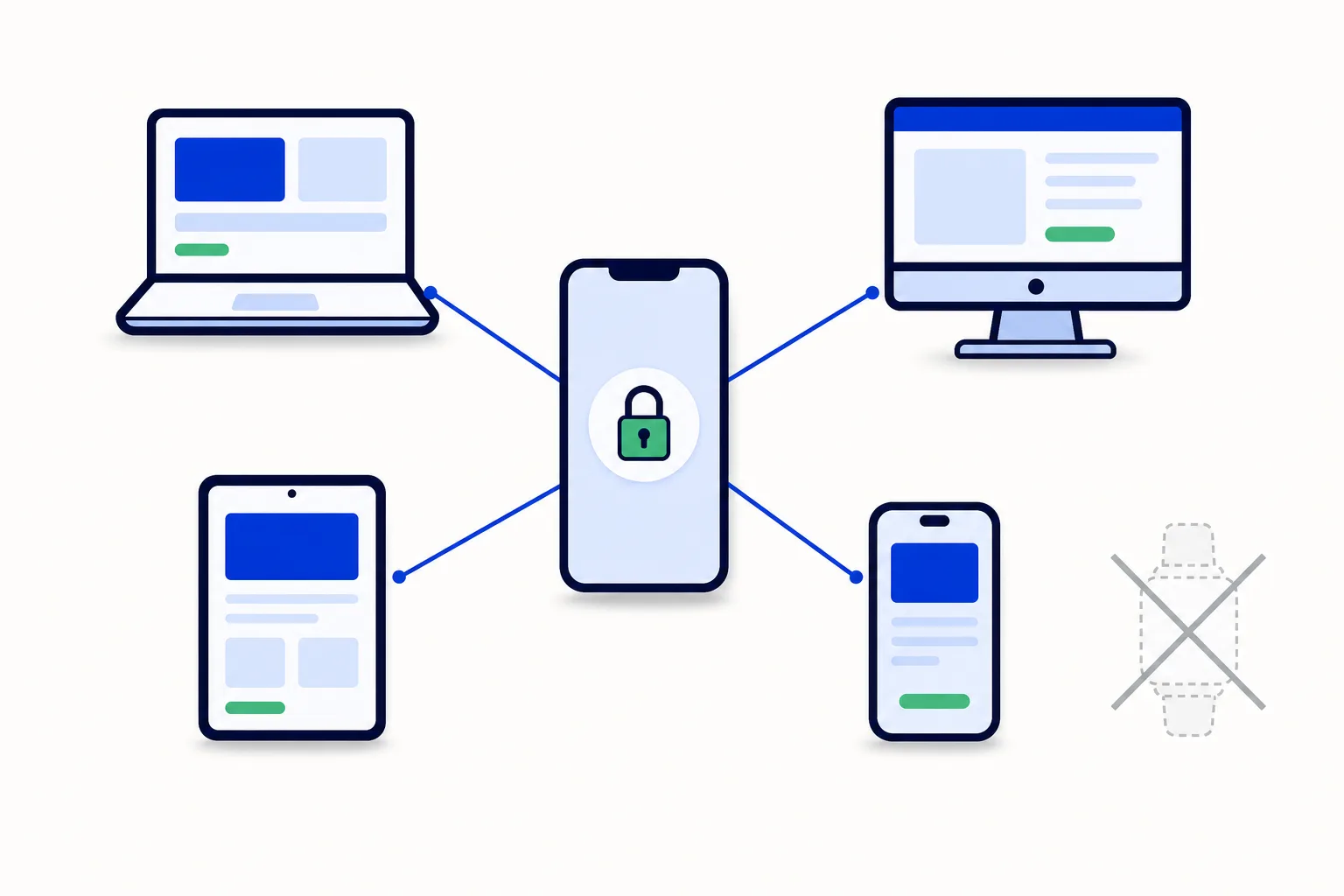
HellouOne is the workspace where your team handles customer conversations, and for many people it stays open all day. Opening it in a regular browser tab works, but a tab can be easy to lose among everything else you have open, and it can be closed by accident along with other tabs. Google Chrome offers another option. You can install HellouOne from Chrome as a desktop app, with no download involved, and use it in much the same way as a program installed on your computer. What installing means in practice is simple. HellouOne gets its own icon in the Dock on a Mac or in the taskbar on Windows, and it opens in a clean window without tabs or an address bar. That window is dedicated to your conversations, so you can move it, resize it, and keep it alongside the other tools you use during the day. Sound and desktop notifications keep working even if the browser itself is closed, which matters when you are waiting for a reply or for a conversation to be assigned to you. The feature works on Mac, Windows, and Linux. Chromium browsers such as Edge and Brave work in almost the same way, so the steps below will feel familiar if you use one of those instead of Chrome. The installation takes only a few steps. First, open chat.hellou.ai in Chrome and sign in with your account as you normally would. Next, choose Install HellouOne. Chrome offers two places to find it. You can open the three dot menu in Chrome and look under Cast, Save and Share, or you can use the install icon shown in the address bar. Select Install HellouOne from either place, and then confirm by choosing Install in the dialog that appears. There is nothing else to download and no separate setup to complete. Once the installation is finished, HellouOne opens in its own window, titled with the account name. From that moment you can launch it like any other program on your computer, from its icon, rather than opening Chrome first and looking for the right tab. Many people find that this small change makes the start of the day simpler, because the inbox is one click away and always opens in the same place. A few practical tips will help you get the most from the desktop app. Pin it to the Dock or taskbar so it is always visible and easy to reach. The first time it asks, allow notifications, so that message and assignment alerts arrive even when the window is minimized or you are working in another program. If it suits the way you work, you can also set it to open at login, so your inbox is ready when you start your computer. These choices are about convenience, and you can adjust your habits as you learn what works best for your team. Removing the app is just as straightforward as installing it. Open the three dots in the app title bar and choose the option to uninstall it from there. Uninstalling removes the app from your computer, but it does not affect your account or your conversations in any way. Your history and your work remain in HellouOne, and you can go back to using it in a browser tab, or install the desktop app again later, whenever you prefer. If you try to install the app and the Install HellouOne option does not appear, there are three things worth checking before anything else. First, check that you are on chat.hellou.ai, because the option is offered from that address. Second, check that you are not in an incognito tab, since installation is not available there. Third, check that Chrome is up to date, because an older version may not show the option in the same way. In most cases, one of these three checks explains why the option was missing. For teams that live in their inbox during the working day, installing HellouOne as a desktop app is a small step with a clear benefit. It gives conversations their own place on your computer, keeps alerts working in the background, and removes the daily search for the right browser tab, all without changing how HellouOne itself works.
Read the full guide in the Hellou help center: https://help.hellou.ai/hc/hellou/articles/1787803907-instalar-hellou_chat-como-aplicacion-de-escritorio-chrome























