
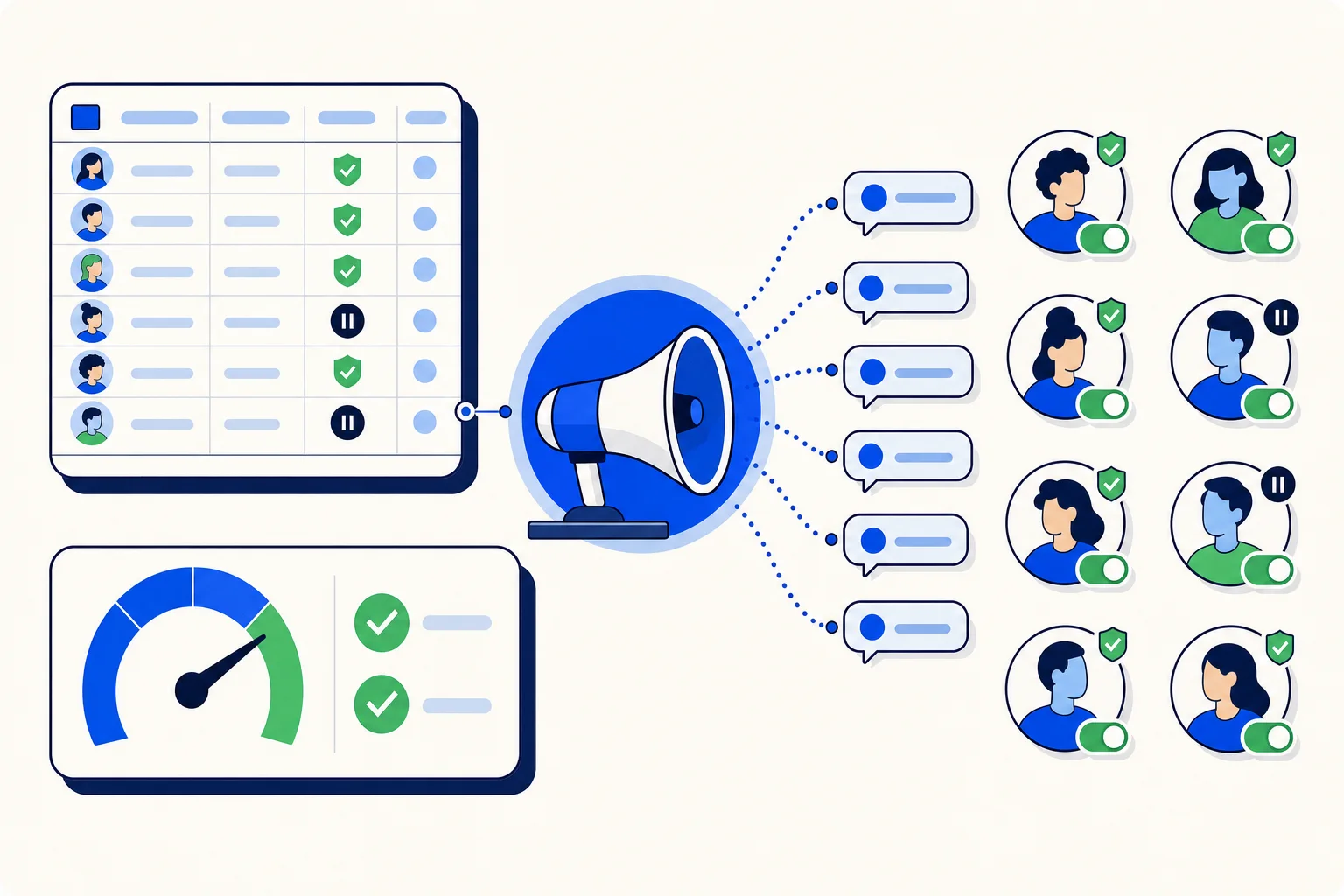
Outbound calling lives and dies by timing. A collections reminder lands best in the morning, an appointment confirmation the day before, a renewal call during office hours in the customer's own city. That is why HellouOne lets you schedule an AI voice campaign instead of launching it the moment you finish the wizard.
Until this release, scheduling had two problems. A scheduled campaign never actually started, and its start time lost its timezone along the way, so the hour you picked was not reliably the hour you saw later. Both are fixed. This post explains what changed and how to use scheduling with confidence.
What was wrong before
If you scheduled a campaign, it stayed in the scheduled state and waited. The calls you expected at nine in the morning never went out, and the only fix was to open the campaign and launch it by hand. On top of that, the start time was stored without its timezone, so a team in Bogota and a manager reviewing the campaign from Madrid could read different hours for the same campaign.
What happens now
The campaign launches at the scheduled moment. When the clock reaches the start time, HellouOne starts placing the calls on its own.
The start time is shown in the campaign's own timezone, so everyone who opens the campaign reads the same hour the campaign will use.
A scheduled campaign can be cancelled while it is still scheduled, before any call goes out.
A start time that has already passed becomes launch now, instead of leaving the campaign stuck waiting for a moment that will never come.
Why the timezone matters
Voice campaigns often reach customers in more than one country. Calling at the right local hour is the difference between a helpful reminder and an annoying interruption, and in many places there are rules about when businesses may call at all. Showing the start time in the campaign's own zone removes the mental arithmetic: the time on the screen is the time the calls begin.
It also makes reviews simpler. A supervisor checking tomorrow's campaigns can trust that the hour listed is the hour the AI agent will start dialing, wherever the supervisor happens to be.
Cancelling and past start times
Plans change. A promotion gets pulled, a contact list needs another check, or legal asks for a different script. Because a scheduled campaign can now be cancelled while it is scheduled, you can stop it cleanly before the first call instead of racing to pause it after launch.
The past start time rule covers the opposite case. If you set a time and then finish the setup after that time has passed, the campaign does not sit in limbo. It launches right away, which is almost always what you meant.
A simple routine for scheduled campaigns
Build the campaign and its contact list during the day, when someone can check the details.
Set the start time for the hour your customers are most likely to answer, and confirm the timezone shown on the campaign.
Review scheduled campaigns once before the end of the day, and cancel any that are no longer needed.
After launch, follow the calls in the call history and reports.
How this works with HellouOne
Scheduled campaigns are run by the same HellouOne AI agent you configure for your business, with the same instructions, knowledge and handover rules. Once a campaign launches, every call is recorded alongside the rest of your calls, so you can follow results in the call history and live call center panel and in Reports. When a call needs a person, the AI agent hands over the way your handover rules describe.
For teams running outbound voice, the change is simple: schedule the campaign, check the hour in its timezone, and let it start on its own. If something changes before then, cancel it while it is still scheduled.























