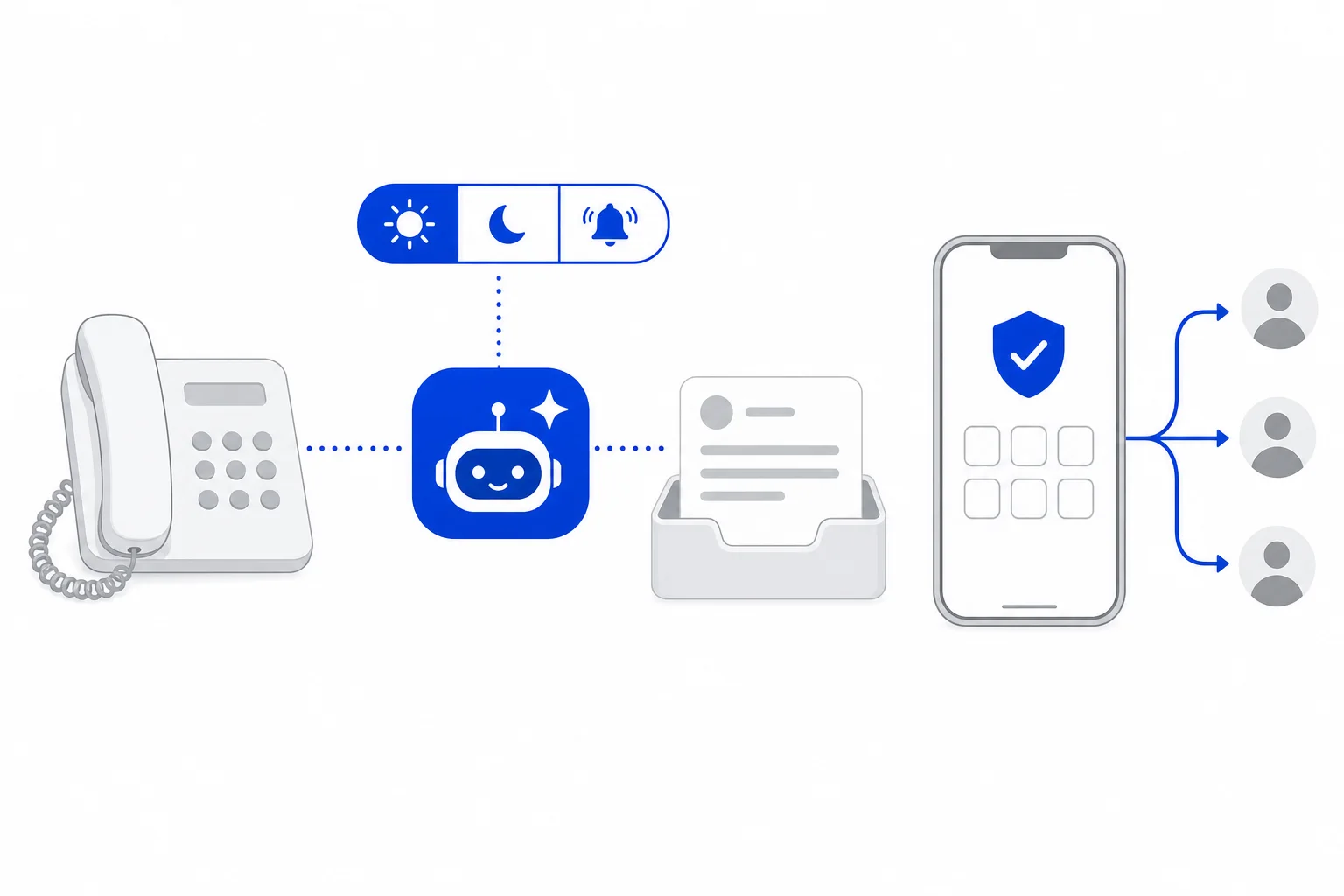
An AI line in HellouOne is one of your phone numbers, answered by an AI agent. Each AI line has its own inbox, and every call the AI agent answers arrives there as a conversation with the transcript.
This guide covers how to add a line, decide when the AI agent answers, route the number in your phone system and test the AI agent on your own phone before customers call. It follows the help center article Líneas de IA: que un agente de IA atienda un número. The page is for administrators of accounts whose plan includes phone AI agents.
Where to find AI lines
Open the voice menu (the phone icon in the side bar) and choose the AI lines page in the AI agents section. Only administrators see this page.
What each line shows
Every line in the list gives you the essentials at a glance:
The phone number and its name, the AI agent that answers it (click the name to open the agent) and the inbox where its calls arrive.
When it answers: all calls, outside business hours, or when no one answers. You can change this from the list itself.
Answering: when it is off, the AI agent stops answering and calls go to people.
Call recording, covered below.
A view calls link, which opens the call history filtered by that line's AI agent.
Phone routing, handoff between AI agents, and delete.
Add a line in six steps
Click add line.
Enter the phone number in international format and, if you like, an optional name such as Sales line.
Choose the AI agent that answers. If the list is empty, first create an AI agent in the AI agents section of settings.
Choose when it answers.
Tick record calls if you want recordings.
Click create line, or cancel to close the form.
Creating a line also creates the inbox where its calls arrive. The page reminds you of one more step: the number must also be routed to the AI agents in your phone system. Until that happens, no call reaches the line.
Route the number to the AI agent
Phone routing opens a panel that reads how your phone system handles the number today and what it will do after the change. You enter the number for your people (a hunt group or an extension). The AI agent answers first and then those people ring. On a line set to answer when no one answers, it works the other way around.
You have to tick a confirmation before routing to the AI agent, because the change affects live incoming calls immediately. If routing changes are not enabled for your account, the panel tells you so, and you ask your HellouOne contact to route the number. A line set to answer outside business hours is routed with a schedule in your phone system, not from this panel.
Recording calls
With call recording on, the whole call is recorded: the AI agent and the person who receives a transfer. The AI agent says the recording notice first, either your own or a default one. Your own notice is set in the AI agent's calls tab, explained in Your AI agent on the phone.
Test numbers and test calls
Below the lines, test numbers stores up to three phones from your team. An AI agent's test calls can only ring these numbers.
Enter the numbers and click save.
Click verify next to a number, choose the WhatsApp inbox the code is sent from and click send code. The code arrives by WhatsApp and expires in 10 minutes.
Type the 6 digit code and click confirm.
With a verified number, choose a line to call from, the phone to call, and click call my phone. The AI agent calls you from that line. The code is sent from a WhatsApp Cloud inbox that has an approved Authentication template. If you have none, the card tells you what to set up first.
AI classifications on calls
The last card sets up short automatic checks on what the caller says: pass to a person when the caller needs one, confirm before acting, sentiment, and three checks for campaign calls (detect voicemail, detect a do not call me again request, and hot leads to people). Each one can be off, shadow (log only) or active. The help center recommends starting in shadow and reviewing a few calls before you turn one on.
Good to know
Delete removes only the line. Its inbox and call history are kept.
Turning answering off is the quick way to send every call to people without deleting the line.
Handoff between AI agents lists the other AI agents this line's agent can pass a call to. We covered it in AI voice agents can hand a live call to another AI agent.
The AI agent's voice, greeting and phone behavior are configured in the agent itself, in its calls tab.
How this works with HellouOne
An AI line connects a phone number to one of your AI agents, and creating it adds an inbox for that line's calls. Each call becomes a conversation with its transcript in the line's inbox, and the view calls link on a line, or the AI calls page in the voice menu, finds them by AI agent. The answering mode decides which calls the AI agent takes: every call, calls outside business hours (set with a schedule in your phone system) or calls no one answers.
A sensible rollout: create the line and decide whether to record calls, verify your own phone and test it with call my phone, route the number with your people as the backup, and keep the AI classifications in shadow until you have reviewed a few calls. Learn more about AI voice agents in HellouOne.
Full reference in the help center: Líneas de IA: que un agente de IA atienda un número.