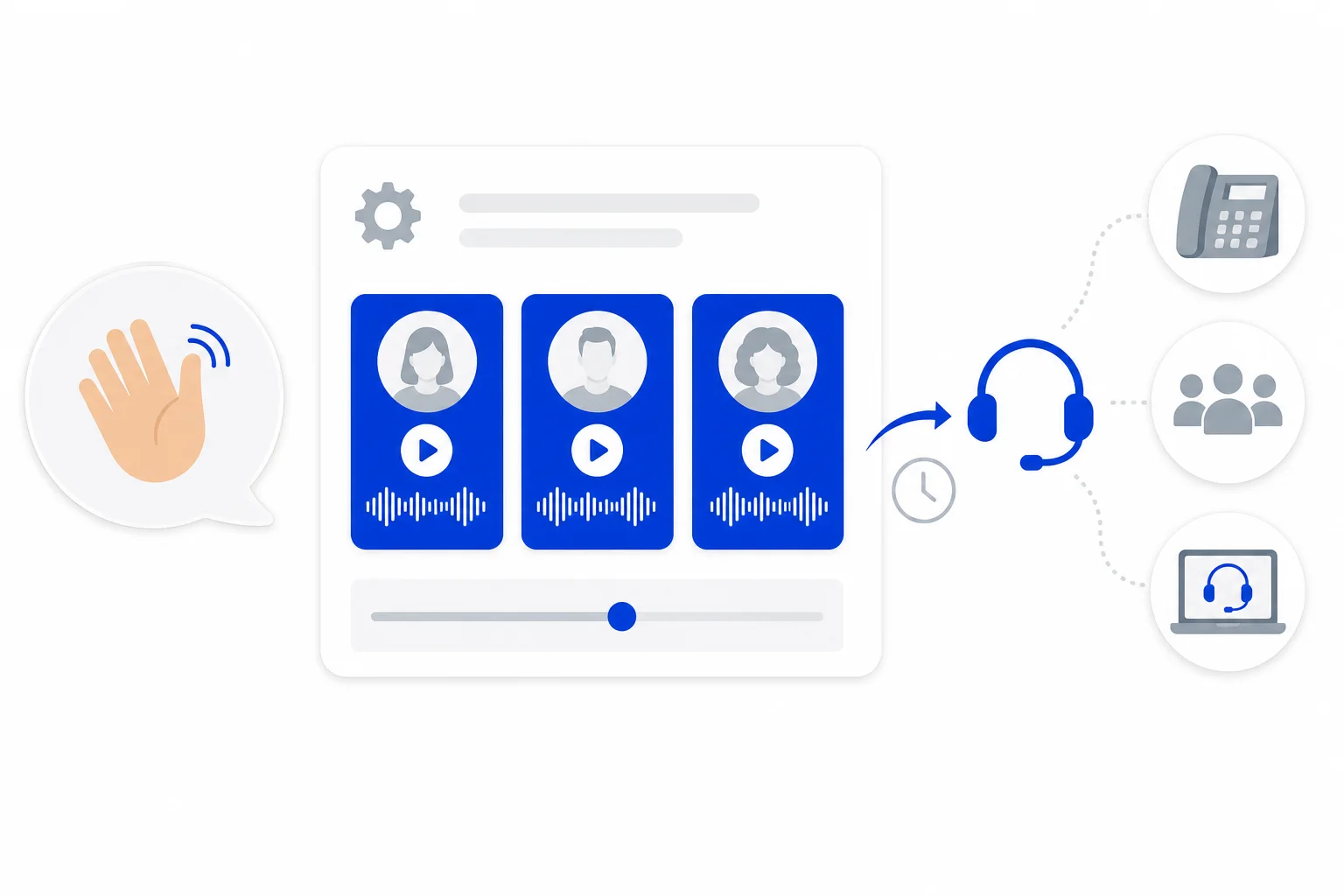
An AI agent that answers your phone is the same AI agent that answers your chats. It uses the same personality, knowledge, tools and transfer areas. What changes on a call is how it sounds and how it behaves, and those settings live in the agent's calls tab.
This guide walks through that tab: the voice and engine, how the agent speaks, the greeting, call limits and how calls pass to people. It follows the help center article Tu agente de IA al teléfono: voz, saludo y transferencias. The calls tab appears when your plan includes phone AI agents, and only administrators can edit AI agents.
Where to find it
Go to the AI agents section of settings, open an AI agent and click its calls tab. Nothing changes until you click save at the top, and discard changes undoes your edits.
Try it from your browser
A browser test lets you call the saved AI agent with your microphone, no phone needed. It talks with its voice and settings, and its tools only say what they would do. The test ends at 3 minutes. Save your changes first, because the call uses the saved agent. The browser test works with the speech-to-speech engine. With another engine, use call my phone on the AI lines page.
Voice and engine
Voice: choose a card. The play button lets you hear a sample before you choose.
Voice engine: speech-to-speech (the faster option), full duplex with the agent's model, or regional accent voices with the agent's model. The cards show the voices the chosen engine offers.
With the full duplex or regional accent engines you also choose the model that responds on those calls and how much that model thinks before answering. The recommended and faster options are marked. The slower ones can leave long silences.
How it speaks
Language and accent: Spanish (Colombia, Mexico, Spain or neutral Latin America) or English (United States).
How it addresses the customer: the formal usted or the informal tú.
Extra notes on how to speak, and pronunciations written as word = how to say it, one per line, for brands or words it mispronounces.
Saying that it is an AI assistant: on by default.
Recording notice after the greeting: used when the line records calls.
The greeting and who speaks first
The greeting settings cover calls the AI agent answers and calls it makes:
Greeting, in Spanish and English, for the calls it answers. Buttons below add the caller's name, the line name or the line number.
Who speaks first on calls it answers: the AI agent greets, or it waits for the customer.
A separate greeting for calls the AI agent makes, used for campaigns and test calls, and who speaks first on those calls.
A question that confirms who it is talking to. When the agent waits, it asks this first, for example whether it is speaking with the contact by first name, then says the recording notice, and only then explains why it is calling.
The company name it gives when the customer asks who is calling. If you leave it empty, it uses your account name.
Answering machine detection on the calls it makes: off, log only or on.
We covered the outbound side of this in more depth in outbound AI calls wait, confirm who answered, then give the recording notice.
Limits and post-call checks
Further down you set the maximum call duration in seconds (900 is 15 minutes), the maximum wait for a tool or for the agent's reply, optional post-call goals that are reviewed after each call, post-call collected data, keyboard shortcuts where a digit maps to a transfer route, and email alerts for the AI calls report.
The same tab also holds the WhatsApp follow-up the AI agent can offer after a call, which we explained in WhatsApp follow-up after an AI call.
Transfers to people
Passing a call to a person uses the AI agent's areas. Open the transfer and schedule tab: each area has a phone transfer box for calls the AI agent answers. In transfer to, choose an extension, a ring group, an external number or the agent panel softphone, plus an optional fallback destination and ring time. With no phone transfer selected, calls are not transferred to that area.
The AI agent transfers a call only inside the area's schedule. Outside that schedule, the caller stays with the AI agent, which logs the case.
Lines that use this agent
At the end of the tab, a list shows the phone lines this AI agent answers, with a link to open the AI lines page. It also shows the handoff extension other AI agents dial to pass it a call. To set up a line, see AI lines in HellouOne.
Good to know
Fields that apply to only one engine appear only when that engine is chosen. A hidden value is kept.
Personality, knowledge, tools and areas are shared with chat, so a change there also changes the phone agent.
How this works with HellouOne
Because the phone agent and the chat agent are one AI agent, its personality, knowledge, tools and areas are set up once and shared between chat and calls. The calls tab adds what a call needs: a voice, an accent, a greeting and call limits. Phone transfers are set on each area in the transfer and schedule tab.
A practical order for a first setup: pick the voice and accent, write the greeting with the caller's name, add pronunciations for your brand, set a phone transfer on each area, save, and run a browser test (speech-to-speech engine) or use call my phone on the AI lines page before the first customer call. Learn more about AI voice agents in HellouOne.
Full reference in the help center: Tu agente de IA al teléfono: voz, saludo y transferencias.