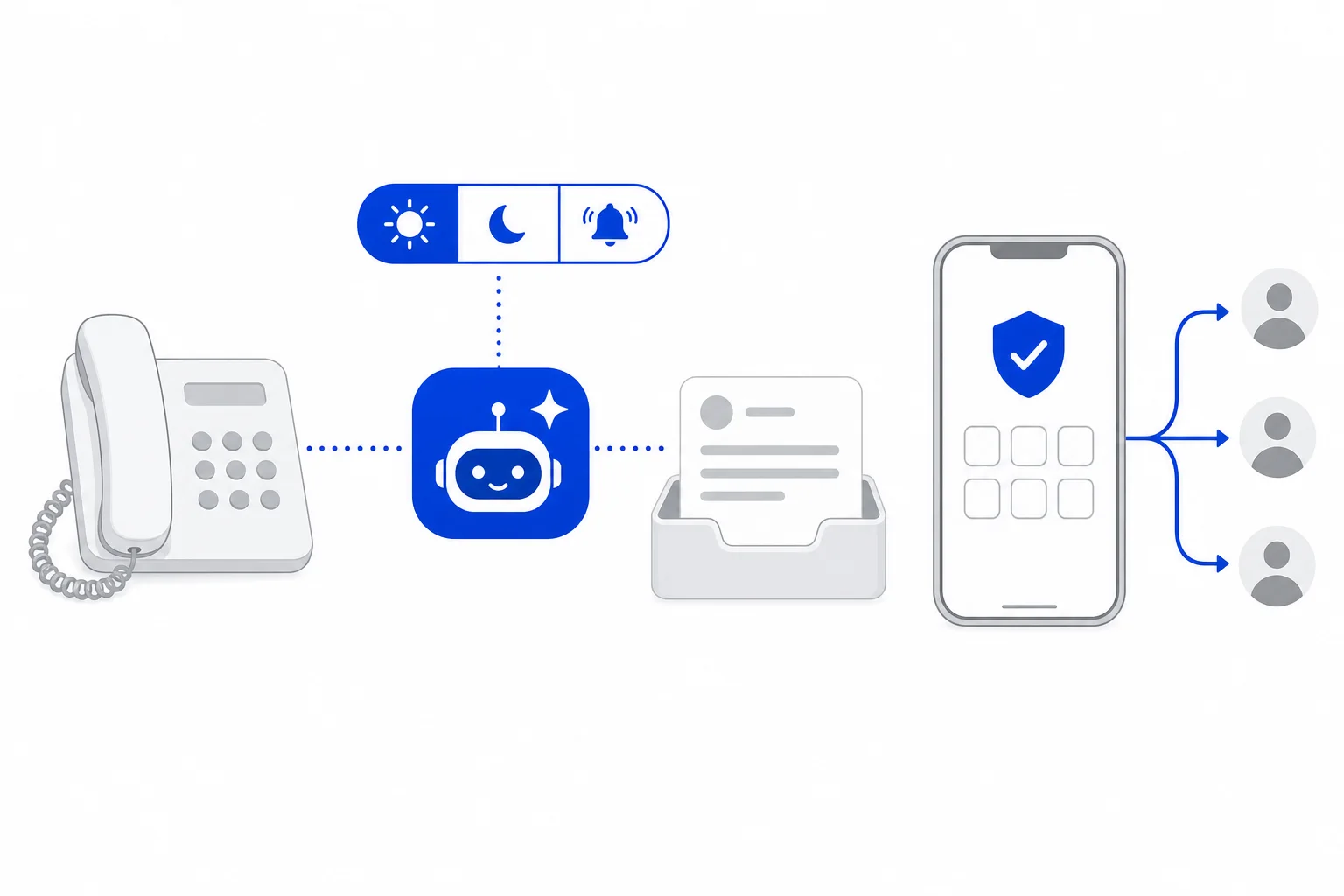
Once an AI agent answers your phone, or makes calls for a campaign, the next question is simple: what did it actually say? AI Calls in HellouOne shows only the phone calls your AI agents answered or made, so you can review how they are doing without the rest of your call traffic in the way.
This post follows the help center guide to AI Calls, the reference for every label mentioned here.
Who AI Calls is for
AI Calls is for administrators of accounts that have AI agents on the phone. It is the same list as Call history, already filtered to the calls an AI agent handled.
A list of only AI-handled calls is useful because the calls your AI agents took deserve their own review, with the summary, the recording and the transcript at hand. For the whole call history, see call history and the live call center panel covers it.
Where to find it
Click the phone icon in the left bar to open Voice, then click AI Calls under Activity. The page title is still Call history, and a tag reading Answered by: AI agent shows that the filter is applied.
What each row shows
Every row in the list carries the same set of columns:
Date of the call.
Contact: the name, or the number if the caller is not in your contacts.
Answered by: the AI agent that took the call, shown with a robot icon.
Campaign: filled in when the AI agent called as part of a voice campaign.
Direction and Status.
Duration.
The most common statuses on AI calls are these:
Answered by AI: the AI agent spoke with the caller.
No answer: an outgoing call that nobody picked up.
Voicemail: an answering machine took the call.
Call screening: the contact's phone screened the call.
In progress: the call is happening now.
Narrow the list with filters
The filters sit above the list:
AI agent: the calls of one AI agent.
Line: the calls of one of your AI lines.
Direction: Incoming for calls the AI agent answered, Outgoing for calls it made.
Campaign: the calls of one or several voice campaigns.
Outcome, Mood, From and To, and a search by number or name.
Include test calls: adds the calls you made while testing an AI agent. They are hidden by default.
Test calls stay out of the list unless you ask for them. To see all calls again, remove the Answered by: AI agent tag or click Clear filters.
What opening a call shows
Click a row and the call opens on the right. From top to bottom, you will find:
Wrap-up: record a Disposition, Notes and a Call back on date for follow-up, then Save wrap-up or Complete later.
Summary: how the call ended, for example answered by the AI agent, transferred to an extension, and answered there.
The call details: date, duration, direction, origin, destination and the AI agent that handled it. If a person took the call, they appear under Person.
Sentiment: the caller's mood at the start and at the end of the call, when AI sentiment is active on your account.
What happened: the legs of the call, such as the call to your number, the AI agent and any transfer to an extension.
Recording: click Play to listen or download it, if the line records calls. If the AI agent handed the call to a person, you see an AI part and a Human part.
Transcript: the whole conversation, turn by turn, labeled AI agent and Customer.
Open conversation: AI calls are also saved as conversations in the line's inbox, with the transcript.
You may also see a note reading Handed over from another AI agent. It means another AI agent passed this call along.
Taking over a live call
While an AI agent is on a call, an administrator who opens it sees Take call. Pick Send to area to route the call to one of the AI agent's transfer areas, or Take it myself to make it ring on your own extension.
The AI agent tells the caller what is happening, and the call moves on its next turn, regardless of the area's hours. To take the call yourself you need a phone extension.
Agents and administrators
The AI Calls option is for administrators. Agents see AI calls in Call history, limited to the calls whose conversation they can open.
Totals: the AI calls report
The list is for reading individual calls. For the numbers of a period, open AI calls report, under Reports in the same menu. It gives you totals, minutes, transfers and goals for the period you choose.
A weekly review routine
This is our suggestion, built only on the features above. Once a week, go through the same steps:
Open AI Calls and set From and To to the past week. If you run several AI agents, use the AI agent filter to go through one at a time.
Scan the Status column for No answer, Voicemail and Call screening, and use the Campaign filter to check one campaign at a time.
Open a few calls: read the Summary, check Sentiment, then skim the Transcript. Play the Recording where the line records calls.
For calls that deserve follow-up, fill in the Wrap-up with a Disposition, Notes and a Call back on date, then Save wrap-up.
Where a call went to a person, listen to the AI part and the Human part.
Finish with the AI calls report for the week's totals.
If something in the transcripts surprises you, how the AI agent sounds and when it transfers are set on the agent itself. The post on your AI agent on the phone: voice, greeting and transfers explains those settings.
How this works in HellouOne
AI Calls is part of Voice in HellouOne. AI lines let an AI agent answer a phone number, as described in AI lines in HellouOne, and the Line filter on this page narrows the list to one of them. Because AI calls are also saved as conversations in the line's inbox, you can move from the call to the conversation with Open conversation.
For AI agents that talk on the phone, see the AI voice agents page. The help center guide has the exact labels of this page.