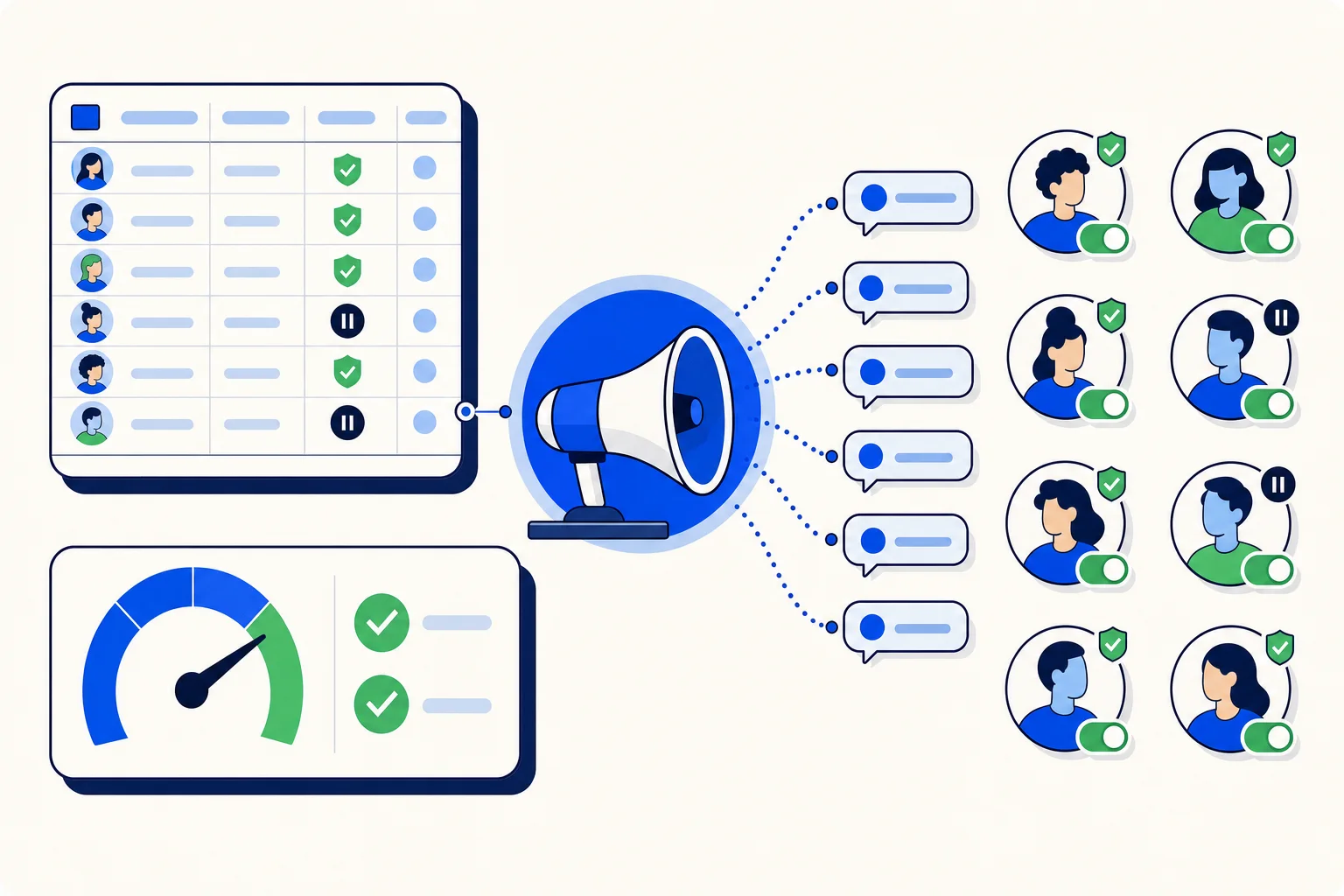
A voice campaign is only as good as its list. A segment that looked right in the contacts page can hide numbers with no phone, numbers typed wrong, the same person saved twice, or people who asked never to be called again. Until now those problems only showed up after launch, once the calls had started.
The HellouOne campaign wizard now shows who a voice campaign will reach while you are still building it. You see how many contacts will be called, how many will not, and the reason for each one left out, so you can fix the list before a single call is placed.
Where to find it
Start a new campaign in Voice campaigns. In the first step, Contact Base, choose a saved segment or labels. A panel titled Who this campaign reaches appears right under the audience picker. There is no button to press: it updates by itself every time you change the selection. The last step, Review, repeats the counts under Audience, so you see them again just before you create the campaign.
The preview is for audiences built from segments and labels. When you upload a CSV or Excel file instead, the wizard keeps its existing check that flags invalid contacts, described in background imports for voice campaign lists.
What the preview shows
Three counts: Contacts in the audience, Will be called and Will not be called.
A note that reads Count as of now. The final list is taken when the campaign launches. The numbers can still change between the preview and the launch.
Why they are left out, with a count for each reason.
Will be called, but may answer less: contacts on a landline, VoIP or toll-free number. They stay in the campaign, and the preview tells you how many there are.
A table, Left out (first 20), with each contact's Name, the Phone as saved and the Reason.
A Download all excluded (CSV) link, with Contact ID, Name, Phone and Reason for every contact left out.
Why contacts are left out
The preview uses five reasons, the same ones the launch applies:
No phone number.
Invalid phone number.
Duplicate number.
On the do-not-call list, which includes people who asked an AI agent not to be called again, as described in spoken opt-out on every AI call.
Blocked contact.
Calling hours are not a reason here. They limit when calls happen, not who is in the audience, so they never move a contact out of Will be called.
The CSV is the fastest way to clean up. Open it, fix the contacts at the source, and check the counts again before you launch.
Large audiences
For audiences above 2,000 contacts the check runs in the background and shows its progress, for example Checking 5,000 contacts… 40%, so you can keep filling in the wizard while it works.
Guardrails when you launch
If no contact in the audience can be called, Create Campaign is disabled, with the message No contact in this audience can be called, so the campaign cannot launch.
If 10% or more of the audience would be left out, a confirmation appears: Many contacts will not be called, with Back and Launch anyway.
If the check itself fails, launching is never blocked. The wizard says it could not check the audience and that the final list is taken at launch.
The preview applies the same per-number rules as the launch, so what you see is what the campaign will do. It works the same for a campaign that starts now and for one you schedule for later. It needs the same permission as creating a campaign, and LIA, the admin assistant, can run it too.
How this works with HellouOne
Voice campaigns in HellouOne are placed by your AI voice agents, by your team through the Contact Center, or by both. The audience preview is the check before the first call. The live monitor follows the campaign while it runs, and the results can land in your CRM, for example with DataCRM write-back.
A good habit for your next campaign: pick the segment, read the Why they are left out counts, and download the excluded list before you click Create Campaign. A few minutes there saves a report full of skipped contacts later.