
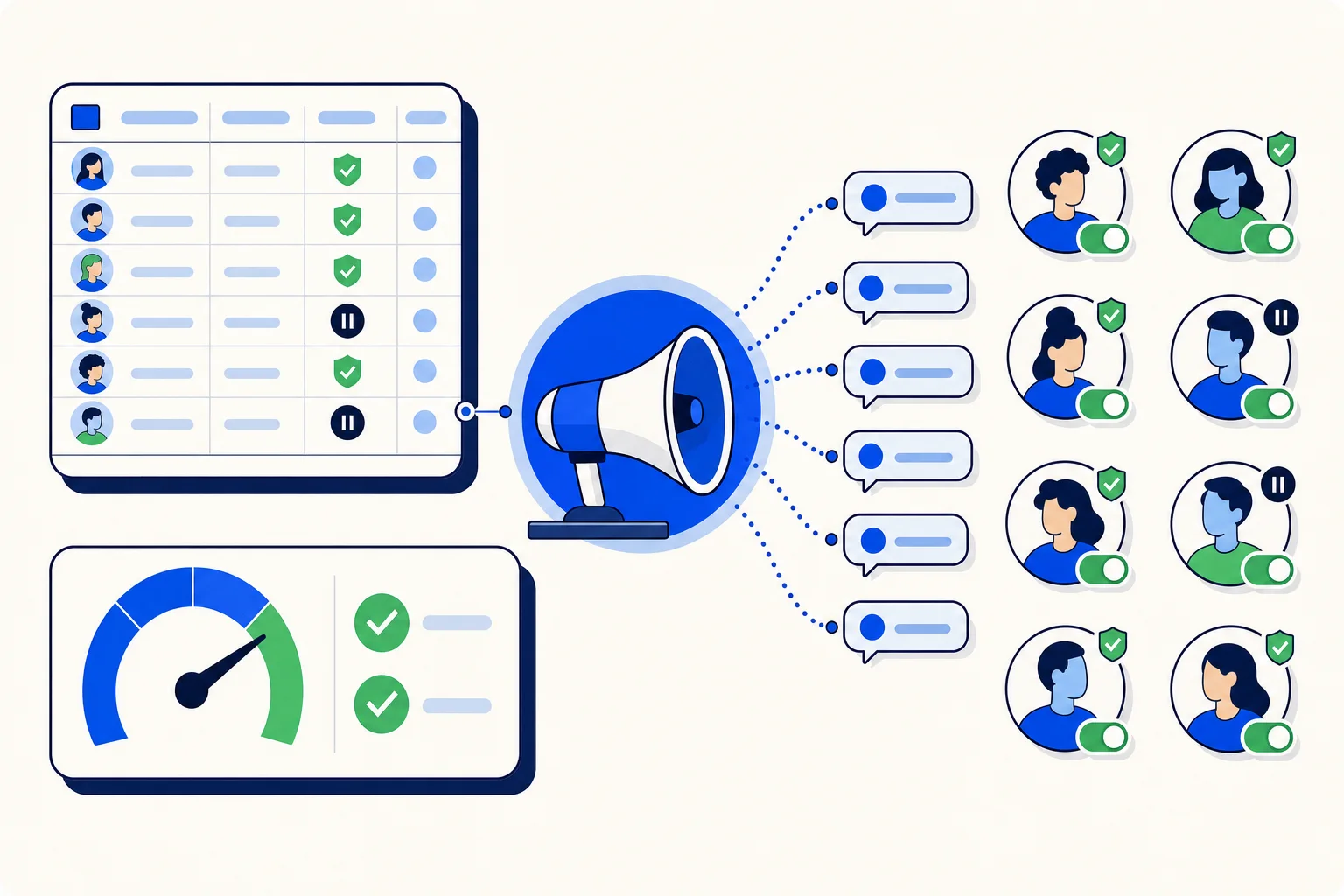
Running voice campaigns is not only about the calls. Admins and agents spend a lot of time around them: checking reports, exporting results for a client or a spreadsheet, finding last month's campaign, and doing it all from a laptop one day and a phone the next.
This release improves that everyday work in HellouOne. Voice campaign reports are better, CSV exports are safer, the campaign list is easier to act on, finished campaigns have an archive, and the voice screens are more consistent and accessible, including on mobile.
Better voice campaign reports
Voice campaign reports have been improved so the results of a campaign are easier to read. Combined with this week's changes to truthful campaign metrics, the report is the place to see how a campaign really went: who was reached, which calls became conversations and how the campaign did against its goals.
CSV exports that are safe to open
Campaign results often end up in a spreadsheet. Two things changed about campaign CSV exports.
Exports are made safe to open in spreadsheets. Contact data comes from many sources, and a value written in a certain way can be read by a spreadsheet as a formula. HellouOne now prepares the file so it opens as plain data.
Exports are rate limited. Repeated exports in a short time are limited, which protects your account's data and keeps the system responsive for everyone on your team.
For most teams this is invisible: you export, you open the file, and it just works. It matters most when results are shared with people outside the platform, such as a client or a finance team, who should be able to open the file without worrying about what is inside.
Clearer row actions in the campaign list
The campaign list now has clearer row actions. The things you do with a campaign are easier to find from its row, so you spend less time opening campaigns just to take a common action on them.
An archive with filters
Campaigns pile up. A team that runs reminders every week can have dozens of finished campaigns after a few months, and the list of active work gets buried. HellouOne now has a campaign archive with filters, so finished campaigns can move out of the way and still be easy to find when someone asks how last month's campaign did.
Consistent, accessible voice screens, also on mobile
The voice screens are more consistent and accessible. Layouts and controls behave the same way across voice pages, and the screens work better on mobile, so a supervisor checking a campaign from a phone sees the same information as on a laptop.
Who gets the most out of it
Admins who set up and review campaigns will notice the reports, the archive and the safer exports first, because those are the parts of the week spent looking back at results. Agents who follow campaigns day to day will feel the clearer row actions and the more consistent screens, especially when they check a campaign from a phone between other tasks. Teams that report results to clients get files they can pass on with confidence.
A routine for campaign admins
Open the report the day after a campaign launches and check reach and goal results.
Export results to CSV when you need to share them, knowing the file opens as plain data.
Archive finished campaigns at the end of each week so the list shows only current work.
Use the archive filters when you need to compare a new campaign with an older one.
How this works with HellouOne
Campaigns are run by your HellouOne AI agent, and these screens are where you manage them before, during and after. Reports sit alongside the rest of HellouOne Reports, and individual calls stay available in the call history and live call center panel. If you schedule campaigns, see how scheduled AI voice campaigns launch at the time you set.
The changes are already live. The next time you open your voice campaigns, try the new row actions and move a few finished campaigns into the archive.























