Picture an electronics store with two product catalogues in its HellouOne knowledge base, one of about 57,000 characters and one of about 62,000. A customer asks the WhatsApp AI agent about smartwatches. The agent answers that the store does not sell any. Yet dozens of smartwatches were listed in the second catalogue. The agent never saw them.
That was a real case, and it is the reason for this update. HellouOne AI agents can now read a lot more of your knowledge, and knowledge base documents have one clear size limit: up to 200,000 characters per document. This post explains what changed, why the old behaviour mattered, how to choose between the two knowledge modes and how to prepare a big catalogue.
What changed
There are two changes, and they work together.
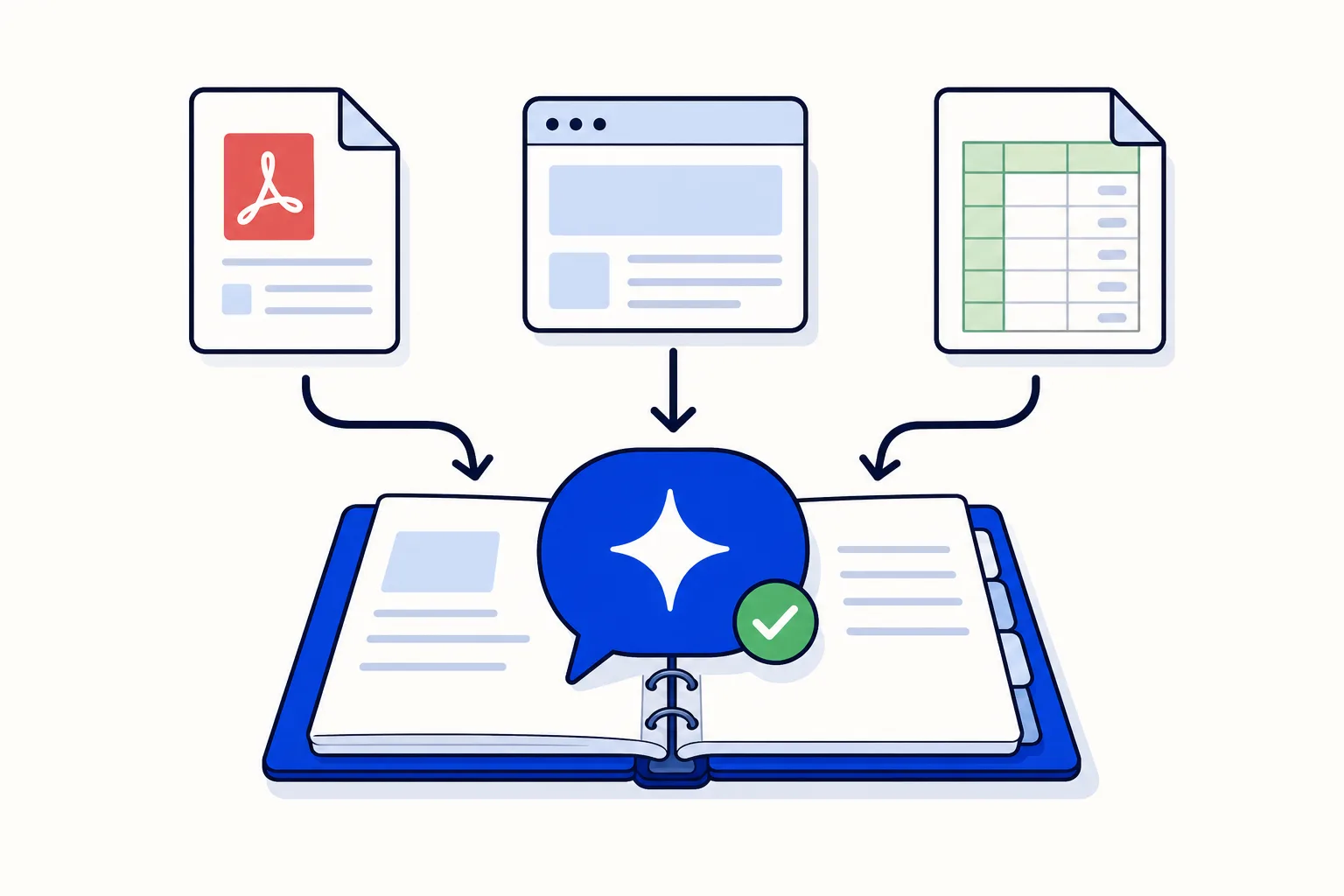
In the All text in the message mode, the AI agent now receives the whole knowledge text, up to the agent's own character limit. That limit can go up to 200,000 characters.
Knowledge base documents now have a single limit of 200,000 characters per document. It applies the same way when you create a document, edit it or import it from an upload or a URL.
A document over the limit is refused with a clear error. Before, it could be saved and then fail later, which is a poor moment to find out.
One more improvement for long documents: you can now rename and edit them again. Before, a document over 20,000 characters could be stored by an import but then failed on any later edit. Documents of around 60,000 characters are now fine to rename and edit.
Why the old silent cut mattered
Before this update, the text sent to the AI agent in All text in the message mode was cut at 60,000 characters, and nothing told you. This happened even when the agent's own character limit was set higher. Whatever sat beyond that point simply did not reach the agent.
That is what happened with the electronics store. Its two catalogues added up to far more than 60,000 characters, so the agent only saw the first one. And an AI agent does not say "I could not read the second half". It answers as if the missing part does not exist, which is how a customer ended up hearing that there were no smartwatches.
The lesson is not that the agent was wrong about what it knew. It was right about what it could see. The fix is that it can now see all of it, up to the limit you set.
How it works in HellouOne
HellouOne gives an AI agent two ways to use its knowledge base. You choose one for each agent, and the right choice depends mostly on size.
Search the knowledge base looks up the fragments most similar to each question. It suits large knowledge bases, because the agent only gets the pieces that matter for that message.
All text in the message sends the agent the full documents with every reply. It suits smaller knowledge bases, because the agent sees everything at once. In this mode the agent can also pick documents by title prefix.
What is new is how far the second mode now reaches. In All text in the message, the agent receives the knowledge text up to the agent's character limit, and that limit goes up to 200,000 characters. The other places where text is passed to the AI, such as tool results, keep their own safety cap. Only the knowledge block follows the agent's setting.
To go deeper on the basics of both modes, read how a knowledge base teaches your AI agent, and for the content itself, how to train a WhatsApp AI agent with your business information.
Choosing between the two modes
A practical way to decide is to look at how much text your agent needs and how your customers ask.
Choose All text in the message when your knowledge fits within the agent's character limit and the answers often depend on seeing the whole picture, such as a full price list, a complete catalogue or a set of policies that refer to each other.
Choose Search the knowledge base when your knowledge is very large, or when each question usually needs only one small piece of it.
Do not force a big base into the first mode just because the limit went up. The limit is a ceiling, not a target.
There is a trade-off to keep in mind. Sending more text in every message means more tokens per reply, which can affect cost and response time. If you use All text in the message with a large knowledge block, prompt caching in HellouOne helps keep replies cheaper and faster.
Practical tips for big catalogues
Split the catalogue into clear documents. One document per category or brand is easier to maintain than one giant file, and it keeps every document well under 200,000 characters.
Give documents clear titles. With the title prefix option in All text in the message, a consistent naming pattern makes it easy to choose which documents the agent reads.
Keep each document focused. Remove old products, repeated text and sections the agent should never quote.
Mind the limit. If the combined text is larger than the agent's character limit, the agent cannot read all of it in one message. That is the moment to consider Search the knowledge base.
Test with questions about the end. Ask about an item near the bottom of your longest document or in your last catalogue, the part that used to be cut. If the agent answers correctly, the whole text is reaching it.
If your catalogue lives in a store, the post on connecting a WhatsApp AI agent to Shopify or WooCommerce shows another way to bring product information to your agent.
For developers
The same 200,000 character maximum appears in the HellouOne API docs. The limit is the same one the app applies when you create, edit or import a document, so plan the size of your documents with it in mind if you manage them from code.
Where to start
Check which knowledge mode your AI agent uses. If it uses All text in the message and your catalogue is big, review the agent's character limit and make sure it covers what the agent should read. Then ask your agent a few questions about the last items in your longest document. It takes ten minutes, and it tells you whether your customers are getting answers from your whole catalogue.