Plenty of HellouOne work happens away from a desk. A new user tries the product from a phone the evening they sign up. A supervisor checks a running voice campaign between meetings. A customer rates a conversation or reads a help article on their phone. Recent releases went through those moments one by one and fixed what got in the way on a small screen.
This post collects those changes: guided tours, the live monitor and campaign pages, tap targets and keyboard focus, and the public pages your customers see.
Guided tours that fit a phone screen
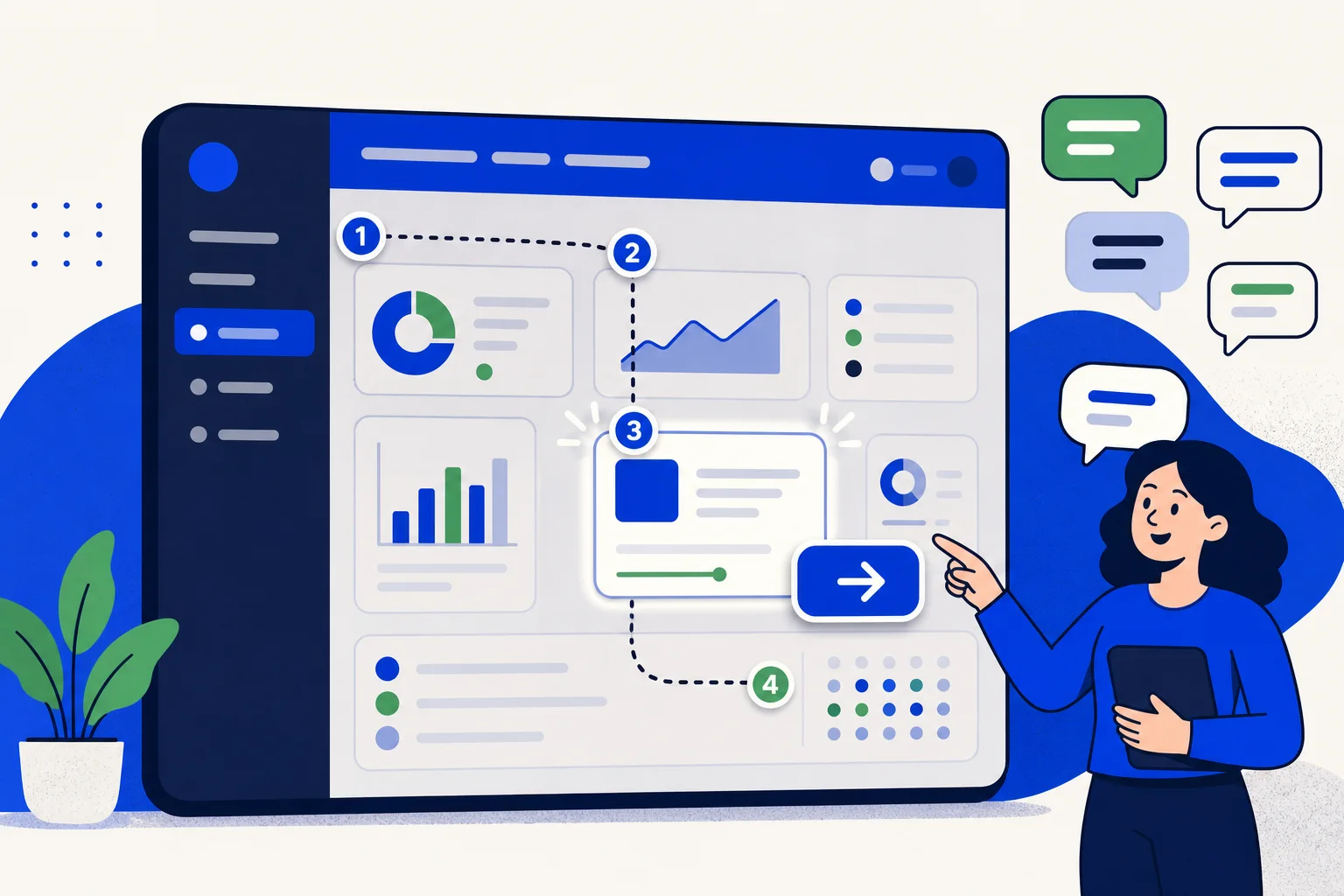
HellouOne's guided onboarding walks new users through the dashboard with tour cards that point at each control. On a phone those cards now behave:
Cards stay within the screen on phones and on desktop, at most 320px wide with a 12px margin.
A card avoids covering the control it is pointing at whenever there is room. When there is not, the card shrinks, down to a minimum height, and its text scrolls inside while the buttons stay visible. In very tight spaces a card can still sit over the control.
Cards are measured before they appear, so they no longer jump into place.
Tour buttons are bigger and easier to tap, the text has better contrast, and the page scrolls correctly to tall controls on phones.
Tours work with taps and with the keyboard.
For someone on a trial, this means the tour can be finished from the phone they signed up on, instead of waiting until they are back at a laptop.
The live monitor and campaign pages on a phone
The live monitor shows what your voice campaigns are doing right now. On a phone, its metric tiles and header buttons now wrap to the screen, and the calls and queue tables scroll sideways inside their own card instead of pushing the whole page wide. Buttons have 44px tap targets, the size accessibility guidelines recommend for touch, and ending a call asks you to confirm first, so a stray tap does not hang up on a customer.
The campaign report, the live monitor and the campaign program page also share one header bar now, with the back button, the title, status badges and actions in the same places on every page. On a phone that header wraps instead of overflowing. Moving from a campaign's report to its live view feels like the same screen, which matters when you are checking quickly. For what the report itself shows, see voice campaign reports and exports.
Easier taps and focus that stays where you were
Banner buttons are full-size 44px tap targets on phones, and screen readers announce banners as alerts or status messages.
Pausing or resuming a voice campaign keeps your place: focus stays on that row's button instead of jumping back to the top of the page.
Buying a minute pack keeps focus on Confirm while the purchase is processing.
Cancelling an account deletion returns you to the Delete account button.
Turning on two-step sign-in refreshes your list of signed-in devices straight away.
The show or hide password button on the sign-in page has a 44px tap area on phones.
Each of these is small. Together they remove the moments where a phone user, or anyone using a keyboard or a screen reader, loses their place and has to start over.
Public pages your customers see
Some of HellouOne's screens are seen by your customers rather than your team, and they got the same attention:
Your help center and the website widget use darker, more readable text colours. The help center hero is left aligned, and its theme toggle is a 44px target on phones.
The website widget's launcher has its icon centred: a pill on desktop and a 64px square on phones.
The "Powered by" line on CSAT surveys went from a contrast of 2.5:1 to 5.3:1, so it is readable for more people.
How this works with HellouOne
None of this needs to be switched on. The changes are live for every account, in the same HellouOne your team already uses for the shared inbox, AI agents and voice campaigns. A good way to see them is to open the dashboard on your phone, start a guided tour, then open a running campaign's live monitor.
If you want the dashboard to feel like an app on your computer as well, you can also install HellouOne as a desktop app in Chrome.